How to Advertise on ChatGPT in 2026: A Step-by-Step Setup Guide
create an advertiser account at Ads Manager Beta, complete business verification and billing, choose a campaign objective, organize ad groups around conversation intent, add context hints, upload the ad creative, configure measurement, and run a final delivery check. The most important difference from search advertising is that ChatGPT Ads uses conversational context—not a conventional exact-match keyword list.

August 11, 2026
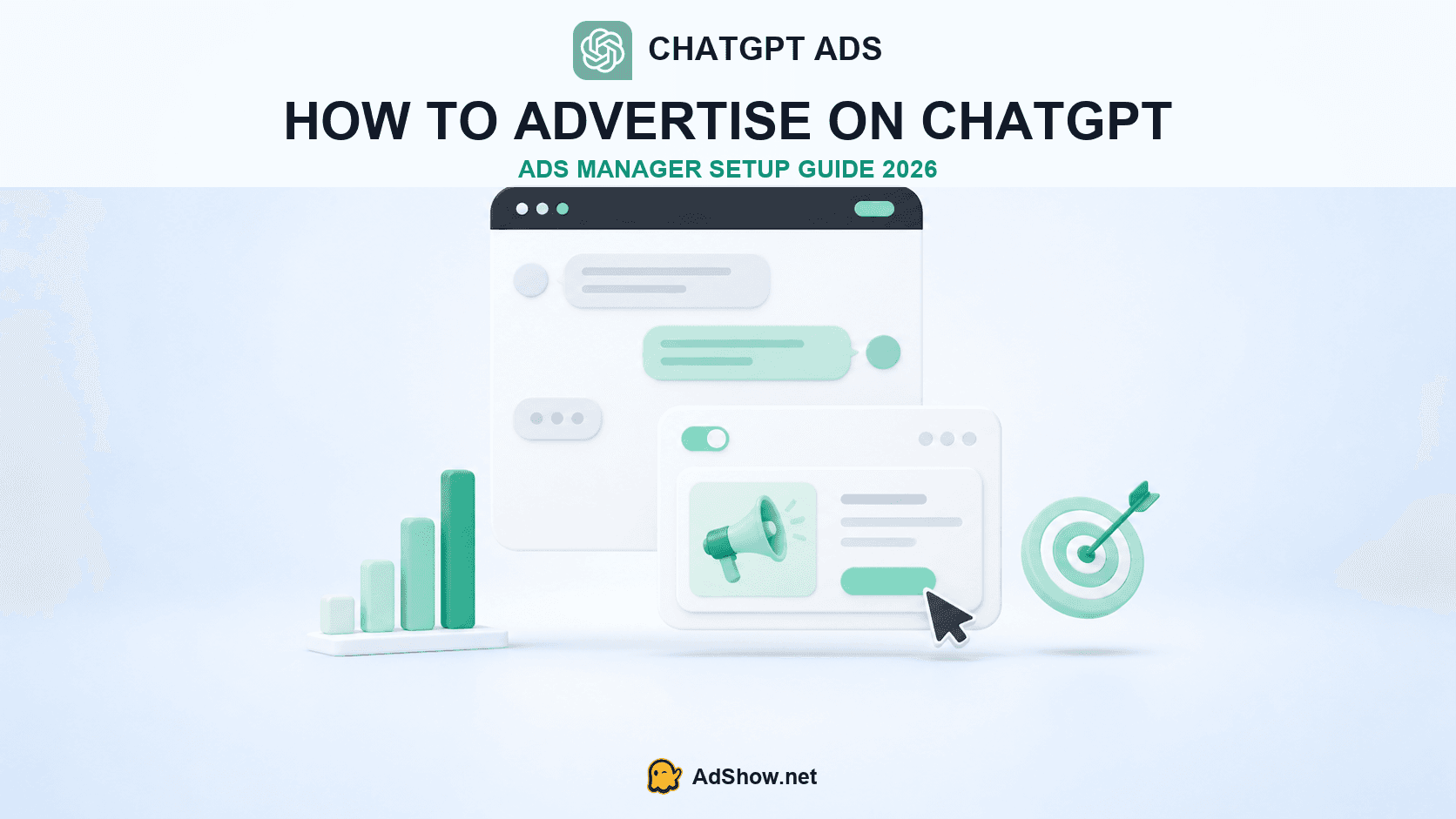
Table of contents
Can you advertise on ChatGPT now?
Yes—but access is still limited. According to OpenAI's current Ads Manager availability page, advertiser access is available in Australia, Canada, Japan, South Korea, New Zealand, the United Kingdom and the United States. Businesses outside those markets can register interest, but should not build a launch calendar around an unconfirmed access date.
Ads may appear to eligible people using ChatGPT Free and Go. OpenAI says ads are not shown to users it identifies as under 18 or to paid ChatGPT Plus, Pro, Business, Enterprise and Edu subscribers. That makes the available audience different from the full ChatGPT user base—and it should influence any reach forecast.
Operator note: Confirm account availability, audience eligibility and policy eligibility before producing a large creative batch. In a beta product, these details can change faster than a conventional annual media plan.
What to prepare before opening Ads Manager
Have the following items ready before starting the application:
A work email attached to an OpenAI account.
Your legal or trading business name, website, industry and a clean square logo.
The advertiser country, billing currency and reporting time zone.
Business and identity information needed for verification through Persona.
A billing address, invoice email and supported payment card.
A reachable landing page, campaign objective, budget, ad copy and image.
A measurement plan: UTMs at minimum, plus conversion measurement when applicable.
Choose the country, currency and time zone carefully. OpenAI's setup documentation warns that these account settings cannot be changed after setup through the normal flow. They affect billing and reporting, so a temporary choice can become a permanent operational problem.
Step 1: Create the correct advertiser account
Go to ads.openai.com and sign in with the OpenAI account that should own the advertiser relationship. OpenAI recommends that one account owner create the advertiser account for each business, then invite other team members after access is granted.
Agencies should not place unrelated advertisers inside one shared advertiser identity. OpenAI's guidance says each advertiser requires its own account. Decide who owns the account, who owns billing and what happens if the employee who created it leaves the company before you submit the application.
Step 2: Complete onboarding and verification
Enter the business name, website, logo, industry, country, currency and time zone. The verification flow then asks additional questions through Persona. OpenAI reviews whether the advertiser and its products or services are eligible under the current advertising policies.
Approval is not necessarily immediate. OpenAI says applications are reviewed in a rolling queue and that verification may take time. Avoid submitting slightly different business identities to create multiple applications; inconsistent names, domains or ownership information make a clean review harder, not easier.
After the approval email arrives, open Settings → Account info and complete the account name and logo exactly as they should appear in the ad. OpenAI explicitly notes that campaigns will not serve until these fields are complete.
Step 3: Set up billing without confusing the threshold with your budget
Create a billing profile, add the invoice email and billing address, then add a payment card. ChatGPT Ads currently uses postpay billing. OpenAI may place a temporary authorization hold—its documentation gives $100 as an example—which may remain for up to three days depending on the bank.
A billing threshold is the amount of accrued spend that triggers a charge. It is not a campaign limit. Budget control belongs in the campaign settings. Treating the billing threshold as a spend cap can produce a painful surprise when several campaigns run at once.
Step 4: Choose the campaign objective and budget
OpenAI currently supports three core objective and buying combinations:
Reach or impressions (CPM): suitable when exposure is the primary outcome.
Traffic or clicks (CPC): suitable when the landing-page visit is the immediate outcome.
Conversions (oCPC): suitable when conversion measurement is configured and the campaign should optimize toward a selected event.
Do not select conversions simply because it sounds more valuable. First verify that the event fires consistently, passes the expected data and has enough volume to support learning. OpenAI says the selected conversion event cannot be changed after an oCPC campaign is created.
You can use a campaign-total budget or a daily budget. Current minimum daily budgets vary by market. OpenAI lists examples including US$25 in the United States, C$25 in Canada, A$25 in Australia, NZ$25 in New Zealand, £15 in the United Kingdom, ¥2,500 in Japan and ₩25,000 in South Korea. Check the interface before launch because beta thresholds may evolve.
Step 5: Build ad groups around intent—not a keyword dump
This is the setup decision most likely to separate useful traffic from expensive curiosity. An ad group contains a title and context hints: descriptions of the conversations, needs or themes in which the offer may be relevant.
Context hints are signals, not exact-match rules. They do not guarantee that an ad appears whenever a phrase is typed, and Ads Manager does not expose a conventional search-terms report showing every user prompt that produced a click.
A weak context hint
“Advertising, marketing, business, social media, leads.”
This is so broad that it says little about the problem, customer or decision stage.
A stronger context-hint cluster
“Small-business owners comparing tools for managing paid media; performance marketers asking how to reduce manual advertising-account operations; media buyers evaluating workflows for Meta, Google Ads or TikTok campaigns; teams looking for transparent account pricing, self-service top-ups and account-status notifications.”
The stronger version identifies who is speaking, the problem being solved, the product category and the decision context. It still leaves room for conversational matching.
Separate genuinely different themes into different ad groups. For example, “agency account operations,” “campaign suspension workflow” and “media-buying team management” should not be collapsed into one generic marketing group if they require different proof, landing pages and copy.
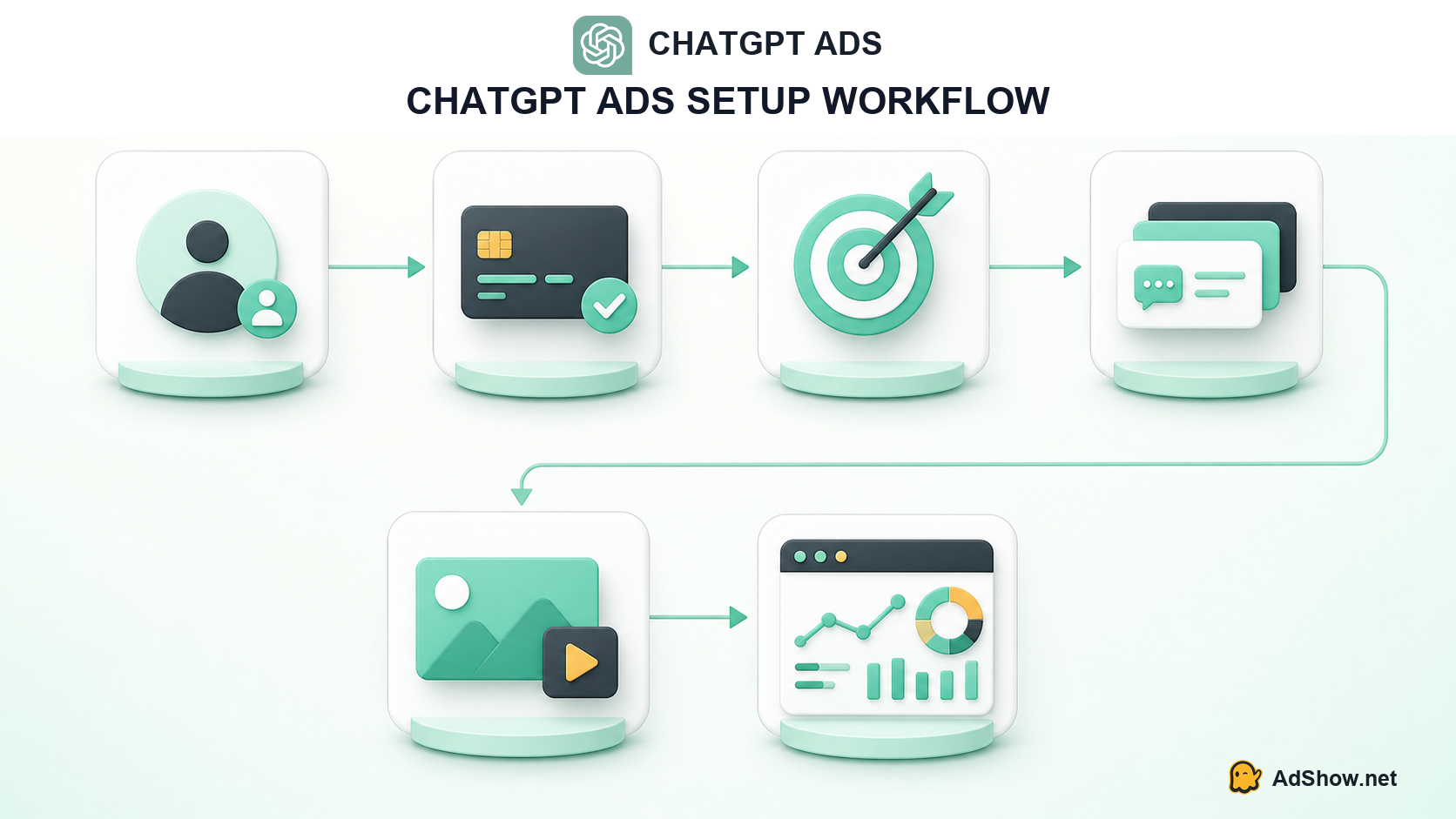
The practical launch sequence: advertiser identity, billing, objective, context hints, creative and measurement.
Step 6: Create the ad and landing-page pair
OpenAI's current creative guidance recommends concise copy: a 16–24 character title and 32–48 character description are suggested ranges, while the published maximums are 50 and 100 characters respectively. Images should be simple, relevant and uncluttered. The current guided setup accepts PNG or JPG square images up to 1200 × 1200 pixels from a publicly reachable source.
Write for the conversation the user is already having. The ad should move that conversation forward instead of interrupting it with a vague slogan. Match the promise in the title and description to one specific landing page; avoid sending every ad to a generic homepage.
Add UTMs before launch. More importantly, make sure the page is reachable and does not block OAI-AdsBot or OAI-SearchBot. A page that loads for you but blocks OpenAI's crawlers can prevent the platform from understanding or approving the destination properly.
Step 7: Configure conversion measurement before choosing oCPC
At minimum, record campaign, ad group and creative identifiers in the URL. If you need conversion optimization, configure the relevant event in Ads Manager and test the full path from ad click to completed action. Confirm that the event fires once, carries the correct name and is associated with the right advertiser account.
OpenAI warns that historical events do not backfill after a mismatched setup is corrected. That means measurement QA belongs before launch—not after the first week of spend.
Step 8: Run this pre-launch checklist
Account access is approved; Account name and Logo are complete.
The billing profile and payment method are active.
The objective matches the real business outcome.
The daily or total budget—not the billing threshold—sets the spend limit.
Countries and supported subregions are correct.
Each ad group represents one coherent intent cluster.
Context hints describe the customer, problem and decision moment.
Title, copy and image comply with current creative specifications.
The landing page loads without login walls or crawler blocks.
UTMs and conversion events have been tested end to end.
At least two meaningful creative or message variations are available.
A named team member owns the first seven days of monitoring.
What recent advertisers are discussing
Recent 2026 conversations in the PPC community focus less on whether ChatGPT Ads exists and more on how contextual delivery behaves in practice. In a recent r/PPC discussion, practitioners described the setup as contextual rather than conventional keyword targeting and raised questions about agency workflows and limited early controls. Another July 2026 advertiser thread focused on context-hint quality, traffic cost and early performance uncertainty.
These posts are useful as a record of operator concerns, but they are not platform-wide performance evidence. Results depend on market, offer, landing page, creative, context hints and beta-stage product changes. Use community discussion to create test hypotheses—not to promise a CPC or conversion rate.
A sensible first seven-day operating plan
Days 1–2: verify delivery, billing, destination URLs and event collection. Do not judge the channel from a handful of clicks.
Days 3–4: compare intent clusters. If one group barely delivers, assess whether its context hints are too narrow before raising the budget. If a group drives traffic with no engagement, check whether the hints or ad promise are too broad.
Days 5–7: compare creative messages and landing-page behavior. Preserve a clean baseline instead of changing the objective, budget, hints, ad and page simultaneously. Record what changed and when.
The beta status makes disciplined change logs especially valuable. A result that looks like creative fatigue may actually follow a product, eligibility or delivery change.
Run ChatGPT Ads as a test—not as your only acquisition system
ChatGPT Ads offers a new context-driven placement, but it should initially sit beside established acquisition channels. Keep your Meta, Google Ads, TikTok and Microsoft Advertising operations measurable while the new campaign produces enough evidence to earn more budget.
AdShow.net provides self-service agency advertising accounts for Meta, Google Ads, TikTok, Microsoft/Bing and other major platforms through one dashboard. Media buyers can view market pricing, request accounts, top up, report suspensions and receive Telegram top-up notifications without running the entire account lifecycle through chat. AdShow does not currently claim to provide ChatGPT Ads accounts; the operational value here is maintaining the established channels alongside a controlled ChatGPT Ads experiment. Review the current workflow and service terms in the AdShow FAQ.
Questions collected from recent advertiser discussions
These questions reflect recurring concerns found in recent advertiser conversations and current OpenAI documentation. Community posts describe individual experiences; OpenAI's interface and official documentation determine current platform behavior.
How do I advertise on ChatGPT?
Create an advertiser account at ads.openai.com, complete verification, account information and billing, then create a campaign, ad groups with context hints, ads and measurement. Availability is currently limited by advertiser country.
Does ChatGPT Ads use keywords?
Not like a conventional exact-match search campaign. Context hints describe relevant conversational themes and intents. They influence matching but do not guarantee delivery for a specific phrase.
What is the minimum budget for ChatGPT Ads?
Minimum daily budgets vary by country. OpenAI currently lists examples such as US$25 in the United States and £15 in the United Kingdom. Check Ads Manager before launch because beta requirements can change.
Why is my ChatGPT Ads campaign not delivering?
Check account approval, Account name and Logo, billing, policy eligibility, budget, location support, ad approval, landing-page accessibility and whether context hints are excessively narrow. Diagnose these dependencies before duplicating the campaign.
Can an agency manage multiple advertisers in one ChatGPT Ads account?
OpenAI's current setup guidance says each advertiser requires its own account. Establish an account owner for each business and invite the appropriate team members after setup.
Research note and source scope
This guide was reviewed on August 11, 2026 against OpenAI's official documentation for account setup, campaign launch, ad groups and context hints, ad creative and measurement. Because Ads Manager remains in beta, verify country availability, policy, specifications and minimum budgets in the live interface before spending.