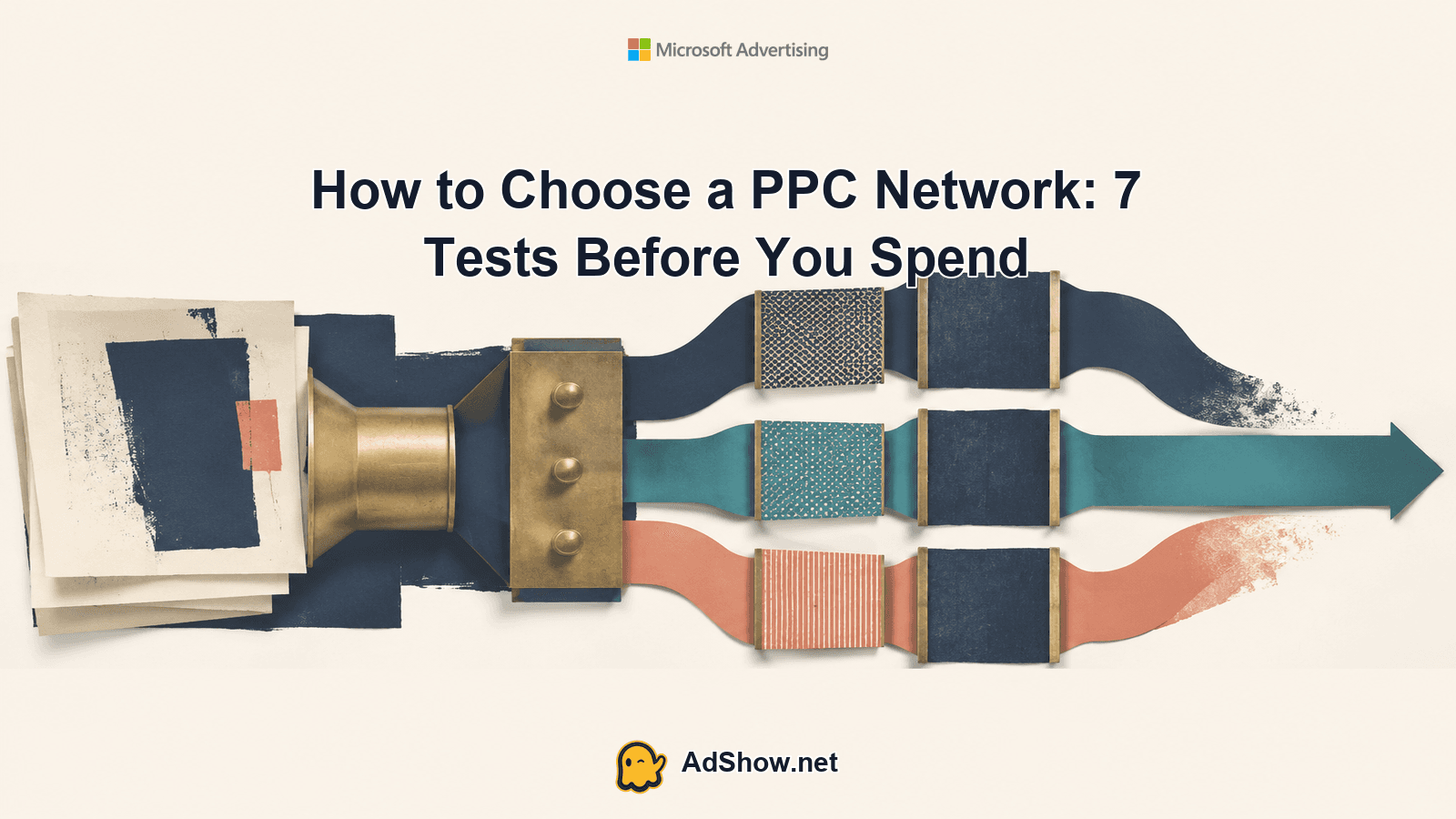
Ads Get Clicks but Your Website Does Not Convert: Find the Leak
Ads can generate clicks while producing few leads because the leak often appears after the auction: on the landing page, in the form, in tracking, or in the handoff to sales. Use this eight-check diagnosis before changing bids, creative, targeting, or account structure.

August 22, 2026
Table of contents
Ads Get Clicks but Your Website Does Not Convert: Find the Leak
If ads get clicks but your website does not convert, do not assume the first problem is a weak bid, bad creative, poor targeting, or a damaged account. A click proves that the ad created enough interest to start a visit. It does not prove that the page loaded correctly, the offer matched the promise, the form worked, the conversion was recorded, or the lead reached the right person.
Start by tracing one complete journey: impression, click, landing-page load, key page action, form or call attempt, conversion event, and sales follow-up. Find the first stage where evidence disappears. That is the leak. The eight checks below are designed to isolate it before you make changes that can obscure the original cause.
1. Check whether the click matches the page
Compare the exact ad, keyword or audience promise with the first visible section of the landing page. Inspect the headline, offer, product or service, location, price framing, eligibility, and next step. A user who clicks “book a same-day consultation” should not land on a generic homepage where that service is difficult to find.
Review the search term or placement context, not only the campaign label. Broad traffic can contain curiosity clicks, research intent, job seekers, existing customers, or users outside the service area. On paid social, inspect the audience and creative angle together; an aspirational ad may attract people who like the idea but are not ready to act. Google describes landing-page experience in terms of relevance, transparency, and navigability after the click. Use those three ideas as a practical audit: does the page answer the promise, clearly explain what happens next, and make the action easy to find?
2. Test the page as a user, especially on mobile
Open the final URL from a real ad click on the devices and browsers that generate traffic. Do not rely only on a desktop preview or a successful test from an internal network. Check redirects, cookie banners, pop-ups, sticky elements, font size, tap targets, page speed, and whether the call-to-action remains visible without excessive scrolling.
Submit the form using a test identity and test the primary call button. Watch for broken validation, fields that reject valid formats, hidden required fields, CAPTCHA loops, expired sessions, or a success message that never appears. If the page sends users to a third-party booking or payment system, test that entire handoff. A page can look healthy in analytics while a particular browser, region, consent state, or mobile layout prevents completion.
3. Inspect the offer and conversion friction
Count the decisions a visitor must make before completing the intended action. Is the offer specific? Is the value understandable without prior knowledge? Are price, availability, service area, delivery timing, or eligibility hidden until late in the journey? Remove distractions from the conversion path, but do not remove information users need to feel safe.
Look for friction that media settings cannot solve: an unclear guarantee, a long form, an unexpected phone requirement, weak proof, vague delivery terms, or a mismatch between the ad’s call to action and the page’s actual action. For high-consideration services, the primary conversion may be a qualified enquiry rather than an immediate purchase. Define that action precisely before judging the campaign.
4. Verify that the conversion action is actually recorded
Use a controlled test to confirm what happens after submission or a completed call. Check the browser network activity, tag debugger, analytics real-time view, advertising-platform diagnostics, thank-you page, and lead-management system. Confirm that the event fires once, with the intended event name and value, and only after the user completes the meaningful action.
A missing conversion can make a working campaign look unproductive. A premature event can make a poor campaign look healthy. Google’s conversion-tracking guidance covers website conversion actions and tag-based measurement; use the official setup as a reference, then validate the implementation with a live test rather than accepting a configuration screen as proof.
Harris Eugene’s operator note: Operator note: Never use a personal or fabricated customer story as evidence that a funnel works. Record your own controlled test with the date, device, browser, landing-page URL, event name, lead destination, and the exact failure or success observed. Keep test leads clearly labelled so they are not mistaken for genuine prospects.
5. Check consent, redirects, and duplicate event logic
Tracking can fail even when the form works. Inspect whether consent settings block tags, whether a redirect strips click identifiers, whether cross-domain navigation breaks the session, and whether a thank-you page can be refreshed to create duplicate conversions. Check event firing before and after consent where applicable, and compare platform-reported conversions with the actual number of records in the lead system.
For Meta campaigns, server-side event sharing may complement browser-based measurement. Meta documents the Conversions API as a way to share events from a server, but implementation still requires careful event matching, deduplication, consent handling, and testing. It is not a substitute for fixing a broken form or an unclear offer.
6. Reconcile analytics, ad platforms, and the sales system
Create a simple reconciliation for the same date range: ad clicks, landing-page sessions, form starts, form completions, tracked calls, recorded leads, qualified leads, and closed outcomes. The numbers will not always match because platforms use different attribution, time zones, reporting windows, filters, and modelling. The pattern still matters.
If the ad platform shows conversions but the CRM has no corresponding records, investigate duplicate, spam, test, or misfired events. If the CRM has leads but the platform shows none, investigate tagging and attribution. If both show leads but sales reports no contact, inspect routing, notification rules, response times, and ownership. A conversion problem may be an operations problem after the click.
7. Segment the leak by device, placement, query, and geography
Do not evaluate the campaign only at account or campaign level. Break the path down by device, operating system, browser, landing-page version, search query, placement, audience, location, hour, and new versus returning visitor where the data supports it. Look for a sharp change between clicks and sessions, sessions and engagement, or engagement and completed actions.
A mobile-only failure points toward layout, speed, or form usability. A single placement with clicks but no meaningful sessions may indicate low-quality traffic or a loading problem. One query group with strong engagement but no leads may need a better offer, not a lower bid. Segment first; changing targeting before identifying the failing segment can remove useful traffic while leaving the technical issue untouched.
8. Check lead quality and handoff before changing the account
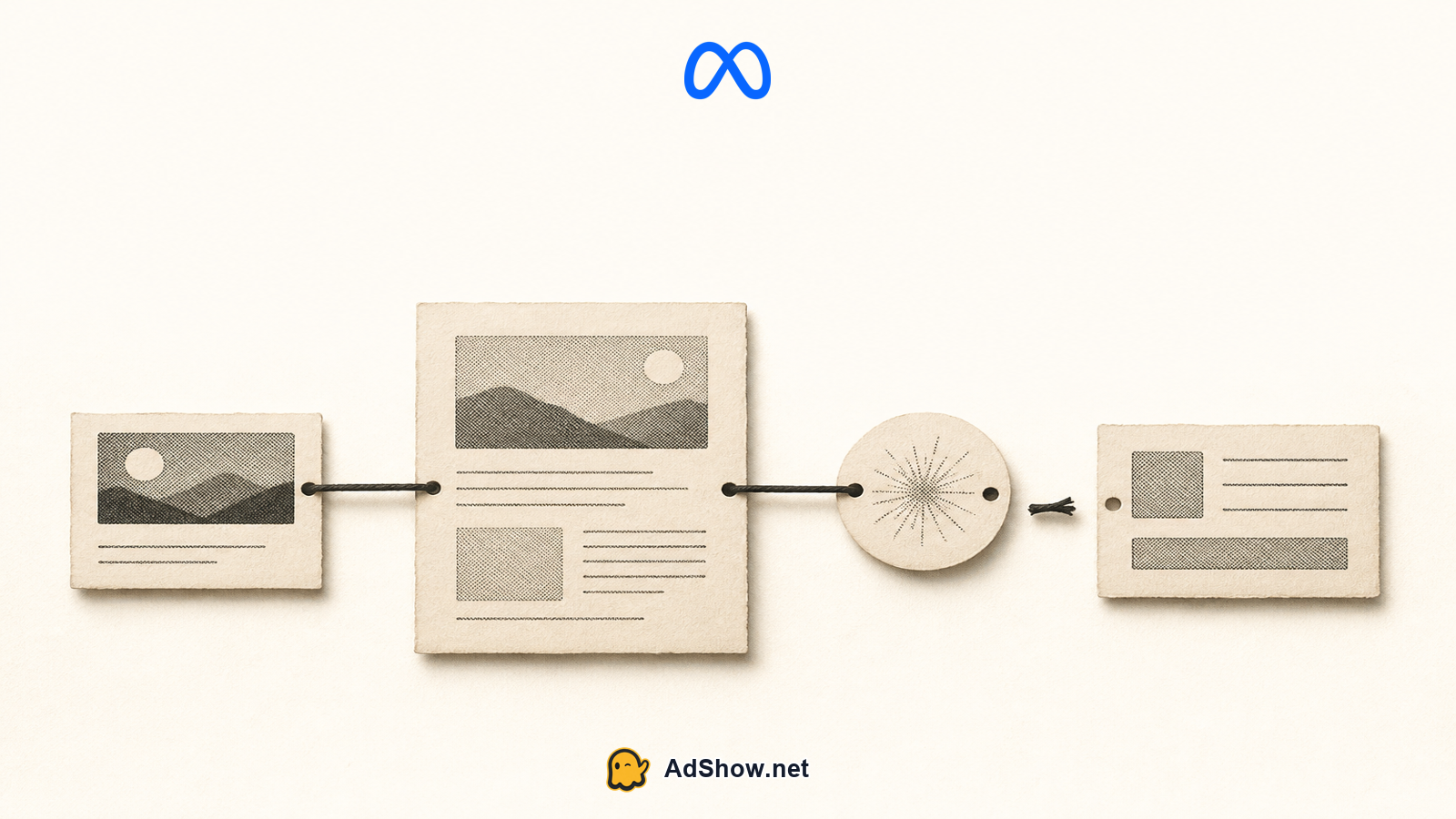
Some campaigns appear not to convert because the definition of success is too narrow or the handoff is failing. Confirm that leads are assigned, notifications arrive, phone numbers are stored correctly, calendars show available slots, and sales staff can see the source and requested service. Review a sample of real records for completeness and relevance, while keeping personal data protected.
Only after these checks should you consider changing bids, creative, targeting, budgets, conversion goals, or account structure. If the page and measurement are sound, then test one commercial variable at a time: a clearer message, a more qualified audience, a different landing page, or a bidding approach suited to the amount and quality of conversion data available. For broader channel decisions, see this guide on how to choose a PPC network.
What to do next
The fastest diagnosis is usually a controlled journey, not a new campaign. Click the ad, complete the action, verify the event, locate the lead, and compare each stage with platform and business records. If the failure is calls rather than forms, review the separate troubleshooting guidance on Google Ads clicks but no calls. If the problem is account access or operational setup, document the issue before moving campaigns or rebuilding structure.
This process protects you from making a confident change in the wrong place. A bid cannot repair a broken form. New creative cannot fix a missing conversion tag. Tighter targeting cannot resolve a sales handoff that drops enquiries. Find the first broken link in the journey, correct it, and then measure again over a defined period.
Need an operational starting point? AdShow provides agency ad accounts through a dashboard and marketplace. Review the available Google agency ad account options as an account-access resource, while keeping landing-page quality, tracking, compliance, and conversion work under your own control. View AdShow marketplace
Questions from recent advertiser discussions
Why do my ads get clicks but no conversions?
The leak may be on the landing page, in the form or booking flow, in conversion tracking, in consent and redirects, or after the lead reaches your sales system. Trace one complete user journey before changing campaign settings.
Should I lower my bids when clicks do not convert?
Not immediately. First verify traffic relevance, page usability, offer clarity, event tracking, and lead handoff. Lowering bids before finding the leak can reduce useful volume without improving the conversion path.
How can I tell whether tracking or the website is the problem?
Submit a controlled test and verify the page response, event firing, platform diagnostics, analytics record, and CRM entry. If the action succeeds but no event is recorded, investigate measurement. If the event fires but the action cannot be completed, investigate the website.
Can agency ad accounts make a website convert better?
An agency ad account is an operational account-access option. It does not by itself change auction results, platform policy decisions, landing-page quality, tracking accuracy, or conversion outcomes. Those factors still require separate diagnosis and management.
Sources and scope
Official documentation defines platform behavior. This is a practical diagnostic, not a promise of any account or campaign result.
Google Ads: landing page experience — Google describes landing-page experience as relevance, transparency and navigability after the click.
Google Ads: conversion tracking — Official setup guidance covers website conversion actions and tag-based measurement.
Meta Conversions API — Meta documents server-side event sharing as a complement to pixel-based measurement.