Google Ads Clicks but No Calls? Find the Leak
Clicks without calls do not automatically mean Google Ads is broken. Use this workflow to separate serving status, campaign scope, call tracking and real business outcomes.

August 15, 2026
Table of contents
If you have Google Ads clicks but no calls, the leak is usually in one of four places: traffic is reaching the wrong audience, the landing path is discouraging calls, call tracking is incomplete, or calls occur but are not counted as conversions. Start by confirming the business outcome outside Google Ads: did the phone ring, was it answered, and was the caller qualified? Then verify the conversion action and reporting scope before changing bids, keywords or ads. Clicks prove that an ad interaction occurred. They do not prove that the visitor saw a usable phone option, called, reached the business or became a lead.
1. Separate the four layers of the problem
Do not treat every no-call result as one Google Ads problem. Diagnose the layers in order so that a reporting defect is not mistaken for poor demand—or poor demand for a tracking defect.
Platform status: Are the campaign, ads and relevant assets eligible to serve?
Object scope: Are you inspecting the right account, campaign, conversion action, date range and device segment?
Tracking: Is the chosen type of phone interaction configured and reported correctly?
Business outcome: Did a person call, get an answer and qualify as a useful lead?
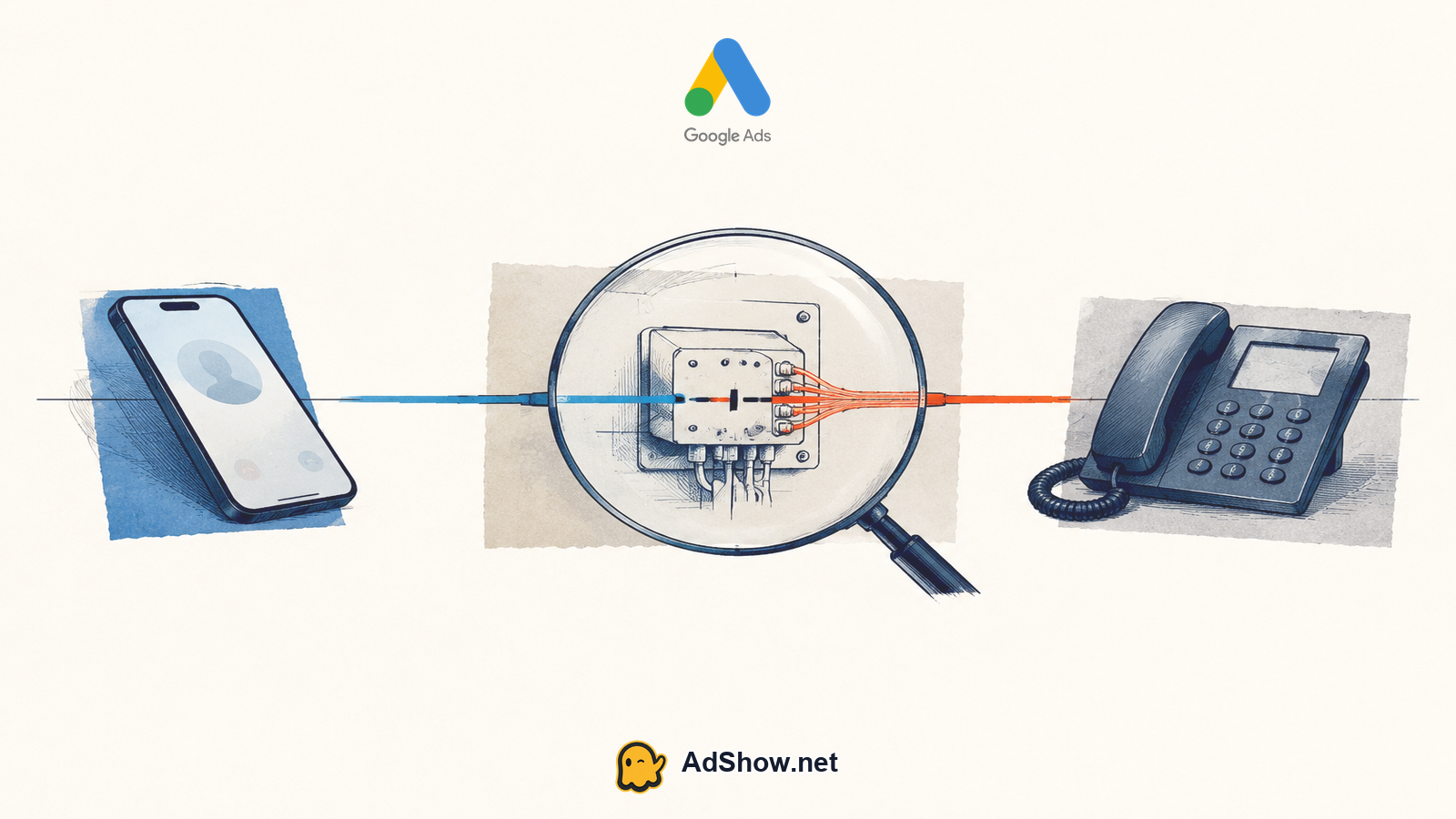
Build a small reconciliation sheet with clicks, recorded calls, call conversions, phone-system call logs, answered calls and qualified calls. The first point where the numbers diverge identifies the next investigation.
2. Prove that the intended calls are measurable
Google documents several distinct phone conversion sources: calls from ads, calls to a phone number shown on a website, clicks on a mobile website phone number and imported call conversions. They are not interchangeable. Website-call measurement can require a Google forwarding number and a website tag, while call reporting must be enabled for the applicable setup.
Name the exact behavior you expect: a call directly from an ad, a website call after an ad click, a mobile tap on the number or an imported offline call.
Open the conversion action used by the active campaign and confirm that it represents that behavior—not a page view, button view or another weak action.
Check whether call reporting is enabled where required and whether the forwarding-number or website-tag requirements for the selected method are satisfied.
Place controlled test calls through each live path. Confirm whether the phone rings and whether the interaction appears in reporting.
Review the call-duration threshold. Google distinguishes reported calls from call conversions, so a short call may appear as a call without qualifying as a conversion.
Compare the same reporting period when reconciling records. Google notes that reporting dates matter, so mismatched ranges can create an apparent discrepancy.
If the phone log shows calls but Google Ads does not, investigate measurement. If Google reports calls but no call conversions, inspect the conversion threshold and action settings. If neither system shows calls, move to traffic and landing-path diagnosis.
3. Check status and scope before editing the campaign
An enabled campaign does not prove that every ad, asset or conversion action is functioning in the scope you are reviewing. Confirm the actual objects responsible for the clicks.
Verify that clicks belong to the intended campaign, network, location and device mix.
Confirm that the expected phone asset or phone-focused ad path is present and eligible where you expect it to appear.
Check which conversion goals the campaign is using and which phone action is marked as a meaningful optimization signal.
Make sure account-level totals are not hiding one campaign that spends heavily while producing no verified calls.
Keep platform approval separate from performance. An eligible ad can still attract low-intent visitors, and a campaign can record clicks even when its call measurement is incomplete.
4. Diagnose whether the clicks have calling intent
Once measurement is credible, inspect what users wanted when they clicked. High click volume is not useful if the queries, locations, devices or times do not match the service and its ability to answer calls.
Review the search queries behind the clicks. Label each as strong service intent, research, employment, support, do-it-yourself, irrelevant or ambiguous.
Compare call performance by device. Mobile users may call directly, while desktop visitors may copy the number or convert through another path.
Check location relevance. A click outside the practical service area can consume budget without creating a callable opportunity.
Compare ad timing with staffed phone hours. Traffic acquired when nobody can answer is a business-process leak, even if advertising and tracking work correctly.
Pause broad conclusions until enough verified data exists. Recent advertiser discussions describe spend with few leads and clicks without calls, but those posts show individual symptoms only. They do not establish a universal Google Ads fault or a universal fix.
5. Audit the landing page as a call path
A visitor may have strong intent and still abandon the call if the page creates uncertainty or friction. Test the complete mobile experience from ad click to connected call rather than judging the page from a desktop preview.
Visibility: Put a clear, tappable phone option near the information that confirms the service, location and availability.
Consistency: The page should match the promise, service and geography stated in the ad.
Confidence: Explain who will answer, what the caller can request and whether any eligibility or service-area conditions apply.
Function: Test the number on multiple devices, including formatting, tap behavior, forwarding, routing and voicemail.
Alternatives: If users cannot call immediately, provide another appropriate lead path without counting a weak interaction as a completed lead.
A call asset can shorten the route for some users, while a stronger landing page can help visitors who need context first. The February 2026 community discussion raises both alternatives, but neither should be treated as a guaranteed solution.
6. Check what bidding is being taught to pursue
A campaign cannot distinguish a valuable phone lead from a weak action unless the measurement and goal selection make that distinction. If a page view, button click or other low-commitment event is treated as the main success signal, performance may look active while the phone remains quiet.
List every conversion action included in the campaign's goal scope.
Classify each action as a verified lead, a useful secondary signal or a diagnostic interaction.
Confirm that phone conversions use a duration threshold consistent with the business's definition of a meaningful call.
Compare recorded conversions with answered and qualified calls before making aggressive bid or budget changes.
Harris Eugene’s operator note: Change one diagnostic layer at a time. First validate phone routing and tracking, then traffic quality, then the landing path, and only afterward adjust optimization. Simultaneous changes may improve results, but they make the actual leak difficult to identify.
The June 2026 advertiser discussion about spend with few leads reflects the same operational concern: commenters recommend checking whether the primary conversion is a real lead or call rather than a weak action. That is useful diagnostic advice, not proof of the cause in every account.
7. Run a controlled recovery test
After identifying the likely leak, run a limited test with written pass/fail criteria. Avoid rebuilding the entire campaign before you know which layer failed.
Record a baseline for clicks, calls, call conversions, answered calls and qualified calls.
Fix tracking or routing first if controlled test calls fail.
Remove clearly irrelevant traffic and align scheduling with staffed phone hours.
Improve phone visibility and message consistency on the highest-traffic landing path.
Keep verified phone leads distinct from secondary website interactions.
Review results against business records, not only the Google Ads conversion total.
Use a decision rule: tracking failures require implementation work; irrelevant clicks require targeting or query control; page abandonment requires experience changes; unanswered calls require operational changes. More budget does not repair any of those leaks by itself.
8. Decide whether account setup is the bottleneck
If tracking, traffic, landing paths and call handling check out, review whether the account arrangement supports the required operating workflow. Understand the differences between an agency ad account and an individual account before changing account type. An agency account does not create call demand, fix conversion tags or bypass Google policy.
AdShow is a self-service platform providing agency advertising accounts for Google Ads, Meta/Facebook, TikTok and other major advertising platforms. Its dashboard supports viewing offers and pricing context, submitting account requests, making top-ups and reporting issues. Availability and terms depend on the displayed offer, and agency accounts remain subject to platform policy.
If diagnosis shows that account procurement or account-management workflow is the remaining constraint, review the available Google account options and current pricing context on AdShow. Explore Google agency ad accounts
Questions from recent advertiser discussions
Why is Google Ads spending my budget but producing barely any calls?
First verify that the campaign's primary success signal is a real phone lead rather than a weak action. Then reconcile Google Ads data with phone logs and answered-call records. If tracking is correct, inspect query intent, location, device, schedule and landing-page friction. A June 2026 community thread describes this symptom and includes similar diagnostic recommendations, but it represents individual experiences rather than evidence of one platform-wide cause.
Should I add a call asset when Google Ads gets clicks but no calls?
A call asset may provide a shorter calling path for eligible users, especially when they are ready to speak immediately. It is not a substitute for correct call reporting, relevant traffic, a functioning number or staffed call handling. Test it as one controlled change and compare reported calls with actual phone records. The February 2026 community discussion mentions call assets as an alternative, not a universal fix.
Could my landing page be stopping people from calling?
Yes. Test whether the phone option is visible and tappable, whether the page matches the ad's service and location, and whether users receive enough information to call confidently. Also test number formatting, routing and voicemail on real mobile devices. If visitors need context before calling, a clear landing page may outperform a phone-only path; the correct choice depends on verified behavior.
Why does Google Ads show calls but fewer call conversions?
Google distinguishes calls from call conversions. A reported call may not become a conversion if it does not meet the configured duration threshold or other applicable conversion conditions. Check the specific phone conversion action, its threshold and the reporting period. Also determine whether you are measuring calls from ads, website calls, mobile number clicks or imported calls, because their setup requirements differ.
Sources and scope
Official documentation defines platform behavior. Recent community discussions are used only to illustrate reported symptoms and questions; they do not prove the cause of an individual account outcome.
Google Ads Help — Track phone call conversions — Official scope for calls from ads, website calls, mobile phone-number clicks, imported calls, forwarding numbers and tag requirements.
Google Ads Help — Analyze call reporting — Official scope for distinguishing reported calls from call conversions, including call-duration thresholds and reporting-date considerations.
Google Ads Help — About call reporting — Official scope for Google forwarding numbers, call routing, reporting and account-level call-reporting enablement.
Reddit — Google Ads spending budget but barely producing leads — June 2026 anecdotal advertiser discussion. Used only to reflect the reported symptom and the recommendation to verify that primary conversions represent real leads or calls.
Reddit — Google Ads clicks but no calls discussion — February 2026 anecdotal advertiser discussion. Used only for the landing-page and call-asset questions; community posts demonstrate individual symptoms, not universal causes or fixes.