How to Check Competitors’ Google Ads Without Guessing Spend
A practical, evidence-led workflow for researching competitors’ Google Ads with public ad records, Auction Insights, Keyword Planner and landing-page checks.

August 26, 2026
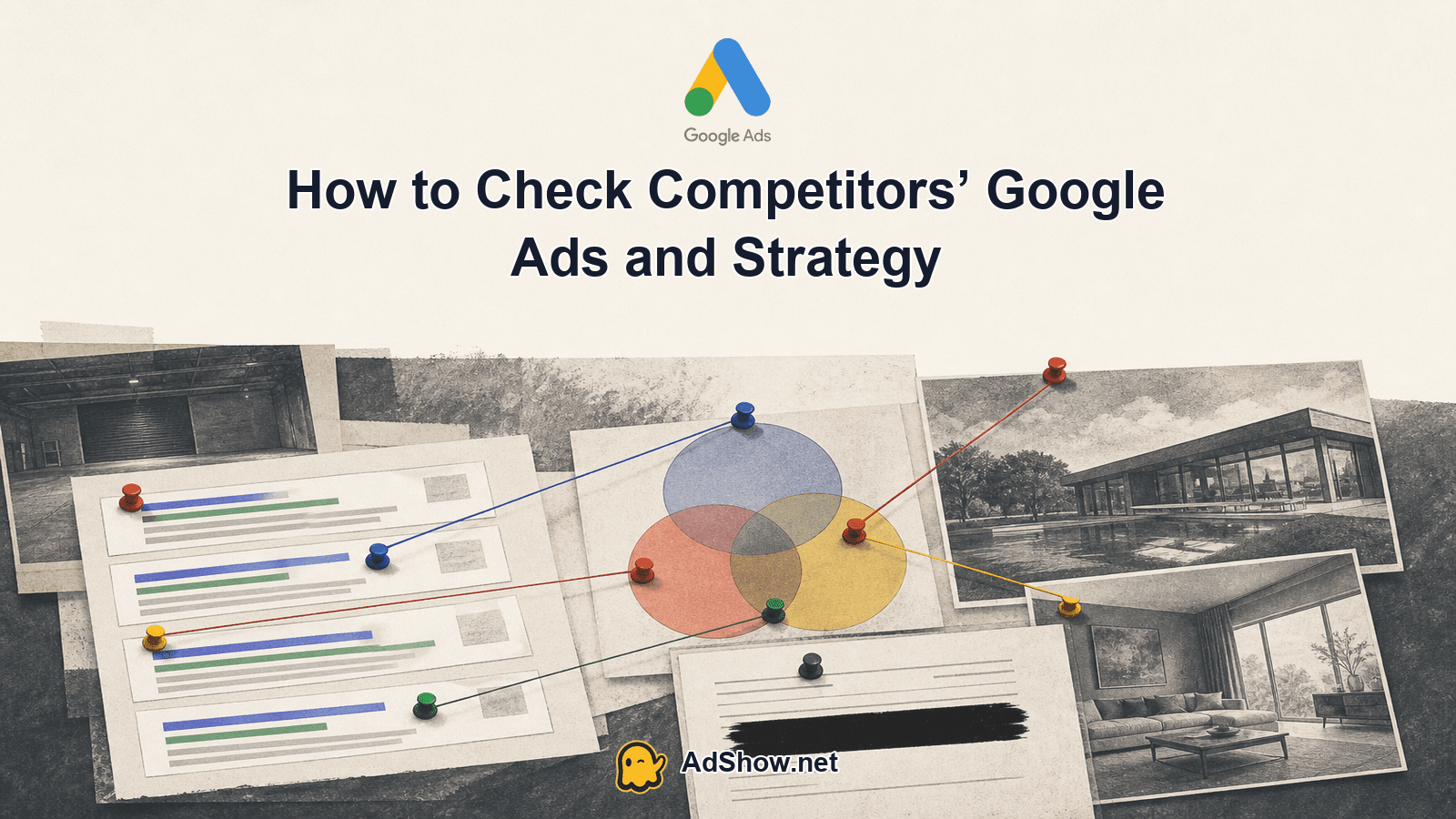
Table of contents
There is no public tool that reveals a competitor’s exact Google Ads spend, complete targeting or full campaign structure. The reliable answer to how to check competitors Google Ads is to build an evidence dossier: record what Google shows, infer strategy cautiously, and label spend as unknowable unless the advertiser discloses it. Start with the Google Ads Transparency Center, validate auction overlap in your own account, use Keyword Planner for ideas, and inspect the destination pages. This produces decisions you can defend without clicking competitors’ ads or treating third-party estimates as facts.
Correct the promise before researching
Competitor research becomes misleading when an observed ad is treated as a complete account view. Google’s Transparency Center is advertiser-led: you search by advertiser name or website, then filter by platform and region. It can show active ads and creative history, but it is not a complete keyword-to-ad library. A missing ad does not prove that a competitor is not advertising, and a visible ad does not reveal its bid, budget, match type, audience settings or conversion rate.
Auction Insights answers a different question. It reports how your eligible Search activity overlaps with other advertisers in shared auctions. Metrics such as impression share, overlap rate, position-above rate and outranking share describe auction relationships, not the other advertiser’s budget. A competitor can spend less and appear above you because of query mix, bids, quality, relevance or conversion economics. The reverse can also happen.
Treat the dossier as three separate columns in your notes, even though this article does not use a table: observed fact, inferred strategy and unknowable. That separation prevents a headline, a recurring ad or a high overlap rate from becoming an invented spend figure.
Find the advertiser and record creative history
Open the Transparency Center and set the relevant platform and market, beginning with Search and the country where you compete.
Search the competitor’s business name, website or likely advertiser identity. Check spelling variations, parent companies and brands, but do not assume every related result belongs to the same account.
Open the ad records and capture the wording, format, destination domain, visible offers, disclaimers and any available first-seen or last-seen information. Save the observation date as well.
Repeat the check monthly. A single visit is a snapshot; repeated observations show whether a message is persistent, seasonal or short-lived.
Record the creative format separately from the claim. For example, a responsive search ad with a price-led headline is an observed format and message. “They are optimizing for price-sensitive buyers” is an inference. “They spend $20,000 per month” is unknowable from that record. Keep those labels beside every note.
Use Auction Insights for shared-auction evidence
In your own Google Ads account, open Auction Insights for the campaign, ad group or keyword view that has sufficient eligible activity. The available level of detail and metrics depend on the selected scope and reporting eligibility. Export the period you are studying, then note which advertisers appear alongside you and how their metrics change over time.
Impression share indicates the proportion of eligible impressions you received, not the competitor’s share of budget.
Overlap rate shows how often another advertiser’s ad received an impression when your ad also received one.
Position-above rate shows how often the other advertiser appeared higher when both ads were shown.
Outranking share combines several auction relationships and should be read as a comparison with your activity, not as a measure of spend.
Top-of-page and absolute-top metrics describe placement, not profitability or conversion quality.
The practical check is consistency. If a competitor appears repeatedly for the same campaign scope and its position-above rate rises, you have evidence of stronger auction presence in that shared set. You still cannot know whether that came from a larger budget, higher bids, better Ad Rank, narrower targeting, stronger relevance or a temporary promotion. If the campaign lacks enough activity, the report may not provide useful competitor evidence at all.
Start Keyword Planner with the competitor’s URL
Keyword Planner can generate related ideas from a website. Enter the competitor’s landing page or domain, then review the suggested themes, search-volume ranges and competition indicators as planning inputs. This is useful for discovering language you may have missed, especially category terms, use cases and commercial modifiers.
Do not reverse the workflow and call those suggestions proof of the competitor’s targeting. Keyword Planner generates ideas from the supplied page and Google’s data; it does not disclose the competitor’s active keyword list, bids or match types. Compare the ideas with the competitor’s visible ad claims and page content. A term becomes a stronger research lead when the same intent appears in both places, but it remains a hypothesis until your own testing supports it.
Add your own economics before building campaigns: allowable cost per acquisition, margin, conversion rate assumptions, tracking requirements and the search terms you will exclude. Competitor research should narrow questions, not replace account structure or measurement.
Audit the destination, not just the ad
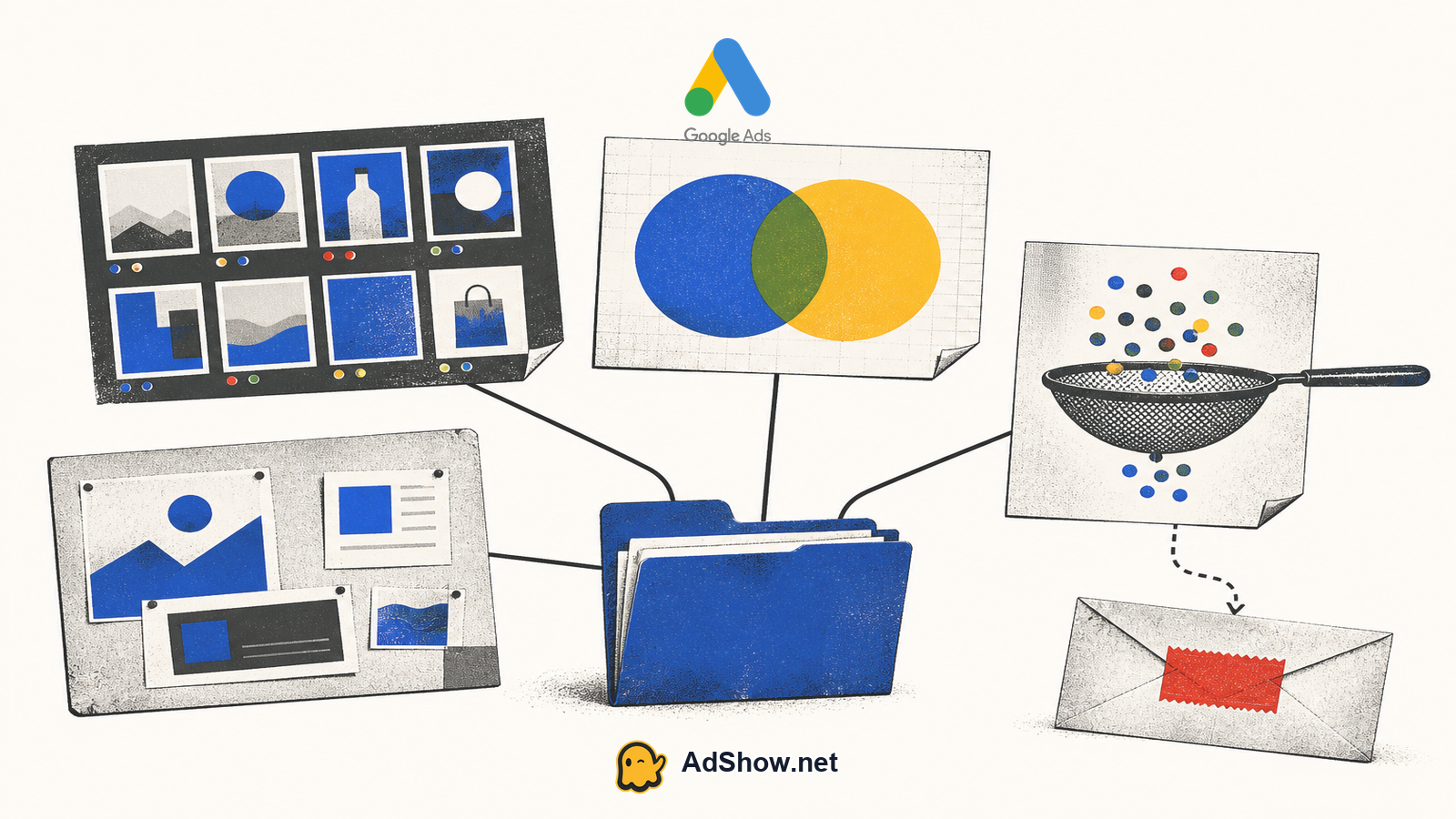
An ad can be persistent because the destination works, because the advertiser has not changed it, or because the message is part of a broader brand program. Inspect the landing page without submitting forms or creating false leads. Record the page’s headline, offer, proof, pricing visibility, call to action, form friction, trust elements, mobile experience and links to policies or support.
Observed claim: the headline repeats a promise or qualification found in the ad.
Inferred strategy: the page appears designed for comparison, lead capture, direct purchase or education based on its structure.
Observed destination: the URL, page type and named offer.
Unknowable outcome: conversion rate, lead quality, approval rate, lifetime value and return on ad spend.
Operational consequence: a stronger or weaker page may explain performance differences that auction metrics alone cannot explain.
Check whether the ad and page agree. A discount mentioned in the ad but absent from the page is a message-risk signal; it is not proof of poor performance. A highly specific page may indicate a tightly defined intent, while a general page may serve several campaigns. Either conclusion should be written as an inference and tested against your own traffic and conversion data.
Build a monthly evidence sheet
Use one dated evidence sheet for each competitor and update it on a fixed monthly schedule. For every observation, include the observed claim, creative format, destination, first seen, last seen and the relevant auction metric when your account reports one. Add the source URL or screenshot reference and a confidence label such as observed, inferred or unknowable.
Then write a short change log: new offer, changed headline, destination switch, creative that disappeared, new auction participant or movement in position-above rate. Do not turn a longer-running ad into a guaranteed winner. Longevity is evidence that the advertiser kept the asset available; it is not evidence of profitability. Recent community discussions describe recording hooks, landing pages and creative longevity as a practical workflow, but those observations are anecdotal rather than platform performance evidence.
Harris Eugene’s operator note: Reverse-engineered spend should never become your budget target. A directional estimate can help you understand whether a competitor may be operating at a different scale, but it cannot tell you what your next dollar is worth. Set budget from your own conversion economics, auction data and testing capacity; use competitor evidence to choose questions and constraints.
Why clicking their ads is unnecessary
Clicking competitors’ ads adds cost to their account and gives you weak evidence. You may see a personalized result, a remarketing variation, a location-specific page or an experiment that is not representative of the account. One click cannot reveal targeting, budget, conversion quality or the campaign’s normal query mix.
Use public ad records, your own Auction Insights and a clean landing-page review instead. If you need to verify a page experience, visit the publicly available destination directly where appropriate, without manufacturing conversions or repeatedly interacting with the ad. Protect your own research budget and avoid contaminating the competitor’s data.
Turn evidence into your own campaign plan
After the dossier is complete, translate observations into testable actions: separate brand and non-brand intent, build a controlled keyword set, write distinct value propositions, create a relevant destination and define the conversion event before launch. Use your own search-term data to remove irrelevant traffic. If competitors emphasize price, test whether proof, speed, specialization or lower purchase risk is a better differentiator for your audience.
Only after your economics, tracking and campaign plan are ready should you decide how to operate the account. AdShow’s Google agency-account route is a self-service access path with dashboard functions for visible offers or pricing, account requests, wallet funding or top-ups and issue reports; Telegram may provide notifications and human guidance. Agency access remains subject to Google Ads policy and does not repair auction cost, tracking, offer, creative or funnel quality.
Have your economics and campaign plan ready first. Then review the available Google agency-account operating route and request access through the dashboard. Google agency accounts
Questions from recent advertiser discussions
Can I see a competitor’s exact Google Ads spend?
No. Google does not publicly disclose an advertiser’s exact spend, bids, budget or full targeting. Third-party estimates are directional and can vary widely with query mix, geography, bids, conversion rates and account quality.
Does the Ads Transparency Center show every keyword a competitor targets?
No. It is an advertiser-led library for finding available ad records by advertiser name or website, with platform and region filters. It is not a complete keyword-to-ad or account-structure report.
What does Auction Insights reveal about competitors?
It shows how advertisers compare with your eligible activity in shared auctions through metrics such as impression share, overlap rate, position-above rate and outranking share. It does not reveal their budget or profitability.
Should I click a competitor’s ad to research it?
Usually not. A click creates cost for the competitor and provides a narrow, potentially personalized view. Use public ad records, your own Auction Insights, Keyword Planner ideas and a direct landing-page audit instead.
Sources and scope
Official documentation defines platform behavior. Recent community discussions are used only to illustrate reported symptoms and questions; they do not prove the cause of an individual account outcome.
Google Ads Transparency Center — Google's public repository for finding active ads by advertiser name or website and filtering by platform and region.
Google Ads: Auction Insights — Official definitions and limits for impression share, overlap rate, outranking share, position-above rate and related competitor metrics.
Google Ads: Keyword Planner — Official workflow for starting with a website to generate related keyword ideas; results are ideas, not proof of a competitor's targeting.
Recent PPC discussion: estimating competitor spend — March 2026 discussion emphasizing that spend estimates are directional and that equal budgets can produce very different outcomes.
Recent PPC discussion: limits of keyword-level ad-library search — July 2026 discussion noting the practical limitation of advertiser-led Transparency Center search; community observations may change as tools evolve.
Recent growth-marketing discussion: competitor research workflow — August 2026 discussion about recording hooks, landing pages and creative longevity; anecdotal workflow rather than evidence of performance.