Report 10 Mistakes That Can Suspend a Google Ads Account in 2026
A practical media-buyer guide to the most common Google Ads suspension triggers and the correct recovery process.

August 6, 2026
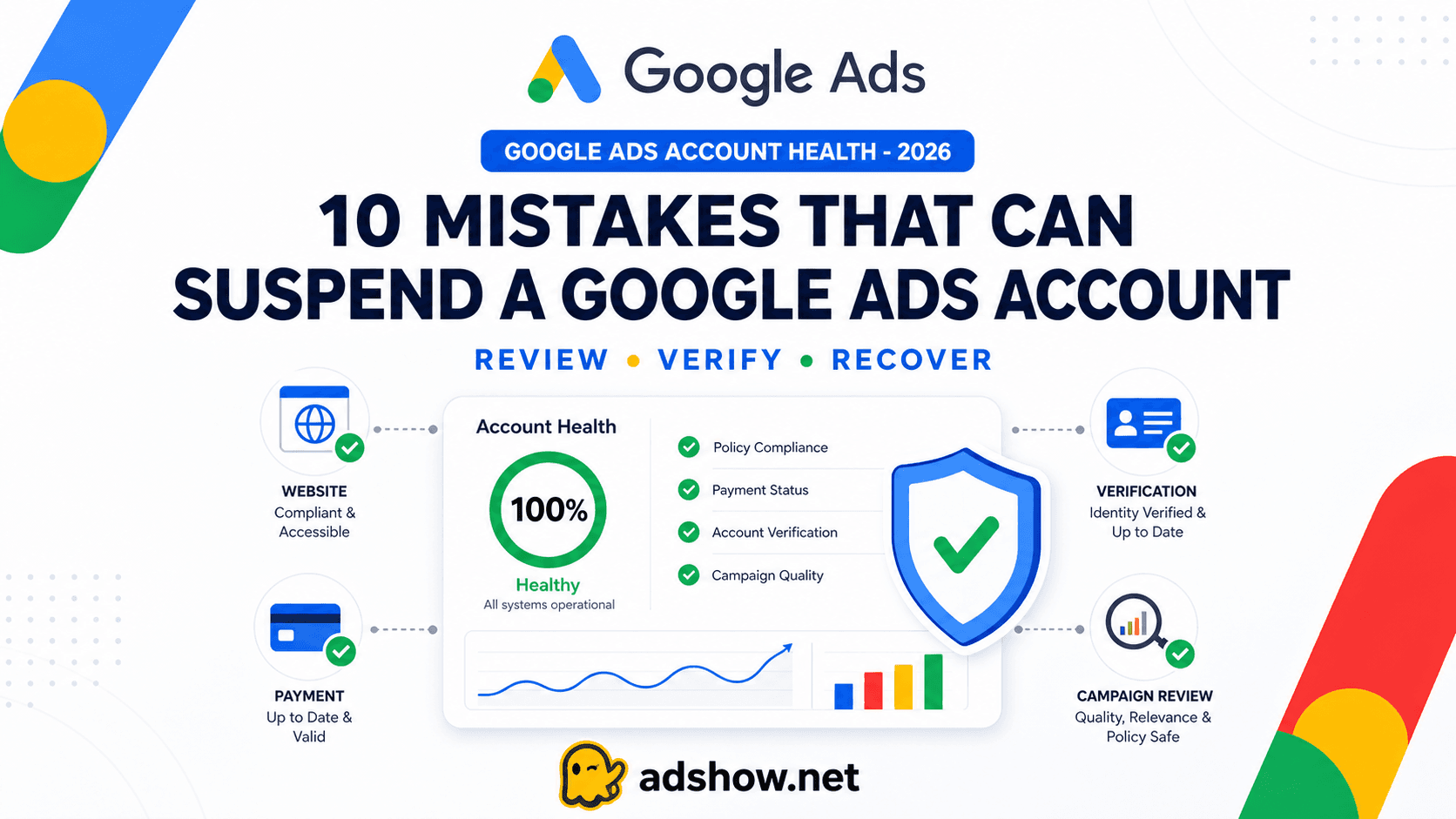
Table of contents
An agency account does not make a non-compliant offer acceptable. This guide is intended for lawful advertising, truthful business information, transparent destinations, and policy-compliant campaigns. It does not support circumventing Google systems or re-entering Google Ads after a suspension.
Google can suspend an account without warning
Google Ads states that serious or “egregious” violations can lead to immediate suspension without prior warning. Google may review the ad, website, account history, verification information, payment signals, and related accounts.
Repeated violations can also lead to policy strikes, temporary holds, and eventual suspension.
For media buyers, the safest approach is to treat the account, website, payment profile, business identity, and connected assets as one system.
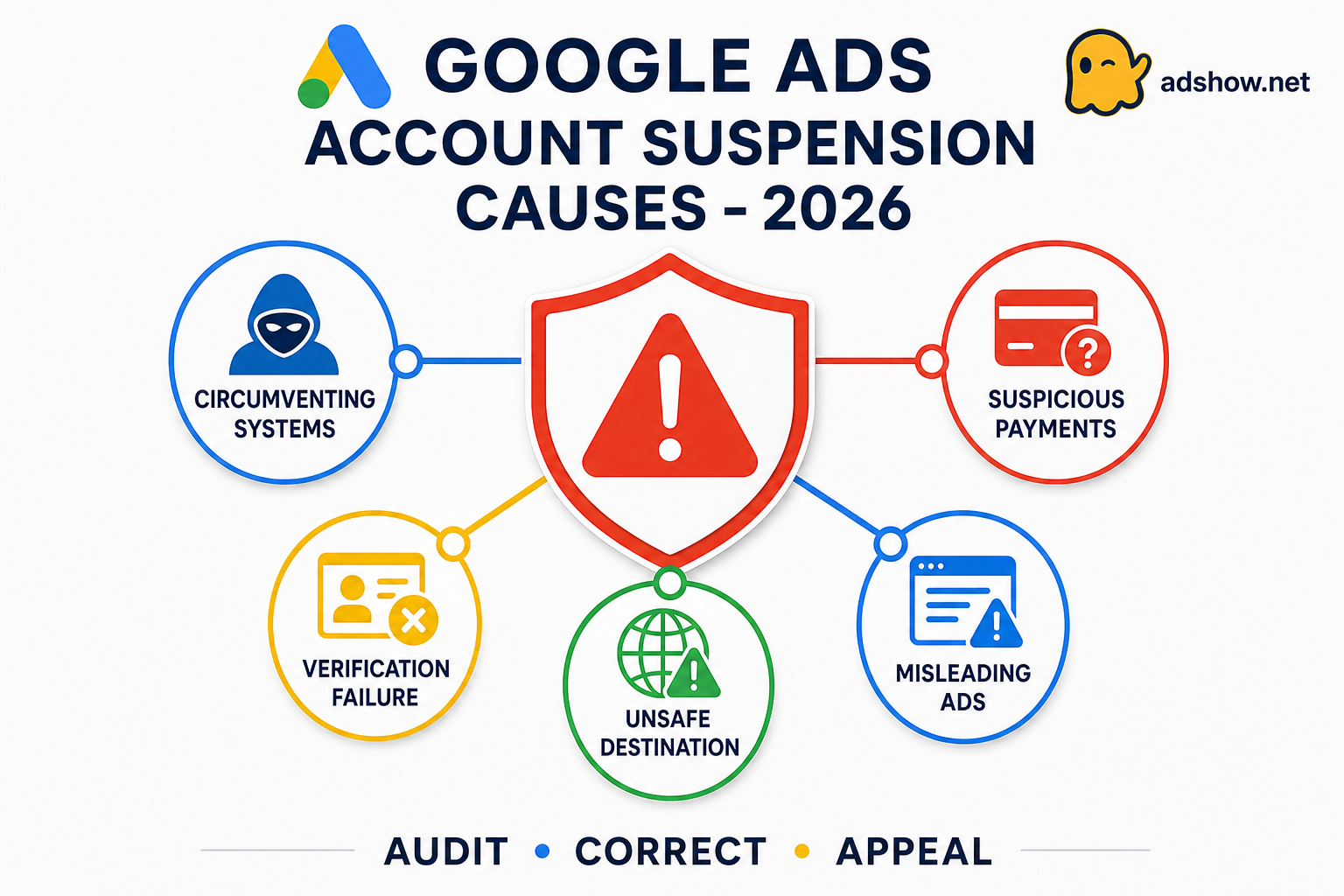
The 10 highest-risk causes of Google Ads suspension
1. Circumventing systems
Creating new accounts, domains, or ad variations to bypass a previous enforcement decision can lead to immediate suspension.
What to check: Do not open replacement accounts before understanding and resolving the original issue.
2. Misrepresentation or unacceptable business practices
Hiding or misrepresenting information about the business, product, pricing, or service can seriously damage account trust.
What to check: Make sure your business identity, offer, pricing, disclosures, and website information are accurate and consistent.
3. Suspicious payment activity
Chargebacks, declined payments, sudden card changes, or unclear payment ownership may trigger a billing review.
What to check: Use an authorised payment method and keep the billing name, business information, and account ownership consistent.
4. A related suspended ecosystem
Google may connect an account to a suspended website, payment method, Manager account, Merchant Center, or another business asset.
What to check: Review all connected domains, administrators, payment profiles, Merchant Center accounts, and Manager accounts.
5. Advertiser verification failure
Verification can fail when business information is incomplete, inconsistent, unverifiable, or inaccurate.
What to check: Confirm that company names, addresses, registration details, website information, and payment data match before submitting documents.
6. Repeated policy violations
Continuing to submit ads or assets that violate the same policy after warnings can result in stronger enforcement.
What to check: Stop resubmitting near-identical ads and review the complete campaign rather than changing only one word or image.
7. Restricted or prohibited verticals
Financial products, gambling, healthcare claims, unsafe products, and other regulated categories may require certification or pre-approval.
What to check: Confirm vertical eligibility, GEO restrictions, required licenses, certifications, and pre-approval rules before launching.
8. A compromised website or malicious destination
Malware, phishing, hacked pages, unsafe scripts, and suspicious redirects can stop delivery or suspend the account.
What to check: Scan the website, remove malicious code, review redirects, secure administrator access, and confirm that every destination is safe.
9. An unclear or low-trust landing page
Missing contact details, refund terms, pricing, business identity, or a mismatch between the ad and landing page can reduce trust.
What to check: Make the advertiser identity, product details, pricing, terms, refund policy, and contact information easy to find.
10. Ad or creative violations
Unsupported claims, trademark misuse, prohibited content, and misleading calls to action can lead to ad rejection or account suspension.
What to check: Review headlines, images, videos, keywords, targeting, and landing-page claims before submitting the campaign.
Recommended Google Ads response process for 2026
Step 1: Stop creating new accounts
Do not create replacement accounts to bypass a hold or suspension.
Save the suspension notice, policy category, affected URL, billing details, and verification status.
Step 2: Audit the connected ecosystem
Check the Google Ads account, Manager account, payment profile, domain, website, Merchant Center, analytics tags, and administrator access.
Google may connect related assets when evaluating account activity.
Step 3: Correct the root cause
Remove or revise policy-violating ads, repair unsafe destinations, add business disclosures, correct billing ownership, and complete any required verification.
Step 4: Submit an honest appeal
Use the Google Ads appeal flow and explain:
What happened.
What was corrected.
Why the current activity complies.
Which documents or URLs support your explanation.
Accurate and complete information improves the quality of the review.
Step 5: Consider an agency account only after legitimate recovery attempts
If a compliant account remains disabled after the campaign, website, payment profile, and verification issues have been corrected, AdShow.net may be able to provide a Google Ads agency account under its current service terms.
This is an operational alternative, not a method for bypassing Google enforcement. The campaign must still comply with Google Ads policies.
Conclusion
In 2026, the safest Google Ads strategy is not to search for an account that can never be suspended. It is to reduce risk across the advertiser identity, business model, website, payment profile, creative, and connected accounts.
Google remains the final authority on approval, suspension, and reinstatement.