TikTok Ads Payment Failed? Check the Transaction Restriction
A TikTok Ads payment failure is not always a bank-decline problem. It can leave campaigns paused, create an outstanding balance, suspend the ad account or trigger a transaction-related restriction. This guide separates those states and gives advertisers an ordered path for checking payment details, bank authorization, 3D Secure, funding, account health and the correct TikTok appeal route.

August 19, 2026
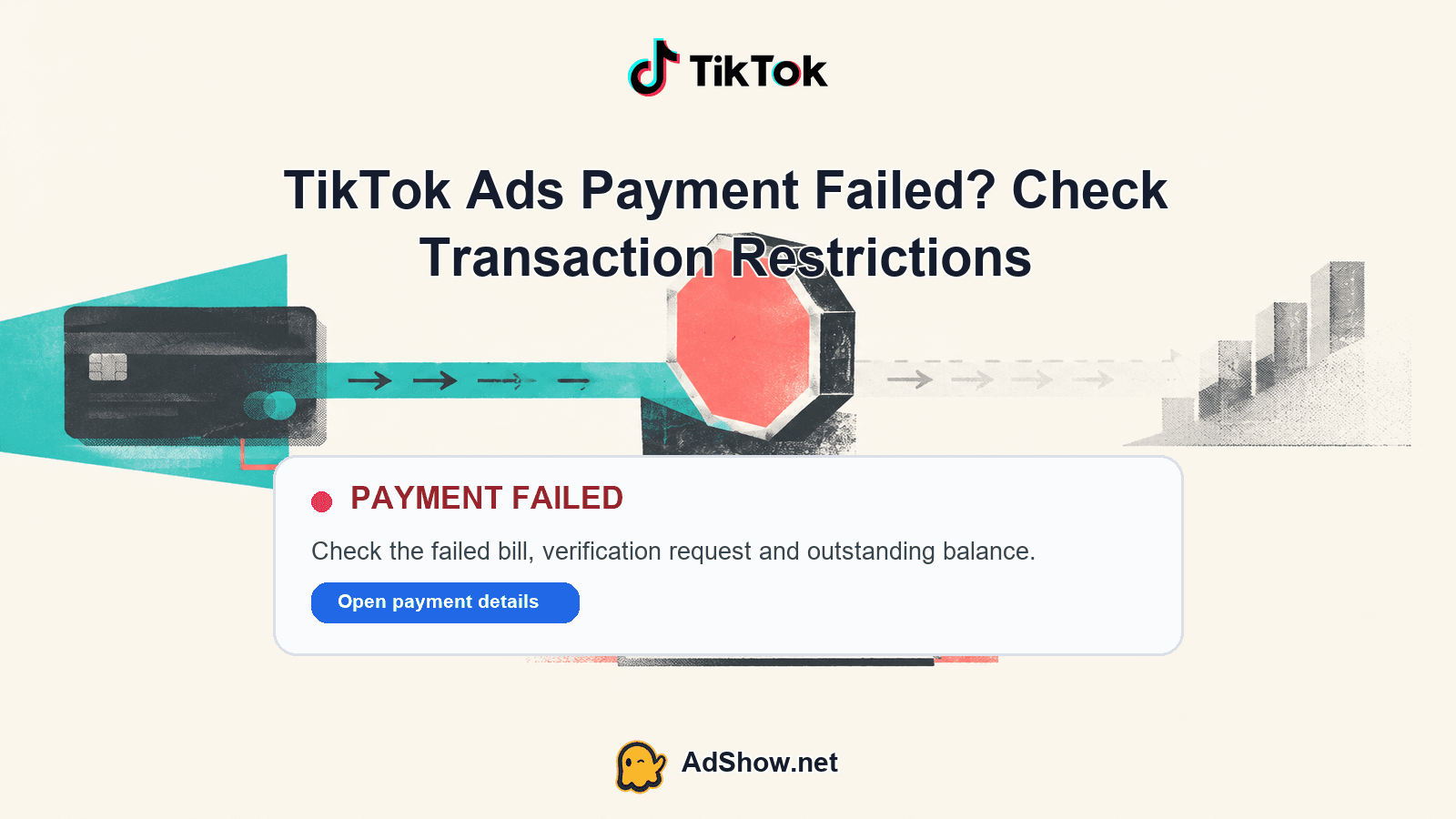
Table of contents
If TikTok Ads says payment failed, first determine whether the failure is a rejected payment, an unpaid balance, an account restriction or a broader enforcement action. Do not keep retrying blindly. Check the exact billing message, confirm whether the account is suspended, and separate campaign delivery from account and payment status. TikTok’s official checklist covers payment information, bank authorization, browser problems and 3D Secure. If the message refers to unusual payment or spending behavior, use TikTok’s transaction-related appeal process rather than trying to work around the restriction. Advertisers using managed funding can also review TikTok agency ad account options, while remembering that TikTok policy and payment decisions remain controlled by TikTok.
1. Identify exactly what failed
Begin with the object named in the notification. A campaign can be paused or unable to deliver while the ad account remains active. An ad or creative can be rejected under policy while billing is functioning. Conversely, a payment failure can affect the entire account even when every campaign, ad and creative is approved. These are different diagnoses and require different actions.
Campaign status: Check whether the campaign is active, paused, rejected, under review or simply not delivering.
Ad and creative status: Confirm whether individual ads or creatives are approved, rejected, disapproved or still under review.
Account status: Look for an account-level suspension, restriction or other account-health warning.
Billing and payment state: Record whether a card, bank payment or other billing attempt is marked failed, declined, pending or unpaid.
Balance and funding state: Check for an outstanding balance, insufficient prepaid funds or a funding source that has not settled.
Policy and enforcement: Treat messages about risk, unusual behavior, transaction restrictions or suspicious activity as enforcement-related, not as ordinary card troubleshooting.
2. Check for an outstanding balance first
The fastest account-level test is to determine whether TikTok shows an amount due. TikTok states in its guidance on checking failed payments that an outstanding balance can pause campaigns and suspend the account until the balance is addressed. That means a campaign may appear configured correctly but remain unable to spend because the account’s billing state is unresolved.
Write down the failed amount, currency, payment method and any displayed error wording before making another attempt.
Check whether the account has an outstanding balance rather than assuming the issue is a campaign-level delivery problem.
Verify that the available balance or funding source is sufficient for the amount due, including any bank-side authorization requirement.
After an authorized payment attempt, recheck the account and campaign states instead of judging success only by whether the button accepted the submission.
If the balance remains unresolved or the account becomes suspended, move to account and transaction diagnostics rather than repeating the same payment attempt.
3. Run TikTok’s payment-failure checklist
If there is no clear transaction restriction, follow TikTok’s official payment-failure troubleshooting checklist. The June 2026 guidance addresses the practical causes that can prevent a legitimate payment from completing: incorrect or outdated payment information, bank authorization, browser behavior and 3D Secure authentication.
Review the payment information exactly as recorded, including expiry, billing details and any required fields. Do not alter identity or payment information to evade a review.
Ask the bank or payment provider whether the transaction was declined, blocked for authorization, or waiting for an authentication step.
Complete any legitimate 3D Secure or bank verification prompt when presented. A closed or interrupted authentication flow can leave the payment incomplete.
Retry only after correcting a confirmed payment or browser issue. Use a normal supported browser session and avoid treating repeated rapid attempts as a diagnostic method.
Keep the error text, timestamp, amount and bank response for escalation if the same failure continues.
4. Test for a transaction restriction
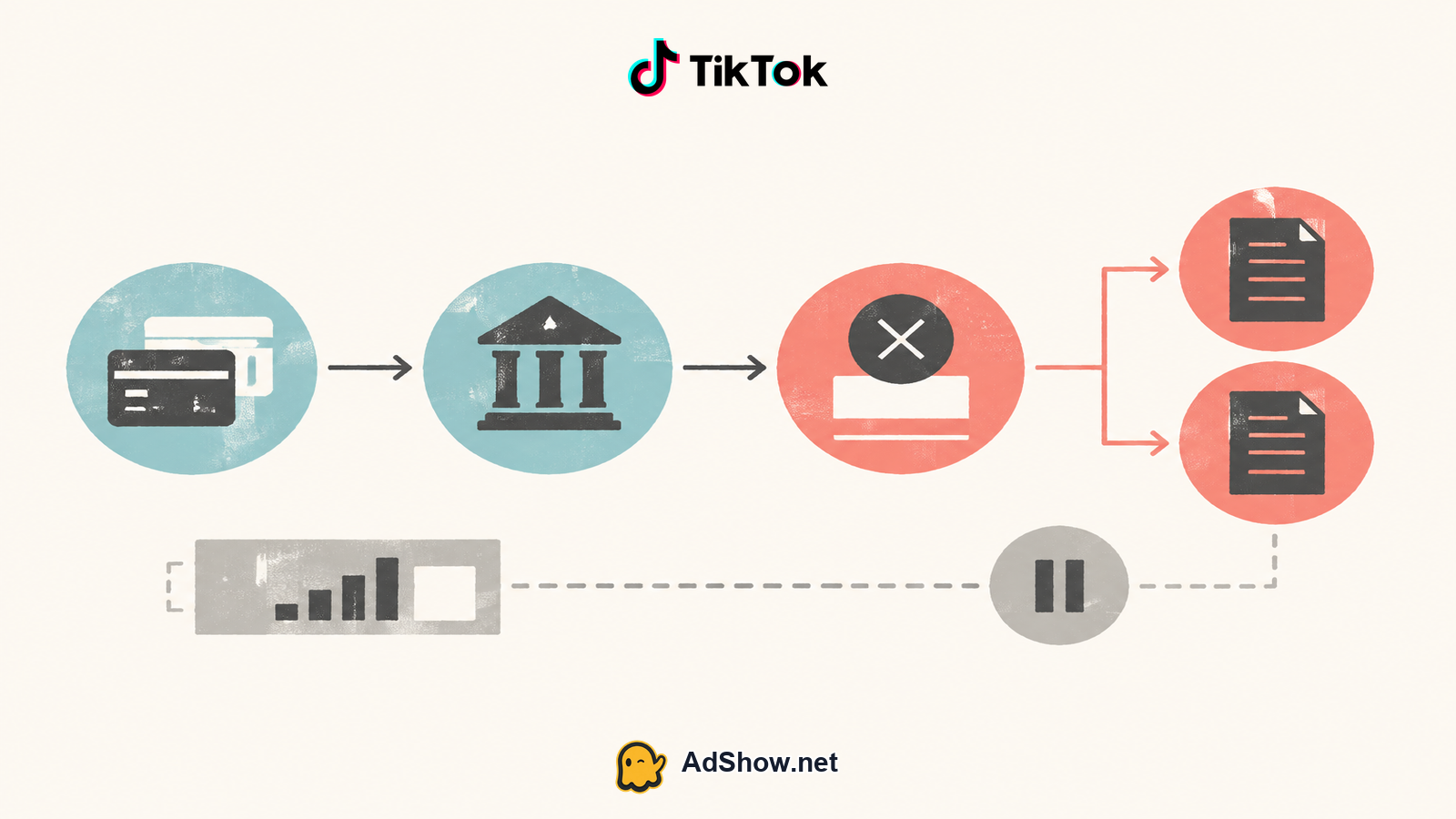
A transaction restriction is a different problem from a card being declined. TikTok’s July 2026 guidance on transaction-related appeals covers payment risk, unusual payment or spending behavior and related restrictions. If the notice uses that kind of language, the important question is not how to force the payment through; it is whether TikTok has limited transaction activity on the account.
Capture the exact restriction message and identify whether it refers to payment risk, unusual spending, transaction activity or account access.
Compare the restriction with the billing evidence: failed attempts, unpaid balances, bank declines and any completed authorizations.
Stop making repeated speculative attempts while you assemble the facts. More attempts do not establish that the payment is valid or remove an enforcement decision.
Submit the transaction-related appeal through TikTok’s stated process when the message indicates that an appeal is available.
Give a factual explanation supported by the payment amount, method, bank response and relevant account details. Do not claim approval, restoration or acceptance before TikTok confirms it.
Harris Eugene’s operator note: Operator judgment: classify the failure before taking action. A bank decline calls for payment-provider verification; an unpaid balance calls for funding resolution; a transaction restriction calls for TikTok’s appeal route; and an account suspension calls for account-health review. Treating all four as the same issue creates unnecessary retries and weakens the evidence you need for support.
5. Separate account suspension from delivery problems
TikTok’s account-suspension guidance should be used when the account itself is restricted or suspended. This is not the same as an ad being rejected, a campaign being paused or a payment method failing. An account-level action can prevent campaigns from running even when their individual ads and creatives show approval.
If only one creative is rejected, inspect the relevant policy reason and do not label it a billing failure.
If campaigns are active but not spending, check billing, balance, review and account status before changing campaign settings.
If the ad account is suspended, follow TikTok’s account-health or appeal instructions and preserve the notification details.
If payment failed and the account is also suspended, resolve the billing evidence and the enforcement path separately; one does not prove that the other will disappear.
6. Confirm balance and funding ownership
Advertisers on prepaid, agency-funded or other managed arrangements must distinguish the platform’s account balance from the funding arrangement behind it. A visible balance may be insufficient, reserved, delayed or unavailable for the specific account. A payment method failure may also be irrelevant if the account is funded through an agency workflow. Confirm which party owns the billing event, what amount is actually available and whether the account has an unpaid obligation.
Identify whether TikTok is charging your payment method directly or whether an agency account provider handles funding.
Match the failed transaction to the correct ad account, currency and amount; do not use a different account’s balance as proof of available funds.
Check the funding dashboard or account records for a completed top-up, pending top-up, issue report or insufficient balance.
Ask the responsible payment or account administrator for transaction evidence, not a promise that TikTok will approve or restore spend.
Keep campaign changes minimal until billing and account status are clear, so delivery symptoms do not obscure the original failure.
Need a managed funding route while you diagnose the account? Review AdShow’s visible offer and pricing context, request an appropriate TikTok agency advertising account, and use the dashboard to track top-ups or report issues. AdShow can provide account infrastructure, but TikTok policy, transaction review and spending decisions remain outside AdShow’s control. Review TikTok agency advertising accounts
7. Prepare a clean escalation
Escalate only after the diagnostic path identifies the likely layer. A useful report states the ad account identifier, error wording, currency, amount, payment method type, approximate attempt time, bank response, outstanding balance and whether the account is suspended. Include screenshots that show status without exposing full card numbers or sensitive credentials.
Use the payment checklist route for a technical payment failure, the failed-payment guidance when an amount remains due, the transaction-related appeal route for payment-risk restrictions and the account-suspension process for account-level enforcement. Do not create related accounts, change identity, rotate payment details to evade review or describe a replacement account as a fix. Those actions do not resolve the original billing or policy state and may complicate review.
8. Verify the result without overclaiming
A submitted payment, appeal or support request is not the same as a resolved account. Verify the actual state: the balance is addressed, the account is no longer marked suspended or restricted, campaigns are eligible to deliver, ads and creatives retain the necessary approvals, and spend resumes only if TikTok makes the account eligible. Keep a record of the original failure and the final platform response. If only one layer changes, continue troubleshooting the remaining layer rather than assuming the entire account is fixed.
Questions from recent advertiser discussions
Why does TikTok Ads say payment failed when my bank approved it?
Bank approval does not prove that TikTok completed or accepted the transaction. Check 3D Secure, browser completion, the account balance and any transaction-risk or account restriction message.
Can an outstanding balance suspend a TikTok ad account?
Yes. TikTok states that an outstanding balance can pause campaigns and suspend the account until the balance is addressed. Check the failed-payment status before changing campaign settings.
Is a rejected ad the same as a payment failure?
No. A rejected ad or creative is a policy or review issue at the ad level. A payment failure concerns billing, funding or transaction processing, while an account suspension affects the account more broadly.
What should I do about a TikTok transaction restriction?
Record the exact notice and relevant payment evidence, stop speculative retries and use TikTok’s transaction-related appeal process when available. Do not create related accounts or change identity to evade the restriction.
Sources and scope
Official documentation defines platform behavior. Recent community discussions are used only to illustrate reported symptoms and questions; they do not prove the cause of an individual account outcome.
TikTok: troubleshoot payment failure — Official June 2026 payment-failure troubleshooting for payment information, bank authorization, browser and 3D Secure issues.
TikTok: check for failed payments — Official guidance that an outstanding balance pauses campaigns and suspends the account until addressed.
TikTok: transaction-related appeals — Official July 2026 appeal process for payment risk, unusual payment/spending behavior and related restrictions.
TikTok: account suspensions — Official June 2026 account-suspension behavior, restrictions and account-health context.
Recent TikTok payment-failure discussion — July 2026 user report of repeated payment failures; anecdotal only.