Google Video Ad Under Review? What to Check Next
If a Google video ad remains under review, identify the exact ad or asset, preserve its timestamp, avoid edits that restart review and escalate at the right point.

August 18, 2026
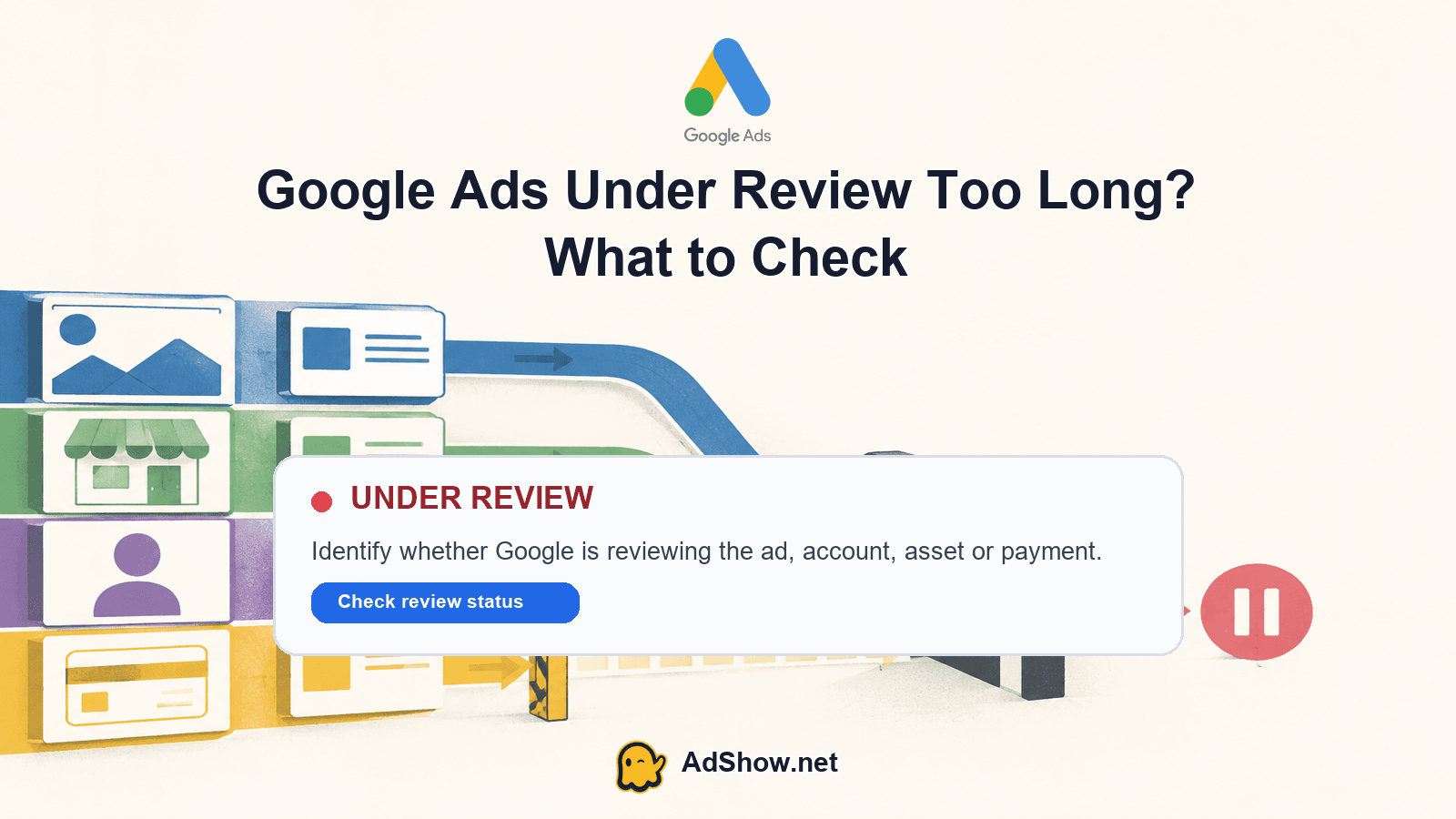
Table of contents
If a Google video ad is still under review
First confirm that the video ad itself says Under review. Do not infer an ad-review delay from zero impressions alone. Google says most ads are reviewed within one business day, more complex reviews can take longer, and changes to an ad or asset restart review. Its current guidance recommends checking status after two full business days and contacting support when a review lasts more than a week. See Google's ad review process.
Record the campaign, ad group, ad ID, asset ID and original submission time.
Check the video, thumbnail, headline, destination URL and companion assets as one review package.
Confirm the campaign and ad group are enabled; an eligible ad can still fail to serve for another reason.
Avoid repeatedly duplicating or editing the ad, because every change can restart review.
Escalate with IDs, timestamps and screenshots instead of opening multiple vague tickets.
If Google Ads is under review for longer than expected, first identify exactly what is being reviewed: an ad, an asset, the account, a payment profile or a broader enforcement action. Google says most ad reviews finish within one business day, although complex reviews can take longer (Google Ads ad review process). A long wait is therefore a reason to diagnose the status precisely—not evidence by itself that approval was denied. Check the affected item and its status, record when it entered review, and use Google’s official review-support workflow if the delay remains unresolved.
What “under review” actually covers
“Under review” is not one universal account condition. In Google Ads, an individual ad can be pending review while other ads continue through a different status. A responsive search ad, video ad or other campaign component may therefore be waiting even when the campaign itself is enabled. Google’s instructions for finding ad status also cover checking ads and assets, so inspect the row-level status rather than relying only on a campaign summary (find your ad status).
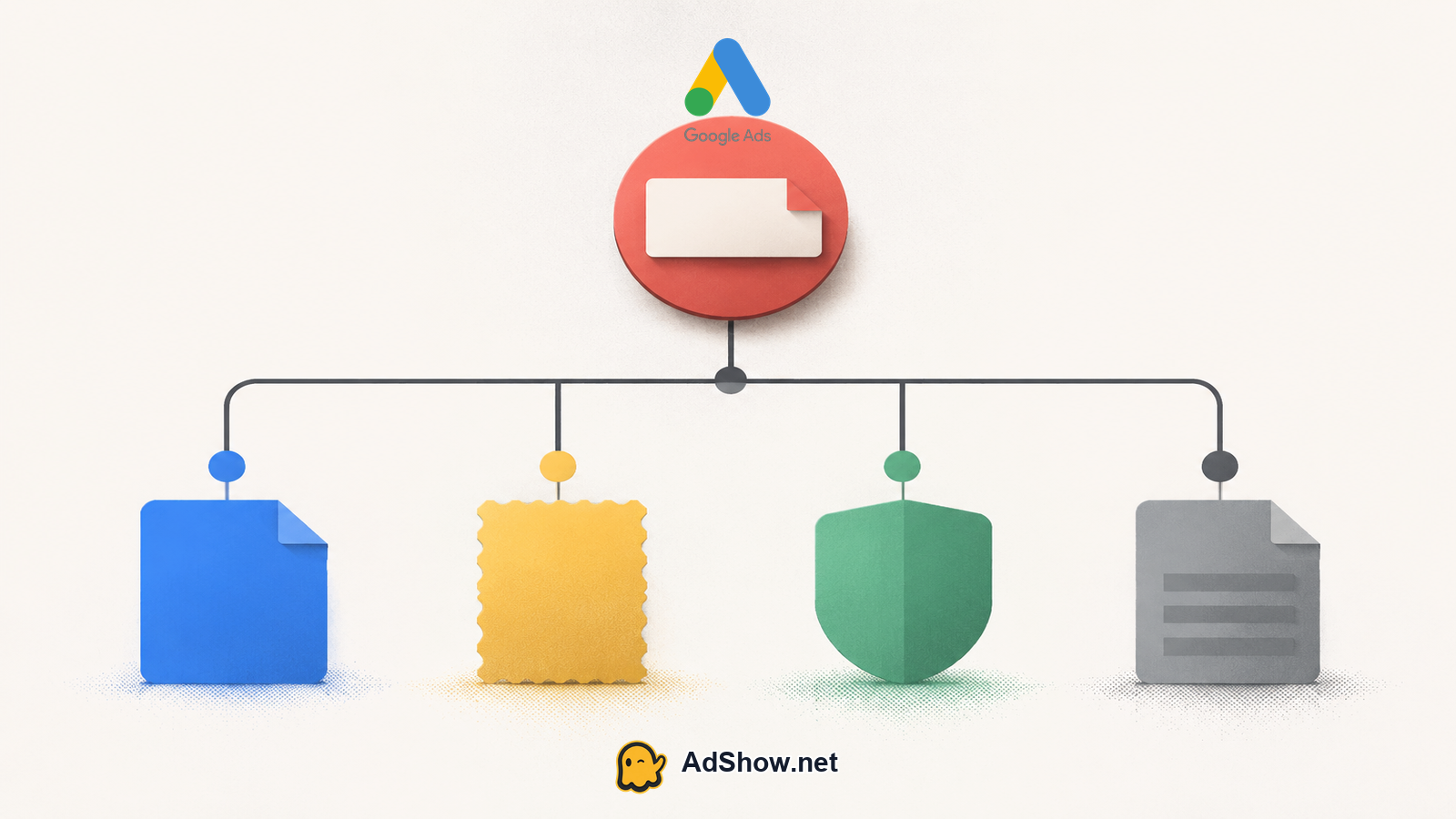
Ad status: the review applies to a specific ad or ad variation. Look at the ad-level status and any displayed policy or review message.
Asset status: a business name, logo, image, video or another attached asset may be under review even if the ad itself is not the item waiting.
Campaign status: a campaign can be enabled, paused or otherwise affected separately from the review state of its ads and assets.
Account status: an account-level restriction, verification request or suspension is broader than one ad review. Do not describe it as an ordinary ad queue without checking the account notice.
Billing or payment state: a payment or billing review is a separate branch. It can require different troubleshooting from an ad or asset review.
Platform enforcement: a policy action, suspension or other enforcement notice is not interchangeable with a pending review. Follow the notice and official appeal or support path shown in the account.
Start with the exact object and status
Open the campaign, ad group and ad view. Note which ads are actually marked “Under review,” and check whether the same state appears on every ad or only selected items.
Open the asset details separately. If a logo, business name or other asset is waiting, record that asset status rather than labeling the whole campaign as under review.
Check the account-level notifications, policy area and billing area. Look for wording that identifies verification, payment, suspension or enforcement instead of assuming the ad queue explains everything.
Record the review start time, affected IDs, recent edits and any displayed notification. Screenshots and exact wording make a support request more useful.
Compare delivery with status. No impressions alone does not prove a review is the cause; inspect campaign eligibility, bids, targeting, budget and other delivery layers before assigning blame. For a broader delivery check, see Google Ads zero impressions: check these 5 layers.
Harris Eugene’s operator note: Treat the status as a routing signal. If only one ad or asset is waiting, keep the investigation at that object level; if account, payment and enforcement notices also appear, open separate workstreams. This prevents a media buyer from repeatedly editing approved or unaffected components while the real blocker sits elsewhere.
Follow this ordered diagnostic path
Once the object is identified, work from the narrowest explanation to the broadest. This order reduces unnecessary changes and preserves a clear record of what happened.
Confirm the status in the interface. Use the ad or asset status view recommended by Google, not only a third-party reporting layer or an old screenshot (find your ad status).
Check whether the review is limited to one item. If other ads or assets have different statuses, do not treat the delay as an account-wide conclusion.
Read every notification for a separate account, verification, payment or enforcement issue. A pending ad review and a payment problem can coexist, but they should be documented and escalated as distinct issues.
Check for recent changes. Note edits to text, landing pages, targeting, business information and assets. Do not make repeated edits simply to force movement; preserve the current evidence and change only what your diagnosis supports.
Allow for the stated review window. Google says most reviews finish within one business day, while complex reviews may take longer (ad review process).
If the item remains pending beyond a reasonable operational threshold, use Google’s official support workflow for ads under review (support for ads under review). Include the customer ID, campaign and ad or asset IDs, start time, screenshots and the exact status wording.
If the evidence points to payment or verification rather than the ad queue, use the relevant specialist path and keep that issue separate. For related troubleshooting context, see Google Ads advertiser verification failed and Google Ads suspicious payment activity.
When is the delay actionable?
The useful question is not simply “How many days has it been?” It is “What object has been waiting, and what does the account say about it?” Google’s published guidance sets one business day as the usual completion period for most ad reviews but expressly allows longer complex reviews. That means a delay beyond one business day deserves closer checking, while duration alone does not establish an error or guarantee a particular outcome.
Community discussions show why status separation matters, but they are reports of symptoms rather than official explanations. One March 2026 Reddit post described all ads remaining under review for 12 days (reported discussion). A May 2026 post described business name and logo assets under review for six days (reported discussion). These reports can help you recognize a similar pattern, but they do not establish the cause of your account’s delay.
Need a different account-operation workflow after you have identified the review? Explore AdShow’s Google Ads agency-account options to view current offers and displayed fees, request an account and compare the funding workflow. Platform policy and Google’s review decisions always apply; AdShow cannot promise approval, higher limits, replacement, refunds or a policy bypass. Explore Google Ads agency accounts
Keep payment and enforcement separate
A payment status deserves its own evidence trail. Check the billing and payment area for a declined method, verification request, payment hold or other message. Do not infer that an ad is policy-compliant or non-compliant from a payment notice, and do not infer that a payment issue is resolved because an ad status changes. A June 2026 community post reported a payment review lasting more than a week, but it is anecdotal and does not define Google’s process or cause (reported payment discussion).
Enforcement is broader still. If the account displays a suspension, policy enforcement or other restriction, follow the instructions attached to that action. Do not create related accounts to evade a review, suspension or enforcement action. That can make the investigation harder and does not replace the required official process.
What to send when escalating
The customer ID and account email or administrator context requested by support.
The campaign, ad group, ad and asset IDs affected.
The exact status text, including whether it says ad, asset, account, billing or enforcement.
The date and time the status began, with the relevant time zone.
Screenshots showing the status and any notifications, with sensitive payment information redacted.
A concise timeline of edits, checks already completed and the specific question you want answered.
Questions from recent advertiser discussions
How long does a Google Ads review usually take?
Google says most ad reviews finish within one business day, while complex reviews may take longer. If the wait continues, confirm the exact object and use Google’s official support workflow for ads under review.
Why are my Google Ads still under review after one day?
A longer review may be associated with a complex review, but the duration alone does not identify the cause. Check whether the status applies to an ad, asset, account, payment state or enforcement notice before escalating.
Can a payment review cause ads to remain under review?
Do not assume that one status caused the other. Check billing and ad-status areas separately, record each message and route each issue through the relevant support path.
Should I create another Google Ads account during a review?
No. Do not create related accounts to evade a review, suspension or enforcement action. Follow the instructions attached to the affected account and use the official support or appeal process.
Sources and scope
Official documentation defines platform behavior. Recent community discussions are used only to illustrate reported symptoms and questions; they do not prove the cause of an individual account outcome.
Google Ads: ad review process — Official explanation that most ad reviews finish within one business day, while complex reviews may take longer.
Google Ads: find your ad status — Official status definitions and steps for checking ads or assets under review.
Google Ads: support for ads under review — Official workflow for checking and escalating an ad review.
Recent all-ads-under-review discussion — March 2026 report of ads remaining under review for 12 days; anecdotal only.
Recent payment-under-review discussion — June 2026 report of a payment review lasting over a week; anecdotal only.
Recent business asset review discussion — May 2026 report of business name and logo assets under review; anecdotal only.