Google Ads Suspicious Payment Activity: What to Check
A payment-first diagnostic guide for Google Ads accounts paused or suspended after suspicious or unauthorized payment activity is detected.

August 17, 2026
Table of contents
If Google Ads reports suspicious payment activity, stop changing payment methods and read the exact account notification first. Google may pause ads and ask questions about payment history or require confirmation of the payment method. A broader account suspension is more serious and may require advertiser or payment verification plus an appeal. The safest response is a documented match among the advertiser, payments profile, billing country, cardholder and transaction history—not another card added at random.
Paused ads and a suspended account are not identical
Google’s current policy page describes ads being paused when suspicious or unauthorized payment activity is detected. The in-account flow may ask the advertiser to answer questions about payment history and confirm a payment method. Google’s suspension overview separately lists suspicious payment activity among billing and payment reasons that may lead to suspension. Record the wording, date, account ID and available button. “Answer questions,” “Verify,” “Contact us,” and “Appeal” represent different workflows; using the wrong one can delay resolution.
Build a payment identity map before touching billing
List the legal advertiser, Google Ads account administrator, payments profile name and type, billing address, billing country and currency, cardholder, issuing country and recent transactions. They do not all have to be the same person in every legitimate business, but the relationship should be explainable and supported. A company card used by an employee-managed account is different from an unknown third-party card. If an agency or client pays, document the authorization and make sure the arrangement complies with the account’s contractual and tax setup.
Check whether the payments profile is Individual or Organization and whether that matches the available documents.
Confirm the cardholder name, billing address and issuer records are accurate.
Review declined authorizations, chargebacks, reversed payments and overdue balances.
Check whether the same card or payments profile is connected to other Google Ads accounts with unresolved issues.
Identify recent administrator, country, currency or payment-method changes.
Keep bank evidence and transaction references ready, but submit only through the official Google workflow.
Why adding another card can be the wrong first move
A second card may be useful as a legitimate backup when the first issuer declines recurring advertising charges. It is not a universal fix for a payment-risk review. Repeated card binding, inconsistent billing details or cycling through cards makes the history harder to explain. The best card for Google Ads is therefore not simply a card brand: it is a payment method eligible for the account’s country and setting, controlled by the advertiser, able to support required authentication and recurring charges, and funded for the expected billing threshold.
A disciplined response sequence
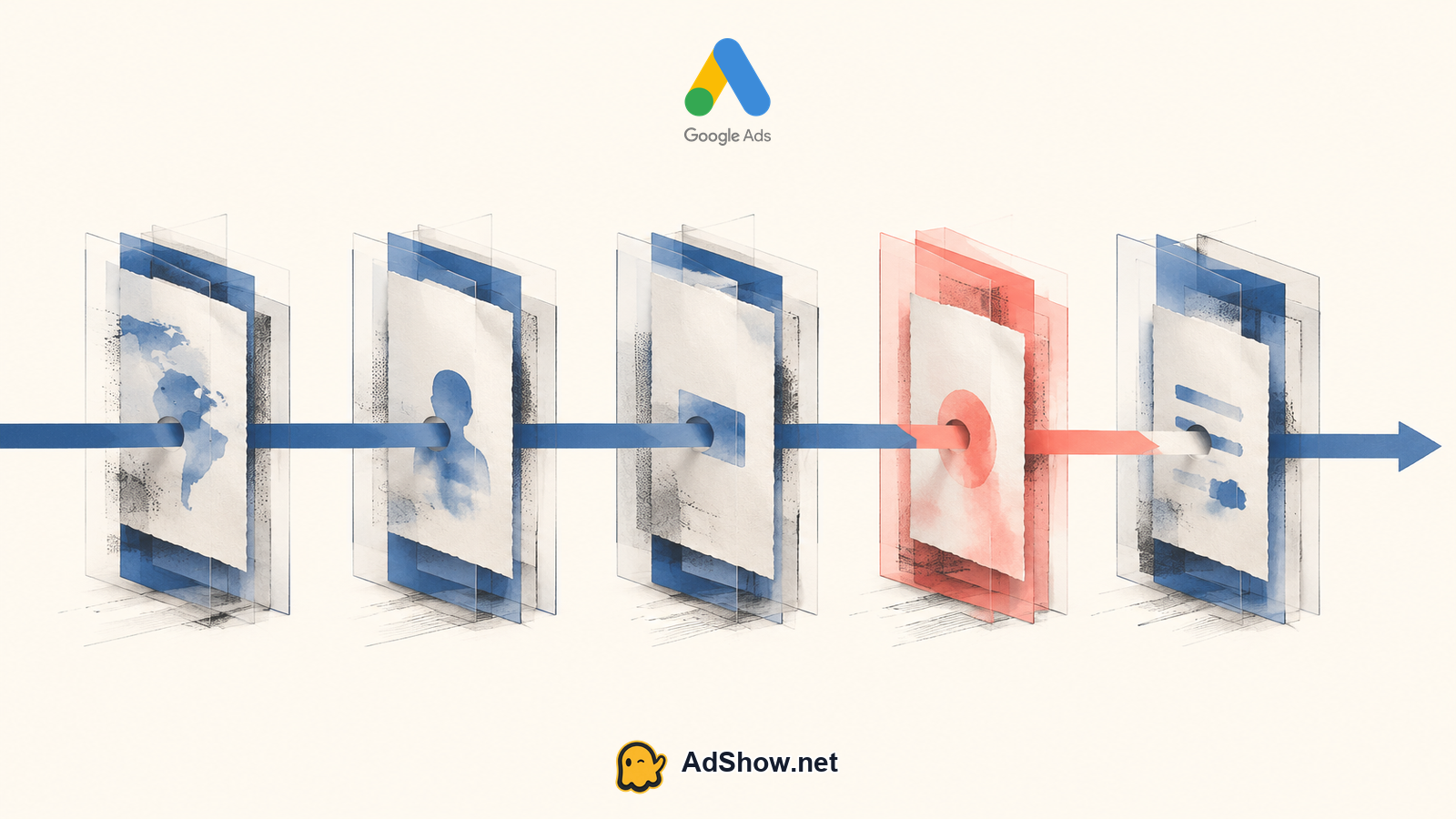
Export or record the notification and determine whether ads are paused or the account is suspended.
Review payment activity and match every recent charge, decline, reversal or chargeback to an internal record.
Correct factual billing errors only; avoid changing several identity and payment fields simultaneously.
Complete the in-account payment-history questions or payment-method confirmation when Google provides that route.
Complete advertiser verification if required, ensuring the organization or individual type matches the documents.
If an appeal is available, submit one complete, factual case and wait for the stated outcome before filing another.
Harris Eugene’s operator note: The most useful appeal file is not the longest one. I want a one-page chronology: who owns the account, who owns the payment method, what changed, which transaction failed and what was corrected. That is far easier to review than screenshots from five unrelated cards.
What if advertiser verification and payment verification conflict?
Some advertisers discover that the payments profile is configured as an organization while they only have individual documents, or the reverse. Do not fabricate company records or submit unrelated documents. Use the official support route to explain the account-type mismatch and ask what correction is available. Our guide to Google Ads advertiser verification failed covers the identity layer. Verification does not automatically erase a billing suspension, but an unresolved identity mismatch can prevent a coherent payment review.
Where an agency account changes operations—and where it does not
An agency account can change funding, access and support operations, but it does not make suspicious-payment enforcement disappear. Before funding, verify who owns the balance, how top-ups are recorded, which payment methods are supported, and what happens after a restriction. AdShow provides a self-service dashboard for reviewing offers, requesting accounts, topping up and reporting issues. Review Google agency ad account options only after the original payment issue is understood; do not use another account to evade a suspension.
For future media-buying operations, compare transparent funding and account-management terms before committing budget. Review Google agency ad account options
Do not turn a payment review into a circumvention problem
Creating related accounts while a suspension is unresolved, using cards you cannot document, changing identity details to force acceptance or submitting misleading appeals can escalate the problem. Google states that suspended accounts cannot advertise unless reinstated and that related accounts may also be affected. Resolve ownership, authorization and outstanding balances first. If the account cannot be reinstated, obtain clear guidance on the permitted next step rather than treating a replacement account as a technical workaround.
Questions from recent advertiser discussions
Why did Google flag a card that works everywhere else?
Google evaluates the advertising account and payment history, not only whether the issuer can authorize a purchase. The notification and verification flow determine the next step.
Should I remove the flagged payment method?
Not automatically. Preserve the evidence first and follow the in-account request. Removing it may make ownership or transaction verification harder.
How many appeals should I submit?
Submit one complete appeal at a time. Google warns that misuse of the appeals function can delay or suspend processing.
Can an agency account prevent suspicious payment activity suspensions?
No provider can guarantee that. A structured funding workflow may reduce operational confusion, but Google policy and risk enforcement still apply.
Sources and scope
Official documentation defines platform behavior. Recent community discussions are used only to illustrate reported symptoms and questions; they do not prove the cause of an individual account outcome.
Google: ads paused for suspicious payment activity — Official explanation of the pause, payment-history questions and possible payment-method confirmation.
Google Ads suspension overview — Official billing-related suspension causes, verification and appeal principles.
Recent suspicious-payment report — May 2026 individual report highlights payment-profile and card-linkage concerns; cause is not independently verified.
Recent payment-risk discussion — April 2026 community speculation about payment behavior; not authoritative evidence.