Outbrain Agency Ad Account: How It Works Before You Fund
An Outbrain agency ad account can provide a different operating arrangement, but it does not override Outbrain review, billing rules or advertising policies. Before funding, verify who controls access, how eligibility is assessed, where money is deposited, which fees appear in the dashboard, how delivery issues are handled, and whether you can inspect tracking and reports. This buyer guide separates the agency-provider workflow from Outbrain’s own approval and enforcement decisions.

August 18, 2026
Table of contents
Before you fund an Outbrain agency ad account, verify the operating arrangement instead of treating it as a shortcut to approval or cheaper traffic. Ask who provides access, who controls the account, where your money is recorded, which fees apply, and who handles reviews, billing issues and enforcement. Outbrain’s platform rules and decisions still apply. A provider may help with access and account operations, but it cannot guarantee lower CPC, unrestricted verticals, no bans, unlimited spend, replacement, refunds or a policy bypass. Review current Outbrain agency account offers and terms as a starting point, then confirm the specific terms before paying.
What an Outbrain agency ad account actually is
An agency ad account is best evaluated as a provider-managed advertising arrangement, not as a separate approval standard. Outbrain is a native advertising platform; campaigns may still be submitted to, reviewed by and delivered through its advertising systems. The provider may supply an account environment, explain its operating process, handle provider-side top-ups or assist with issue reports. The control boundary is important. The provider controls its offer, access workflow, provider fees, internal ledger and support decisions. Outbrain controls review of its own platform content, delivery eligibility, enforcement and any direct platform billing rules. A provider can decide whether to accept your request, but it cannot decide whether Outbrain approves a campaign or continues delivery. Keep those decision layers separate during due diligence.
Checklist 1: access and operating permissions
Request the exact access method before funding: direct dashboard access, invited user access, shared credentials or provider-submitted changes.
Identify the people or business that can create, edit, pause and delete campaigns, creatives, audiences, pixels and conversion settings.
Confirm whether your team can see campaign history, account notices, spend, payment records and support communications.
Ask whether access is limited by geography, role, working hours, approval queues or provider review.
Get written terms for account suspension, campaign pausing, access removal, replacement requests and unused balance handling.
Checklist 2: eligibility and policy review
Outbrain’s first-campaign guidance covers registration, matching the account country to billing information, pixel installation and first campaign setup. Review those requirements against your own business details rather than assuming an agency arrangement changes them. Ask the provider to screen the vertical, offer, landing page, claims, advertorial structure and target countries before funding. That screening is a provider step, not Outbrain approval. Outbrain states that submitted content must follow its advertiser guidelines before approval in its content review guidance. An account arrangement therefore does not remove the possibility of rejection, restricted delivery or later enforcement. Avoid providers that present agency access as a way to evade policy. Ask what happens if Outbrain requests edits, rejects a creative, limits delivery or reviews the account after spend begins. A recent agency-account discussion illustrates buyer questions about ownership and access, but it is anecdotal, cross-platform and not evidence of Outbrain outcomes.
Checklist 3: funding location, fees and balance records
Locate the payment destination: determine whether funds are entered in an Outbrain billing area, transferred to a provider balance, or recorded in both places.
Request a complete fee schedule covering provider access, deposits, currency conversion, payment processing, campaign management, withdrawals, refunds and any minimums.
Confirm whether the displayed balance is a prepaid balance, available credit, an internal provider ledger or an amount shown by Outbrain.
Ask how top-ups are acknowledged, when they become usable, and whether receipts, transaction IDs or payment-history records are available.
Define what happens to unused funds after a campaign pause, account restriction, provider termination or requested refund.
Harris Eugene’s operator note: Operator note — Harris Eugene: The most useful pre-funding test is reconciliation. Ask the provider to show how one deposit would appear from payment confirmation through usable campaign balance and final spend. If it cannot explain which record controls, which fees are deducted, or how a disputed amount is investigated, treat that as an operational gap—not proof of misconduct, but a reason to delay funding.
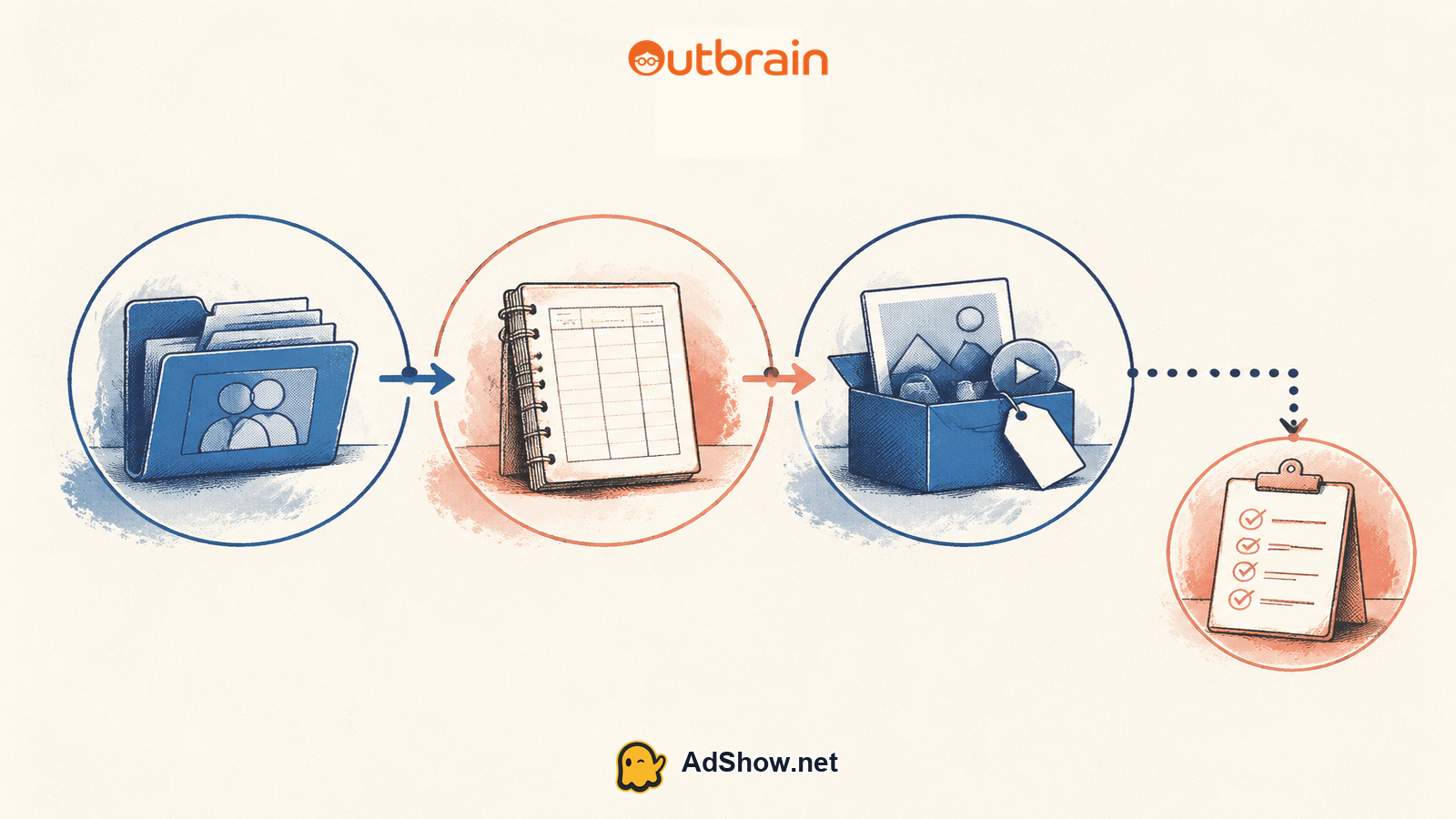
Checklist 4: delivery versus billing and enforcement
Separate campaign delivery from account finance. A campaign can be active but not spending because of budget settings, review, billing conditions, account issues or other delivery factors. Outbrain’s campaign-status guidance distinguishes campaign status from reasons a campaign may not deliver, so a status label is not a promise of traffic. Ask who investigates each problem. The provider may diagnose access, provider-balance or submission issues, while Outbrain controls its own review outcomes, delivery eligibility and platform enforcement. If a payment fails or an account is disabled for a finance-related reason, consult Outbrain’s finance-error troubleshooting guidance for the platform’s stated payment and account considerations; do not assume the provider can override them. Establish the escalation path for rejected creatives, delayed review, sudden delivery changes, failed payment and account restriction. Ask what information will be shared with you. No party should promise a successful appeal, restored spend or permanent availability.
Checklist 5: pixels, tracking and report access
Confirm who installs and verifies the Outbrain pixel and whether the website owner retains access to the relevant code or tag manager.
Check which conversion events, attribution settings and third-party pixels can be viewed or changed. Outbrain’s account-settings guidance describes account-level campaign, content, conversion and pixel settings.
Ask whether campaign, conversion and placement reports can be exported directly by your team.
Verify that tracking uses your correct domains, redirects, UTM parameters and consent setup, where applicable.
Run a test conversion before scaling and compare the provider’s balance report with campaign and analytics records.
Ready to compare an Outbrain agency ad account? Review the current offer details, pricing context and operating terms on AdShow, then request only the arrangement that matches your access, funding and support requirements. Treat the listed terms as something to verify before you deposit money. review current Outbrain agency account offers
How to make a funding decision
Fund only after the five checklist areas produce specific, testable answers. Start with an amount appropriate to the written terms, preserve invoices and screenshots, and record the starting balance, fees and campaign instructions. Outbrain’s pricing and billing guidance explains its CPC and billing-model considerations, including payment history and possible card-processing fees; compare those platform records with any separate provider charges. Do not use initial results to assume future approval or unlimited scaling. CPC and delivery depend on campaign settings, auction conditions, audience, creative, budget, review and account status. A credible provider should explain its role without claiming control over Outbrain decisions. It should identify the records you can inspect, distinguish provider support from platform approval, and state what happens during restriction or termination. If ownership, access, fees, balance treatment, tracking responsibility or enforcement escalation remains vague, pause the purchase and request clarification in writing. The objective is not to find a guarantee; it is to reduce avoidable uncertainty before money and campaign data enter the workflow.
Questions from recent advertiser discussions
Does an Outbrain agency ad account guarantee approval?
No. The provider may offer access under its own terms, but Outbrain still applies its advertiser, content, landing-page, billing and account policies. Approval and continued delivery remain platform decisions.
Can an agency account prevent an Outbrain ban?
No. An agency arrangement does not guarantee unrestricted use or immunity from review, restriction or enforcement. Ask how the provider handles notices, pauses, appeals and unused balances before funding.
Will an Outbrain agency account always provide cheaper CPC?
No. CPC and delivery depend on campaign and auction conditions, targeting, creative, budget, review and account status. Account type alone is not evidence of a lower CPC.
What should I verify before adding funds?
Verify access permissions, policy screening, funding location, displayed fees, balance records, delivery escalation, pixel ownership, conversion settings and report access. Keep written terms and test reconciliation before scaling.
Sources and scope
Official documentation defines platform behavior. Recent community discussions are used only to illustrate reported symptoms and questions; they do not prove the cause of an individual account outcome.
Outbrain: first campaign setup — Official advertiser onboarding guidance on registration, matching the account country to billing information, pixel installation and first campaign setup.
Outbrain: campaign status — Official distinction between campaign status and delivery reasons including budget, review, billing and account issues.
Outbrain: pricing and billing model — Official CPC, threshold-charge, payment-history and credit-card processing-fee guidance.
Outbrain: account settings — Official guidance on account-level campaign, content, conversion and third-party-pixel settings.
Outbrain: content review guidance — Official guidance that submitted content must follow advertiser guidelines before approval; used for policy and review statements.
Outbrain: finance-error troubleshooting — Official finance-error guidance on payment details, card information and account disable reasons.
AdShow FAQs — First-party AdShow information used only for its listed dashboard, account-request, top-up and support workflow descriptions.
Recent agency-account discussion — February 2026 cross-platform buyer discussion showing that ownership, Page access and operating terms are recurring agency-account questions; anecdotal only.