What To Do When Your SnapChat Ad Account Is Disabled in 2026
A disabled Snapchat ad account can bring a campaign to a complete stop. Ads stop delivering, learning data is interrupted, scheduled launches are missed, and prepaid funds may become difficult to access while the account is under review.

August 6, 2026
Table of contents
Snap reviews advertising content, business information, payment activity, and account behavior. A rejection is not always a permanent suspension, but ignoring repeated warnings can quickly damage the account.
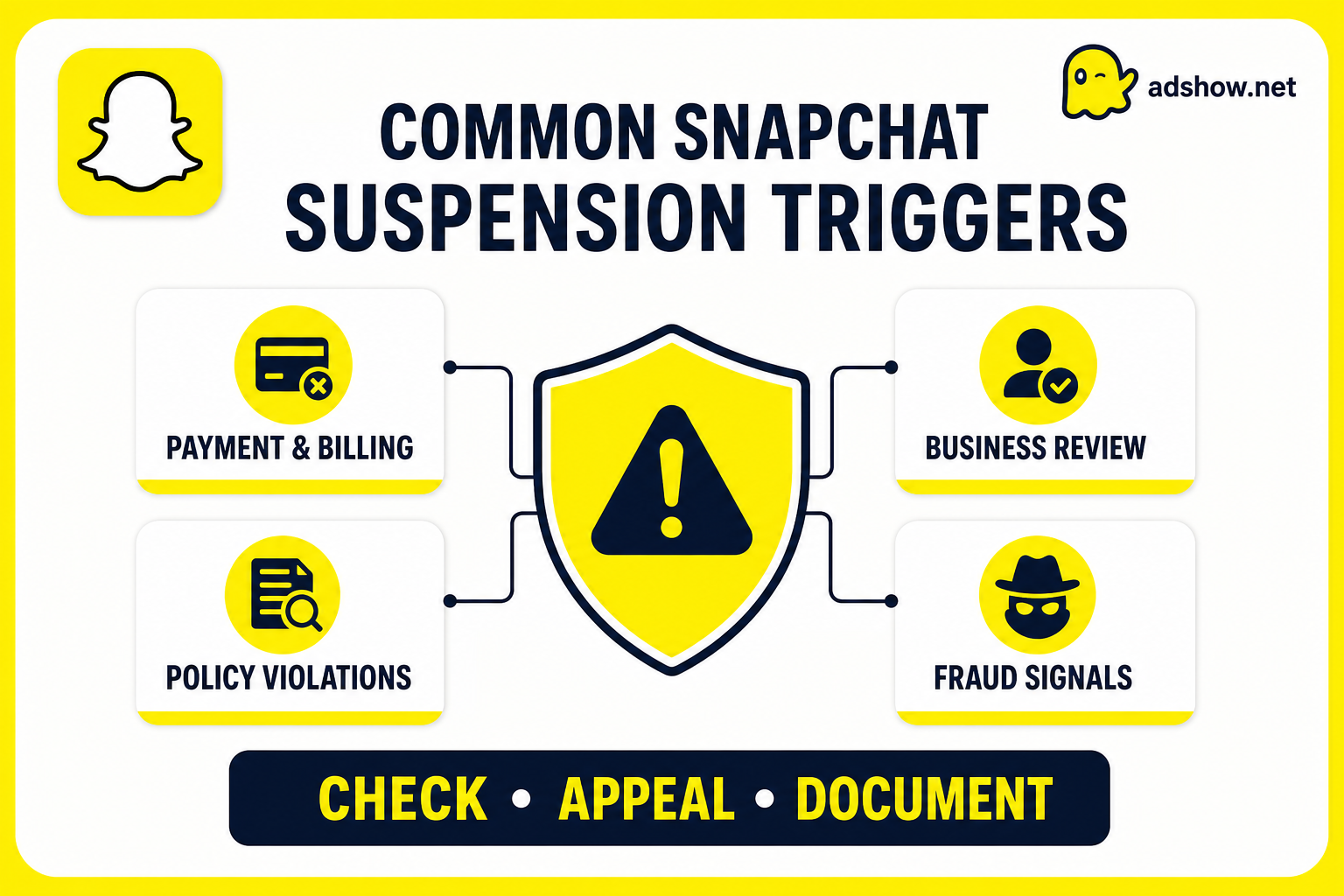
Why Snapchat ad accounts are suspended
1. Payment and billing problems
Payment failures are one of the most frustrating causes because the ad itself may be fully compliant. Common triggers include:
A declined or expired card.
An unpaid balance.
Repeated card changes.
Chargebacks or disputed transactions.
A payment method that does not match the business or account region.
Unusual billing activity.
Snap requires a payment method before an ad account can launch campaigns. Its account setup guidance explains the relationship between account setup, billing, and campaign access.
Before appealing, check the billing page, settle outstanding balances, and confirm that the payment details are accurate.
2. Business or Public Profile issues
Snapchat advertising is connected to a business account and Public Profile. Problems can occur when:
The business name is inconsistent across documents and the website.
The Public Profile is incomplete or misleading.
The website does not clearly identify the advertiser.
Business information changes repeatedly.
The account is created in a country or currency that does not match the actual operation.
A simple profile or business-information mismatch can create delays during review.
3. Policy violations in the creative
Snapchat reviews every ad before it goes live. Typical problems include:
Misleading claims or exaggerated results.
Unclear pricing or hidden conditions.
Before-and-after imagery without adequate context.
Fake urgency, fake reviews, or deceptive buttons.
Sexual, violent, shocking, or inappropriate creative.
Content that is unsuitable for Snapchat’s younger audience.
Snap’s official ad-review guidance recommends checking the rejection reason, editing the creative, and resubmitting it when appropriate. Read Snapchat’s ad review process.
4. Landing-page and destination problems
A compliant video can still lead to a disabled account if the destination creates a poor or deceptive user experience. Common issues include:
Missing privacy policy, terms, refund policy, or contact details.
A landing page that does not match the ad.
Broken redirects or slow mobile loading.
A checkout page that hides the seller identity.
Pop-ups that prevent users from reaching the advertised offer.
A domain that changes after the ad has been approved.
Review the full path from swipe-up to checkout. Do not focus only on the ad preview.
5. Restricted or sensitive verticals
Snapchat applies additional scrutiny to areas such as supplements, health products, financial services, crypto, gambling, dating, cosmetics, and lead generation.
The rules can also vary by country. Before launching, confirm:
Whether the product is allowed in the target market.
Whether Snap requires documentation or pre-approval.
Whether age restrictions are necessary.
Whether the offer contains medical, financial, or income claims.
Whether the landing page contains all required disclosures.
6. Fraud and suspicious account signals
Snap has a strong focus on preventing fraudulent advertising. An account can be flagged for behavior that appears evasive or coordinated, including:
Creating multiple accounts after enforcement.
Using inconsistent devices, locations, domains, or payment profiles.
Rapidly changing business details.
Reusing rejected creatives with minimal changes.
Attempting to bypass a previous restriction.
Receiving repeated complaints or negative user reports.
Snap states that it takes action against advertisers who violate its terms and fraud-related policies. See Snap’s brand-safety overview.
7. Repeated rejections
Repeatedly submitting almost identical ads can make the account’s health worse. If an ad is rejected, identify the actual problem instead of changing only the headline or thumbnail.
Often the offer, script, landing page, and targeting need to be reviewed together.
What to do after your Snapchat ad account is disabled
Step 1: Read the exact notice
Save the suspension message and identify whether Snapchat refers to:
An ad-level violation.
A business-account problem.
A payment issue.
Suspicious activity.
A broader account-policy violation.
The wording of the notice determines your next move.
Step 2: Pause unnecessary activity
Avoid opening replacement accounts, changing payment methods repeatedly, or editing business information while the review is pending. These actions may create additional inconsistencies.
Step 3: Audit the whole funnel
Review the creative, caption, call to action, Public Profile, landing page, checkout, payment method, and tracking setup. Make sure the same business identity appears everywhere.
Step 4: Correct the underlying issue
Remove unsupported claims, repair broken links, add missing disclosures, resolve billing problems, and update the destination page. Keep screenshots of every correction.
Step 5: Submit a clear appeal
A useful appeal should be factual and specific. Explain:
What the business sells.
Which market is being targeted.
Why the account may have been flagged.
What changes have been made.
Which documents or links support the explanation.
Avoid emotional messages, vague promises, or multiple duplicate submissions.
Step 6: Wait for the review
Do not assume that a new account will solve the problem. If Snapchat connects the new account to the same business, domain, payment profile, or device pattern, it may be restricted as well.
Where Adshow.net may help
If you have reviewed the ads, corrected the website, resolved payment and business issues, and still cannot successfully appeal, Adshow.net can provide a Snapchat Ad Agency account as an alternative advertising setup.
This option should be used for eligible, policy-compliant campaigns—not to bypass Snapchat enforcement. Confirm the accepted vertical, target GEO, funding process, account permissions, and replacement terms before launching.
Final takeaway
The biggest Snapchat suspension pain is uncertainty: advertisers often do not know whether the real problem is the creative, the landing page, the payment profile, or the business identity.
The safest recovery process is to document the notice, audit the complete funnel, correct the underlying issue, and submit one honest appeal. If every legitimate recovery attempt fails, a suitable Snapchat agency account can provide a more stable operational starting point for future compliant campaigns.