Snapchat Ad Account Suspended After Approval? What to Check
A Snapchat ad account can pass initial review and still be suspended later. Use this incident-reconstruction checklist to separate ad rejection, account enforcement and payment issues before appealing.

August 23, 2026
Table of contents
If your Snapchat ad account was suspended after approval, first identify what actually stopped working. A rejected ad means one creative or destination failed advertising review. A suspended account means access or campaign delivery has been restricted at the account level. A payment hold or failed charge can also stop delivery without proving a policy violation. Snapchat’s approval of an earlier ad is not a permanent clearance: later review can consider the live campaign, landing page, business details, billing activity and category context. Reconstruct what changed after approval, preserve the relevant evidence, fix any clear issue, then use Snapchat’s available review or appeal path rather than opening replacement accounts.
Start with the scope test
The first mistake in a Snapchat ad account suspension investigation is treating every delivery problem as the same event. Record the exact message shown in Ads Manager, the time it appeared and which functions remain available. The distinction determines what evidence matters.
Rejected ad: One ad, creative, product or destination was not approved. Other ads or account functions may still work. Snapchat explains that advertising review is separate from approval of organic content, and ads must meet its advertising policies.
Suspended ad account: Multiple campaigns may stop, new ads may be blocked, or account access may be restricted. This is an account-level enforcement signal, although the visible message may not identify the exact trigger.
Payment hold or failed billing: Delivery may pause because a charge failed, a payment method needs attention or an account balance is restricted. That condition does not, by itself, establish that the account violated an advertising rule.
Screenshot the notice, account status, billing screen and affected campaign before changing anything.
Check whether the restriction applies to one ad, one campaign, the ad account, the business profile or the payment method.
Compare delivery, approval and billing status across campaigns instead of relying only on the last error banner.
Ask whether the account is inaccessible or whether the account is accessible but unable to deliver. Those are different operational problems.
Reconstruct what changed after approval
An approved ad can be followed by a later suspension because approval is a review decision at a particular point in time, not a guarantee that every later state of the campaign is compliant. Build a short timeline from the last known approval to the restriction. Include the ad version, launch time, edits, targeting, spend, payment events, domain changes and any support messages.
Look for changes that may have created a new review surface: a headline edit, a new thumbnail, a different landing-page path, a redirect, a price or offer change, a new payment card, a business-name mismatch or a sudden change in volume. Also check whether the campaign began serving in a category or location that was not part of the original test.
The available community evidence is useful for vocabulary, not certainty. An April 2026 Reddit report describes a verified business whose Snapchat account was suspended after a campaign launched. That report supports the symptom pattern, but it cannot establish the cause or show that the same trigger applies to every advertiser. Another April 2026 discussion mentions a mid-campaign policy review involving before-and-after imagery; it is an anecdote, not an official rule or guaranteed diagnosis.
Check category eligibility before editing copy
Review the product, service and offer against Snapchat’s current Advertising Policies. Start with the category, not just the wording. Some categories may be prohibited, restricted by market, subject to age or targeting limits, or dependent on required disclosures and documentation. A compliant-looking creative cannot make an ineligible offer eligible.
Write down the actual offer being sold, who can buy it, where it is available and what the advertiser is asking users to do. Affiliates should verify the underlying merchant, redirect chain and authorization to promote the offer. If the campaign changed from lead generation to a direct purchase, subscription or financial action, reassess the category and destination rather than assuming the earlier approval covers the new flow.
Identify whether the product falls into a restricted or sensitive category.
Check country, age, audience and targeting requirements for the markets used.
Confirm that required licenses, disclaimers or approvals exist and are available if requested.
Stop making new policy-sensitive edits until the incident record is complete.
Audit the creative and every claim
Review the exact asset that ran, not only the file currently saved in your creative library. Compare the approved version with the delivered version, including text overlays, captions, thumbnails, sounds, calls to action and any dynamically inserted fields. Claims can become misleading through implication even when no sentence is literally false.
Pay particular attention to guarantees, urgency, implied income, health or appearance outcomes, testimonials, before-and-after presentation, exaggerated discounts and claims that depend on missing conditions. Snapchat’s policy assessment may consider the whole ad experience, so a disclaimer placed only on the landing page may not cure an unsupported promise in the creative.
Do not infer a universal rule from one advertiser’s experience. A before-and-after image may be relevant to a review, but the community report does not prove that this format caused every similar suspension. Mark each suspected issue as confirmed, plausible or unknown. That keeps the appeal factual and prevents speculative admissions.
Inspect the landing page and tracking path
Open the destination as a new visitor on mobile and follow the full path from the Snapchat click to the final offer. Check the advertised product, price, availability, terms, contact details and brand identity. The page should not contradict the ad, conceal material conditions, force an unexpected redirect or make claims that the ad avoided.
Save screenshots and a screen recording of the page, checkout or lead form, terms, privacy notice and contact information.
Test the final URL, tracking parameters, redirects and deep links in a clean session.
Check whether geolocation, device type or cookies produce a materially different offer from the one reviewed.
Confirm that the domain, business name and advertised brand are consistent across the ad and destination.
Review third-party scripts, pop-ups and automatic downloads that could make the experience appear misleading or unsafe.
Verify business identity and billing
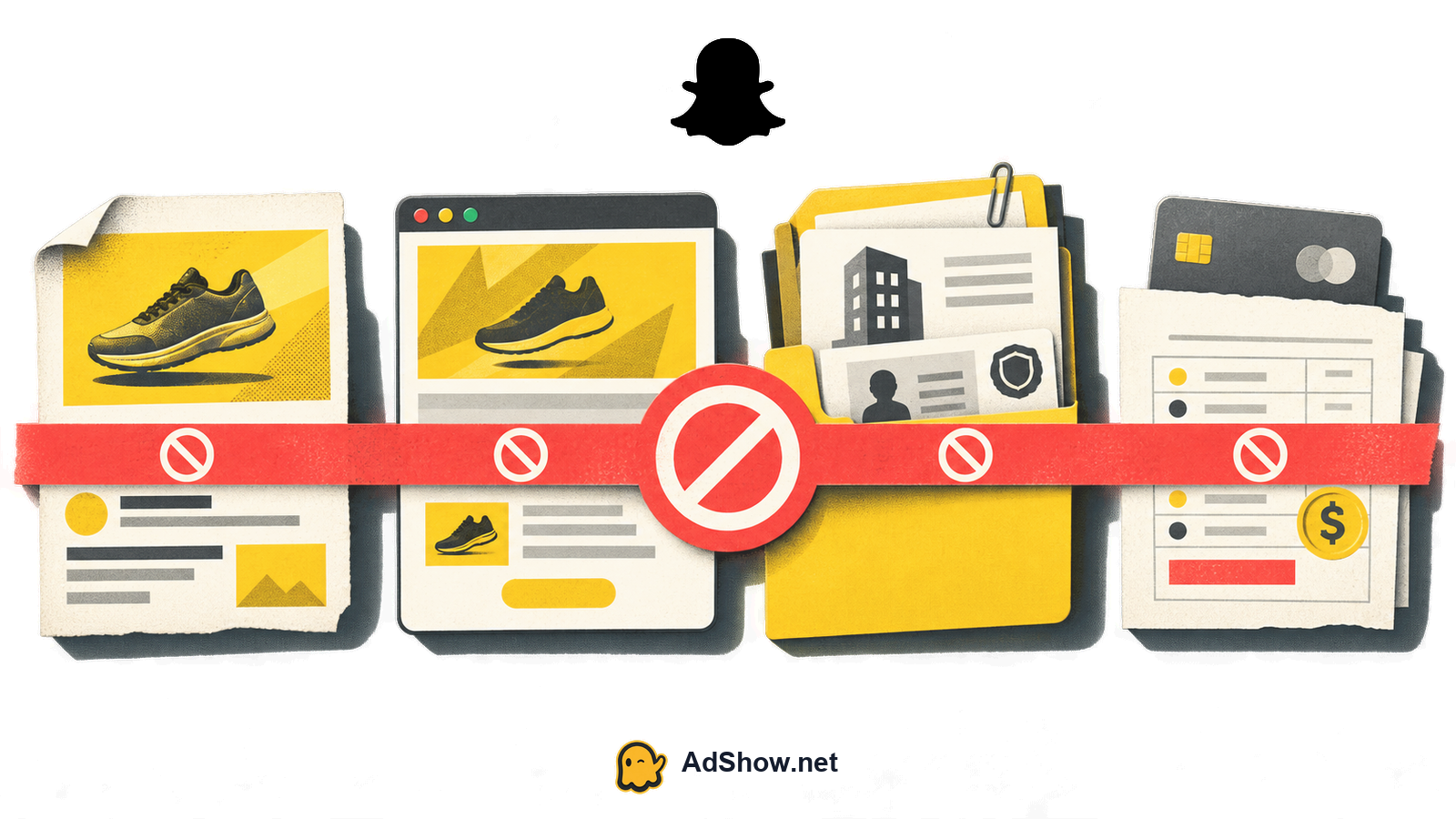
Next, compare the business identity shown in Snapchat with the entity behind the domain, payment method and offer. Differences do not automatically prove wrongdoing, but unexplained differences make an account review harder to resolve. Record the legal or trading name, website ownership, contact email, billing profile, agency relationship and the person authorized to manage the account.
Billing deserves a separate check because a payment problem can resemble enforcement. Review declined charges, expired cards, spending limits, chargebacks, unusual payment attempts and recent changes to the funding source. If the account is active but campaigns show payment errors, consult this Snapchat payment-failure checklist. Do not describe a payment hold as a policy suspension unless the platform’s notice actually says so.
Harris Eugene’s operator note: **Harris Eugene operator note: Treat the first visible notice as a symptom, not a diagnosis. In practice, the highest-value action is preserving the exact account, campaign, creative, destination and billing state before making edits; otherwise you may erase the comparison needed to explain what changed.**
Build an evidence pack before appeal
An appeal is more useful when it gives the reviewer a compact, verifiable record. Do not send a long theory about automated systems or cite another advertiser’s outcome. Explain what happened, what you checked, what you changed if appropriate and what remains uncertain.
Account ID, business name, domain and the exact suspension or review message.
A dated incident timeline covering approval, launch, edits, delivery changes and restriction.
Screenshots or exports of the ad, targeting, destination, policy-sensitive claims and account status.
Landing-page evidence, including redirects, terms, privacy information and final checkout or lead flow.
Billing records showing payment status, recent funding changes and any failed or disputed transactions.
Relevant licenses, authorization, business documentation or category disclosures, with sensitive information minimized where possible.
A concise remediation statement that separates confirmed facts from suspected causes.
Submit through Snapchat’s official support or review route associated with the notice. Keep the wording measured: ask for clarification or review, identify the evidence, and avoid promising that the account is risk-free. Do not create replacement accounts, alter identity details, use proxies or anti-detect browsers, or otherwise attempt to evade enforcement. Those actions can complicate ownership and policy review.
Decide whether access is the real problem
Only after the scope test and incident reconstruction should you decide whether an account-access solution is relevant. If the landing page, offer, creative or billing setup is the underlying problem, changing the account does not fix it. A supplied agency account also remains subject to Snapchat’s policies and review processes.
If your funnel and compliance work are complete but you need a separate operational route for future media buying, you can review AdShow’s Snapchat agency advertising account option. AdShow is a self-service platform whose dashboard supports account requests, offer and pricing visibility, top-ups and issue reports. Treat it as an operational option, not a promise of approval, recovery, delivery, refund, performance or policy bypass. Check the current dashboard information and your own eligibility before proceeding.
If access is the confirmed constraint—not a policy, funnel or billing defect—review the available Snapchat agency-account route and keep your compliance evidence ready. review Snapchat agency advertising accounts
Questions from recent advertiser discussions
Why was my Snapchat ad account suspended after one ad was approved?
Approval applies to the reviewed ad and context at that time; it does not guarantee permanent account clearance. Later review may consider the live creative, destination, category, identity or billing activity. The available evidence may identify timing but not prove the exact trigger.
Does a rejected Snapchat ad mean the whole account is suspended?
No. A rejected ad is normally narrower than an account suspension, while a payment hold can also stop delivery. Check the exact notice and whether other campaigns, account functions and billing tools remain available.
Should I open a new Snapchat ad account after a suspension?
No. Do not create replacement accounts or change identity details to evade enforcement. Preserve the incident record, correct confirmed issues and use Snapchat’s official support or review process.
Can an agency Snapchat account solve a suspended account?
It can be an operational option only when access is the genuine constraint and the offer, creative, destination, identity and billing setup are compliant. It cannot guarantee approval, recovery, delivery or exemption from Snapchat’s policies.
Sources and scope
Official documentation defines platform behavior. Recent community discussions are used only to illustrate reported symptoms and questions; they do not prove the cause of an individual account outcome.
Snap Advertising Policies — Current official rules governing advertiser responsibility, restricted categories, creative and destinations.
Snapchat: why an ad was rejected — Officially distinguishes advertising review from approval of organic content and explains that ads must meet advertising policies.
Recent advertiser report: account suspended after launch — April 2026 individual report of a verified business whose ad account was suspended after a campaign launched; it documents the symptom, not a universal cause.
Recent advertiser report: mid-campaign policy review — April 2026 anecdote describing a mid-campaign policy review involving before-and-after imagery; not an official rule or guaranteed diagnosis.