Bing Ads Account Blocked After Signup? Appeal Checklist
A Microsoft Ads account can be blocked before its first campaign is created. That does not prove that a proxy, browser or payment method caused the decision—and it is not a reason to create another account. Treat the block as an account-access and trust-review problem: preserve the notice, verify your business and payer details, remove avoidable session-risk signals, then submit one evidence-led appeal or support case.

August 11, 2026
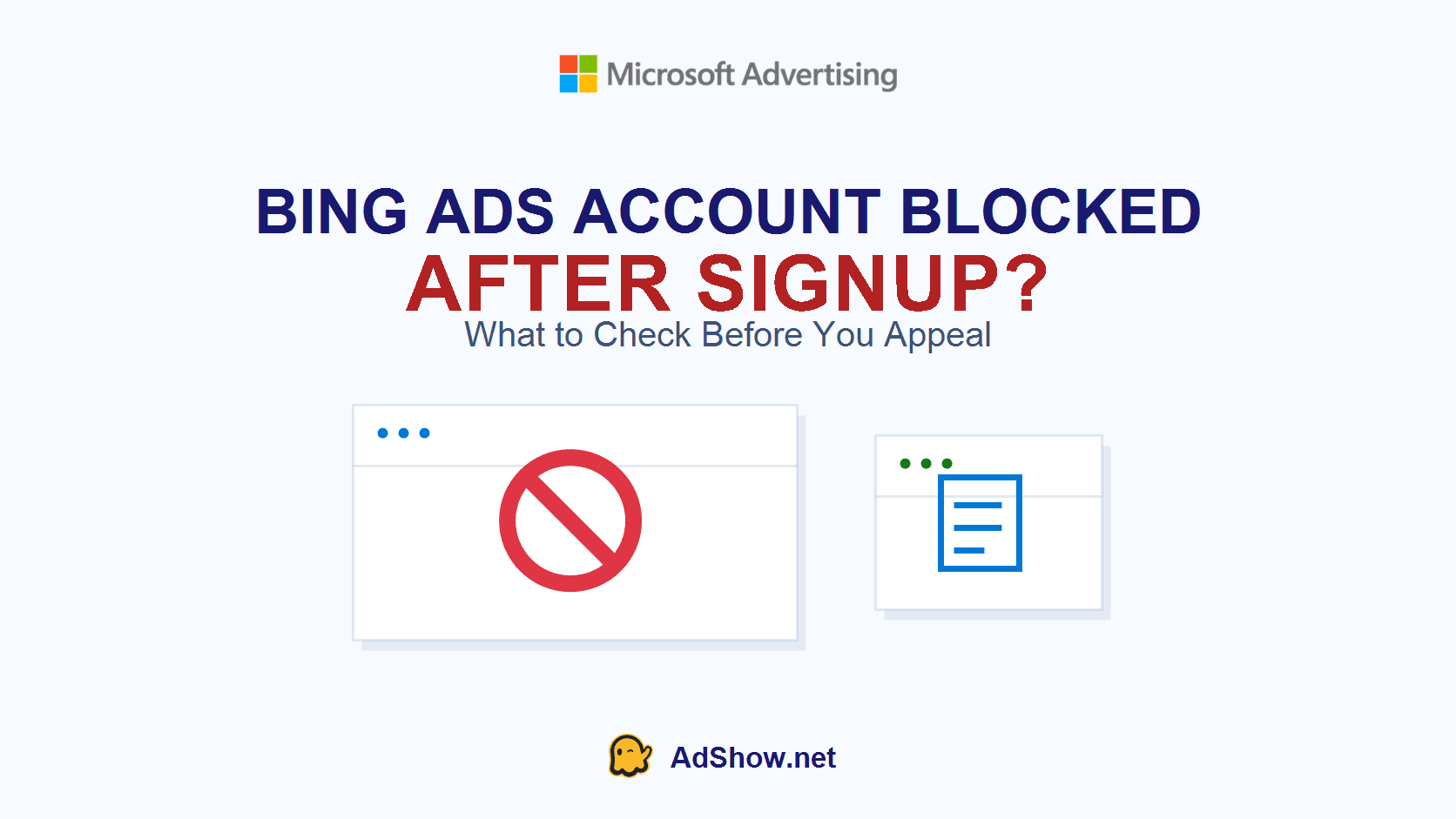
Table of contents
The short answer: do not try to “start over”
If Bing Ads blocked a new account immediately after registration, there may be no campaign, keyword or ad copy to fix. The useful first question is whether Microsoft is asking for advertiser identity verification, reporting unusual activity, or referring to a policy/security suspension. Save the exact notice and email first. Then make your business identity, website, billing details and appeal narrative consistent.
Microsoft’s own account-access guidance says that an access-block message can mean the account is suspended for security or policy reasons; its prescribed path is to review possible violations and appeal through the portal or contact Support. The same guidance also says to disable a VPN or proxy when troubleshooting a session-expired or timed-out sign-in—not to use one to work around a restriction.
Need a transparent account-operations workflow after your eligibility is clear? Explore Microsoft/Bing agency ad account options at AdShow. AdShow lets buyers request accounts, manage top-ups and report account issues in a dashboard instead of relying on scattered chat messages.
Two recent reports: blocked before any ad could run
This problem is visible in recent public discussions. They are not proof of a single Microsoft-wide trigger, and neither thread can identify why every account was blocked. They do show why a generic appeal such as “I did nothing wrong” is weaker than a short evidence timeline.
In a July 2026 Microsoft Q&A question, a new home-services advertiser said the account was immediately suspended before the account could be used, despite submitting requested documentation. The community response focused on consistent business, website, billing and contact details plus a manual review.
In a June 2026 r/PPC discussion, an advertiser said the account was banned within roughly 24 hours with no campaign set up. The reported notice listed broad categories including identity misrepresentation, deceptive content, bypass attempts and new accounts created to evade enforcement. A Microsoft employee participating in the thread pointed to advertiser verification and focused escalation.
The shared lesson is narrow but important: a new account can be reviewed on the information and signals available at onboarding. Your job is to make the real advertiser easy to verify—not to guess a hidden reason or generate new signals by repeatedly registering.
Why a brand-new Bing Ads account can be blocked
Microsoft does not publish a checklist that explains every individual suspension. Do not claim certainty from a generic notice. However, its public documentation makes several areas worth checking: advertiser identity verification, the accuracy of advertiser and payer information, the security of account access, and compliance with advertising policy.
Microsoft states that some accounts can be selected for Advertiser Identity Verification (AIV), and that ads may not serve until verification succeeds in certain risk-related situations. Its verification documentation also distinguishes business from individual verification and explains that the legal name, documentation and selected verification path need to match the advertiser’s situation. Microsoft’s current AIV appeal documentation says failed verification may be appealed, but an appeal should be reviewed carefully because it is limited.
For a legitimate new advertiser, common evidence gaps to inspect are simple: the legal business name does not match the website or payment profile; the website lacks clear contact, product/service, privacy or refund information; a domain email is unavailable; the billing country and business location do not line up; or the person submitting verification cannot demonstrate their connection to the business. None of these automatically explains a block. They are the first facts to reconcile before appeal.
Proxy, VPN and anti-detect browser: what is the safe interpretation?
This is where rushed advice often becomes dangerous. A proxy, VPN or anti-detect browser is not a repair method for a blocked Microsoft Ads account. Do not use a new browser fingerprint, new IP, new Microsoft login or new payment identity to get around an existing enforcement decision. The r/PPC notice above specifically included creating new accounts to evade enforcement among the potential categories, and Microsoft’s egregious-violation documentation includes obscuring advertiser or payer identity and attempts to manipulate the service as serious concerns.
There are legitimate operational reasons a team may use remote work infrastructure, a corporate VPN or security tooling. But when the question is an account that was blocked after signup, the correct operational goal is consistency and traceability. Use the real company account, normal verified access route, real website and real payment identity. If a proxy or VPN is involved and you are troubleshooting a login/session error, Microsoft’s access guidance says to disable it and retry; if the account itself is blocked, appeal or contact Support.
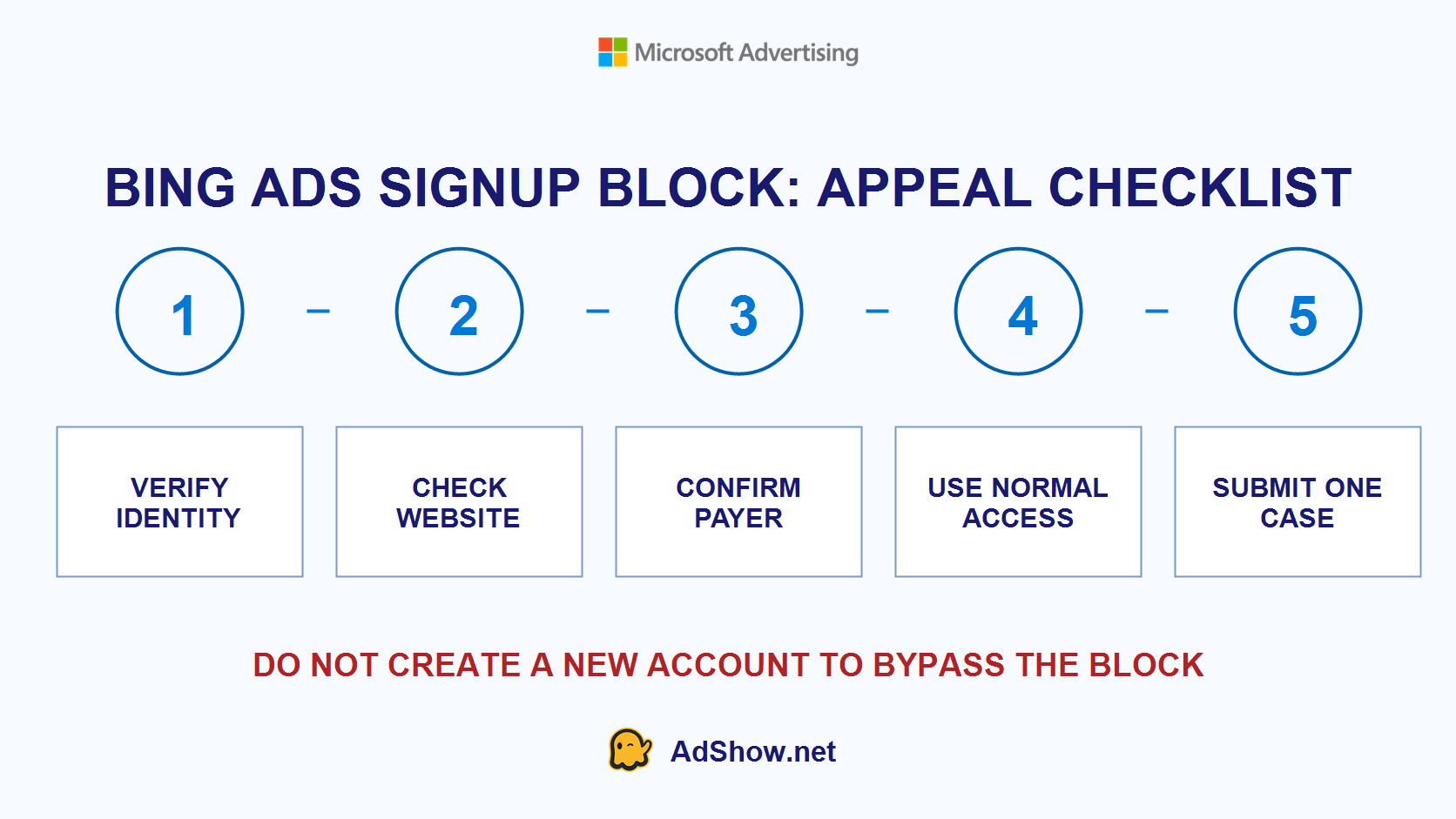
Build one consistent record; do not create a second identity trail.
Do not do these things: buy a pre-created account, use anti-detect software to make a new identity appear unrelated, rotate proxies to bypass access controls, open duplicate accounts after a block, or ask a third party to submit false documents. These actions do not solve eligibility and can make a legitimate review harder.
What to collect before submitting an appeal
Think like the person reviewing a case with limited context. Give them a compact, verifiable record rather than a long emotional explanation.
Account facts: Microsoft Ads account number, sign-up date, Microsoft login email and the exact block message.
Advertiser identity: legal business name, registered address, website domain and role of the person requesting review.
Website proof: homepage, product/service pages, contact page, privacy policy, refund/returns information where applicable, and any required licences for regulated services.
Payment proof: confirm that the payer information belongs to or is authorized by the advertiser. Send only what Microsoft specifically requests—never a full card number, CVV, password or banking login.
Verification state: screenshots of AIV status, notifications and failed-document message, if present.
Access context: state whether the team used a normal company network or a corporate VPN. Do not invent a technical explanation; state only factual information and offer to follow Microsoft’s requested troubleshooting steps.
Microsoft says AIV may require business or individual verification and may request supporting documents. Its public help also notes that the advertiser should follow the in-product verification path and contact Support when the appeal path is exhausted. Keep originals available and use genuine, current documents.
A short appeal template for a genuine onboarding block
Use this only if it is true. Do not copy it while leaving contradictions in the account or on the website.
Subject: Request for review — Microsoft Ads account blocked before campaign setup
Hello Microsoft Advertising Support,
Our Microsoft Ads account [ACCOUNT ID] was blocked on [DATE] shortly after registration, before we created or published a campaign. We are requesting a manual review and clarification of the remaining requirement.
The advertiser is [LEGAL BUSINESS NAME], operating at [WEBSITE]. The account is managed by [NAME/ROLE]. Our business, website contact details, billing information and verification documents use the same legal identity. We have attached [LIST ONLY THE DOCUMENTS REQUESTED].
Please confirm whether the block relates to Advertiser Identity Verification, payment/billing, account security, website content or another policy requirement, and advise the corrective step or appeal path available to us.
Thank you.
This wording gives Support facts it can validate. It does not demand an instant reinstatement, speculate about an algorithm or attempt to relitigate categories that Microsoft has not identified.
When is an agency ad account relevant?
An agency account is not a workaround for a Microsoft Ads suspension. Resolve the advertiser’s eligibility and comply with Microsoft’s requirements first. Once the business is eligible to advertise, an agency-account provider can be useful when the operational pain is fragmented account requests, top-ups, account status reports and team visibility.
For that separate workflow, AdShow provides agency advertising accounts for Microsoft/Bing, Meta/Facebook, Google Ads, TikTok and other major platforms. Buyers can view marketplace pricing, request accounts and manage operational requests through a dashboard. Review the current AdShow FAQ before choosing a provider or funding an account.
Questions from recent advertiser support discussions
These questions summarize recurring onboarding concerns in current public discussions. Microsoft Advertising must confirm the specific reason and remedy for an individual account.
Why was my Bing Ads account blocked before I created a campaign?
An onboarding block can relate to account security, identity verification, payer/advertiser information or policy review. A generic notice does not prove a particular cause. Preserve the notice and ask Support to identify the remaining requirement.
Will a proxy or anti-detect browser fix a Microsoft Ads block?
No. Do not use a new identity, proxy rotation or anti-detect tooling to bypass a restriction. For a session error, Microsoft says to disable VPN/proxy and retry. For a blocked account, use the official appeal or Support route.
Should I create another Microsoft Ads account after signup is blocked?
Not to evade the block. Re-registering can create another identity trail and may be treated as an attempt to bypass enforcement. Complete the review process and ask Microsoft whether another account is permitted.
What documents should I include in a Microsoft Ads appeal?
Provide the account ID, exact message, legal advertiser details, website, role of the requester and the specific documents Microsoft requests. Avoid sending passwords, full payment-card details or unrelated documents.
Research note: This article combines Microsoft Advertising documentation with two recent public advertiser discussions from June and July 2026. Community posts show symptoms and user experience; they do not prove a platform-wide cause or guarantee an outcome. Do not use technical tools or additional accounts to bypass a Microsoft Advertising restriction.