Buy Microsoft Ads Account: Setup Fee, UET & Billing
A practical account-stack guide for buyers comparing Microsoft Advertising agency accounts, UET setup, manager access, Pay As You Go fees, top-ups, and pre-payment checks.

August 21, 2026
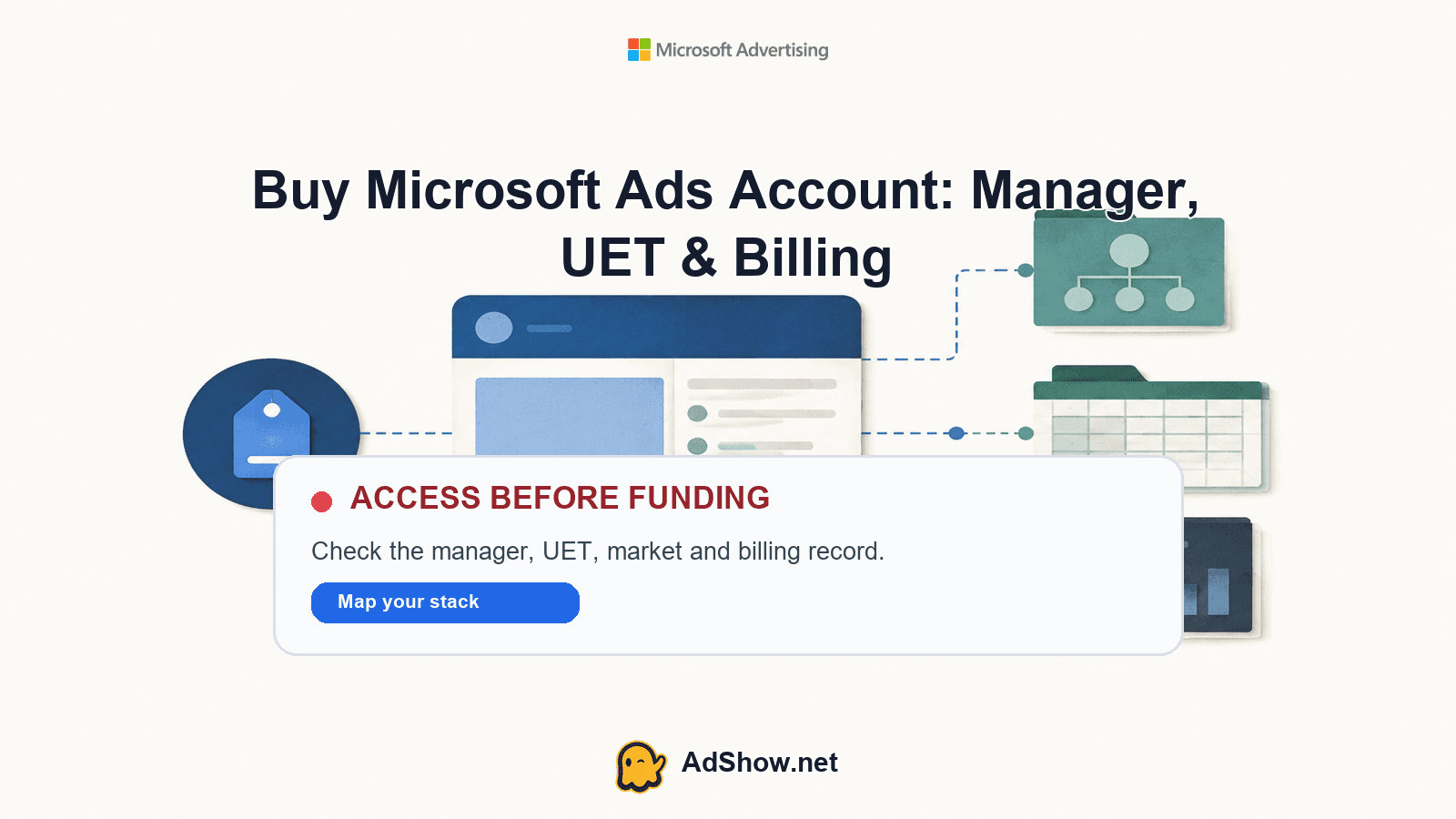
Table of contents
AdShow.net sells Microsoft Advertising agency ad accounts through its marketplace and dashboard.
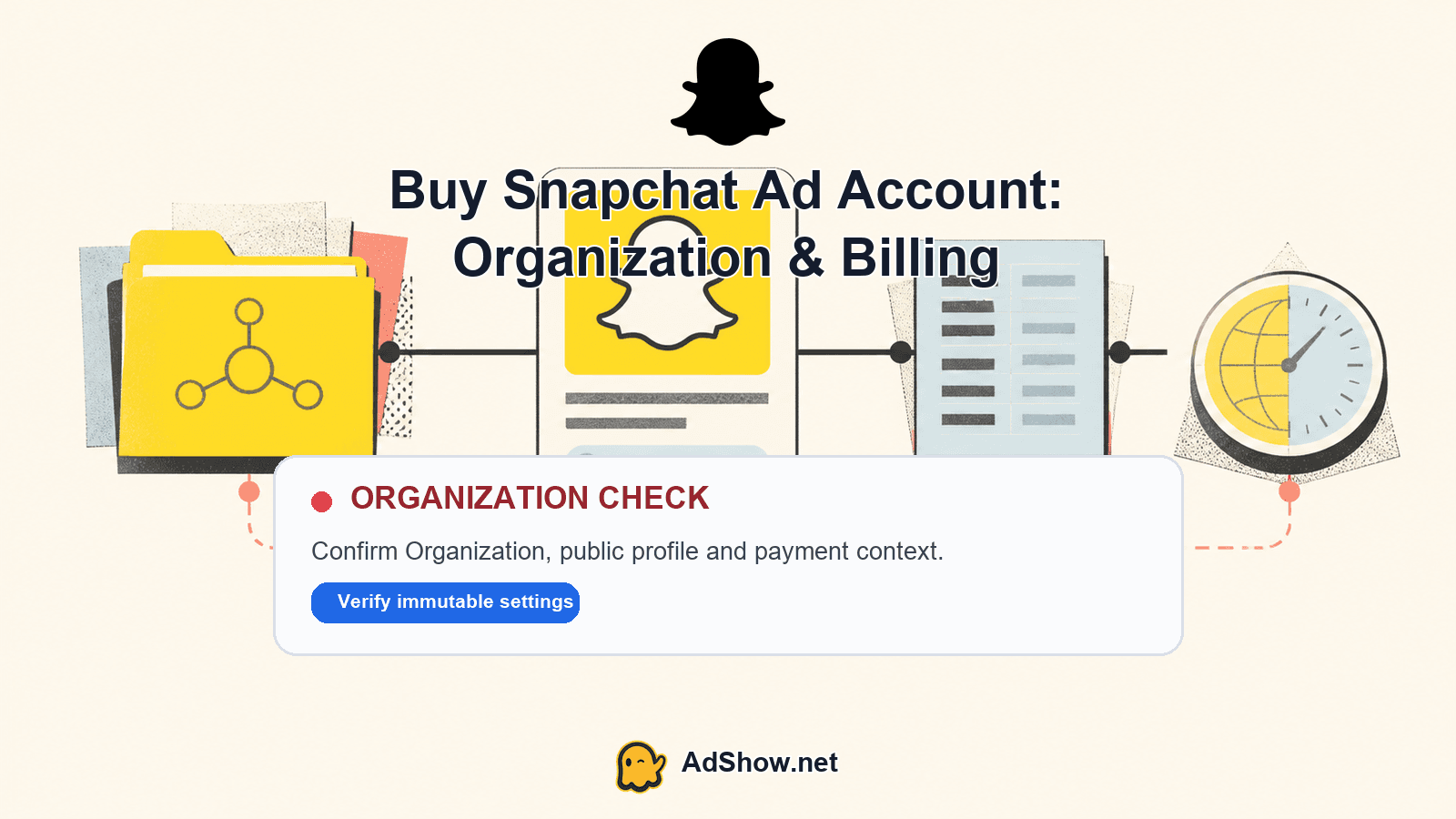
Your next decision is whether the available offer fits your market, payment model, tracking plan, and required access before you request or fund it. When you buy a Microsoft Ads account, evaluate the whole operating stack rather than focusing only on the account login: access, manager relationship, measurement, and billing determine whether the setup is usable for your campaigns.
Layer 1: Account access
Start with the access layer because it determines where your campaigns will run and how your team will work. AdShow provides agency ad accounts through its marketplace and dashboard. You can inspect the offer and pricing context, request an account, manage top-ups, and report issues from the dashboard. The exact offer available to you may depend on the eligible GEO and current marketplace inventory.
Before requesting access, record the essentials you want to preserve outside the advertising account: your website, domain access, landing pages, creative files, analytics property, product feed, business details, and campaign naming system. These are durable assets. The account is the execution layer that connects them to Microsoft Advertising.
Confirm the target market, currency, time zone, and campaign objective shown for the available offer.
Decide who needs access: operator, analyst, finance contact, or client-side reviewer.
Prepare the website and landing pages before funding so the account can be used immediately.
Keep campaign structure, ad copy, audiences, and reporting definitions documented outside the account.
Layer 2: Manager relationship
The manager layer explains who administers the advertising environment and how your team receives operational support. Ask how access is delivered, which actions you can perform in the dashboard, and where billing or issue reports should be submitted. A clean handoff should identify the account reference, responsible contact, dashboard workflow, and escalation route without relying on scattered chat messages.
Do not treat a manager relationship as a substitute for your own operating records. Save campaign settings, conversion definitions, audiences, keyword decisions, and budget approvals in your internal workspace. This makes it easier to review performance, brief another operator, or rebuild a campaign structure when required.
Microsoft’s new advertiser guidance covers the normal flow from account and campaign setup through billing and reporting. Its advertising agreement also sets out account charges and advertiser obligations. Read those official materials alongside the live AdShow offer so your commercial decision reflects both the marketplace workflow and Microsoft’s operating requirements: Microsoft Advertising new advertiser FAQs and Microsoft Advertising Agreement.
Layer 3: Measurement and UET
UET, or Universal Event Tracking, is the measurement layer between your website and Microsoft Advertising. Set up the UET tag on the relevant site pages, verify that it is firing, and define the conversions you actually use to judge the campaign. Depending on the business, that may include a purchase, qualified lead, booking, signup, or high-value page visit.
Choose the primary conversion action before launching ads.
Install or verify the UET tag through your site or tag-management process.
Test the event path from landing page to confirmation or thank-you state.
Check that conversion goals, values, counting rules, and attribution settings match your reporting plan.
Keep a written record of the tag location and goal definitions so future operators can audit the setup.
UET does not replace analytics or a customer relationship system. Use it for Microsoft Ads optimization and reporting, while keeping your source-of-truth revenue or lead records in the systems your business already uses. If tracking is incomplete, the account may still deliver traffic, but automated bidding and campaign decisions will have weaker signals.
Harris Eugene’s operator note: Harris Eugene operator note: When reviewing an agency account offer, I would spend more time mapping the handoff and measurement path than comparing a small difference in headline pricing. An account that can be accessed, funded, tracked, and audited cleanly is easier to operate than one that only looks attractive at checkout.
Layer 4: Billing and market
Billing is where the marketplace offer becomes a real operating commitment. The current AdShow marketplace card—not this article—controls the exact Pay As You Go setup fee, minimum budget, and top-up fee for an eligible offer and GEO. Check those live terms immediately before payment because availability and commercial details can change.
Treat setup or subscription charges separately from advertising balance. Setup and subscription fees are non-refundable. Unused ad balance is handled under the current FAQ and terms, subject to eligibility, so review those conditions before adding more funds than your first campaign requires. Do not assume a balance, fee, approval time, or campaign result that is not stated in the current offer.
Your market check should cover the target country, language, currency, product category, landing-page experience, and expected compliance review. Platform policy, review, and eligibility still apply. If the account or campaign encounters an issue after signup, document the exact error, timing, campaign state, and recent changes before reporting it. This Microsoft Ads account troubleshooting guide can help structure that record.
Pre-payment handoff sheet
Offer and GEO: copy the current marketplace card details and confirm they match your intended market.
Access: record the dashboard route, account reference, required users, and first operator.
Funding: note the setup fee, minimum budget, top-up fee, payment method, and refund conditions shown for the offer.
Measurement: confirm the website, UET installation plan, primary conversion, and test owner.
Campaign: prepare the first budget, landing page, creative, keywords or audience plan, and launch approval.
Support: save the issue-reporting path and define what evidence your team will provide if something needs review.
For buyers comparing structures across platforms, the account model matters as much as the interface. This agency versus individual ad account comparison gives useful context for thinking about access, billing, and operational control without treating every platform setup as identical.
Ready to review the live offer and request a Microsoft Advertising agency ad account? Check the current GEO, setup fee, minimum budget, top-up terms, and UET context on AdShow.net before funding. View Microsoft Ads agency account offers
Questions from recent advertiser discussions
What does it mean to buy a Microsoft Ads account through AdShow?
It means requesting access to a Microsoft Advertising agency ad account through AdShow’s marketplace and dashboard, subject to the live offer and eligibility.
How much is the Microsoft Ads setup fee?
The current marketplace card controls the exact Pay As You Go setup fee for the eligible offer and GEO. Check it before payment.
Is UET included automatically?
UET is the measurement setup for your website and conversions. Verify the current offer context, then install and test the tag for your campaign.
Are setup fees refundable?
Setup and subscription fees are non-refundable. Unused ad balance follows the current FAQ and terms, subject to eligibility.
Sources and scope
Official documentation defines platform behavior. Recent community discussions are used only to illustrate reported symptoms and questions; they do not prove the cause of an individual account outcome.
Microsoft Advertising: new advertiser FAQ — Official account, campaign, billing and reporting setup overview.
Microsoft Advertising Agreement — Official terms covering account charges and advertiser obligations.
AdShow Bing agency-account page — Current AdShow access, billing and UET context; verify live offer terms before funding.