Microsoft Ads Conversions Not Showing? Fix UET First
A 15-minute diagnostic for Microsoft Ads conversions not showing: reconcile CRM, browser events and platform data, then repair UET, goal rules, consent and attribution.

August 23, 2026
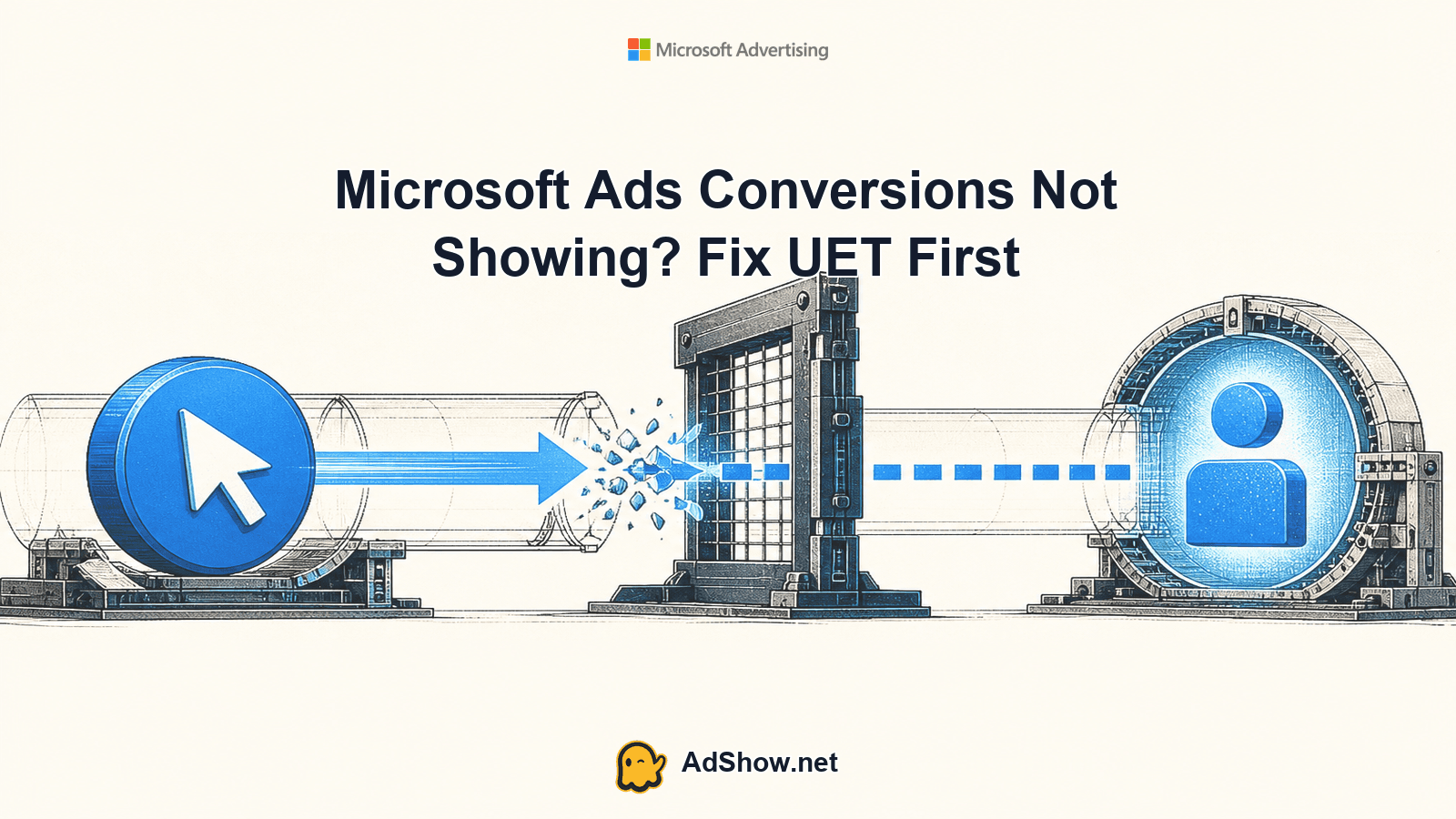
Table of contents
Start with three numbers from the same date range: real CRM conversions, browser conversion events, and Microsoft Ads conversions. If the CRM shows 12 leads, the browser test shows 12 successful events, but Microsoft Ads shows zero, the problem is probably attribution, goal matching, consent or reporting—not necessarily the funnel. If the browser shows zero, repair UET or the event implementation first. If Microsoft Ads records fewer conversions than the browser, check ad-click attribution and goal settings before changing bids. This 15-minute diagnostic separates missing events from valid events that Microsoft Advertising cannot or will not count.
Run the 15-minute test before changing anything
If the campaign has no impressions or clicks, this is a delivery problem rather than a conversion-recording problem; use the Microsoft Ads not spending diagnostic instead.
Do not begin by editing bids, budgets or campaign structure. Capture one clean test path and compare each layer. Use a fresh browser session where your consent experience is visible, and record the exact landing-page URL, Microsoft Click ID if available, conversion page and timestamp.
Write down the three numbers for the same timezone and date range: CRM conversions, browser events and Microsoft Ads conversions.
Open the landing page and conversion path in a clean session. Confirm that the Microsoft Advertising UET tag loads and that the relevant event fires after the conversion action.
Check the UET status in Microsoft Advertising. An inactive or recently inactive tag is a signal to investigate missing activity, not proof that every historical conversion is lost.
Open the conversion goal and compare its type, event name, category, action, value settings and URL or rule conditions with the actual browser event.
Verify whether the goal has Include in Conversions enabled. A goal can exist for reporting while being excluded from the campaign conversion total used for optimization.
Confirm that the test originated from a Microsoft Advertising ad click. A direct visit, organic visit or click from another platform may create a browser event without producing a Microsoft Ads conversion.
Harris Eugene’s operator note: **Harris Eugene, operator note: Treat the three-number reconciliation as the control point. Until you know whether the loss occurs before the browser event, at goal matching, or at ad-click attribution, bid changes are measurement decisions made without evidence. Preserve the current campaign settings, document the test, and change one tracking variable at a time.**
Check UET status and event delivery
Universal Event Tracking, or UET, is the foundation for Microsoft Advertising conversion goals. Microsoft’s setup guidance explains that the UET tag must be placed across the relevant site experience and that goals use the collected activity to match conversions. Start with the tag itself, not the campaign dashboard: inspect the page source or tag debugger, test the landing page and thank-you state, and verify that the event is sent after the action is completed.
A missing tag on the landing page can prevent the visit or click context from being collected.
A tag installed only on the form page may miss conversions completed through a separate checkout, booking or payment domain.
A single-page application may change content without loading a new page, so a URL-based goal can fail unless the implementation sends a suitable custom event.
A tag can be present in source code but still fail because of consent settings, a deployment error, a blocked request or a trigger that never executes.
Microsoft’s troubleshooting guidance describes inactivity status in relation to receiving no activity during the stated period. Use that status as a diagnostic clue and test current traffic rather than treating it as a universal explanation for every missing conversion.
Match the goal rule to what actually happens
A working UET tag does not guarantee that a conversion goal will match. Microsoft Advertising explains that conversion tracking depends on the goal definition and the activity collected by UET. Compare the configured rule with the real customer journey, including capitalization, URL paths, query parameters, event names and whether the conversion occurs on a page load or through an interaction.
For destination goals, copy the final conversion URL from the browser and compare it with the goal condition. Check whether redirects, trailing slashes, localized paths or payment-provider URLs change the value.
For event goals, compare the exact category, action, label or custom-event values sent by the implementation with the values required by the goal.
Check the goal’s active state, counting method and conversion window. A configuration can be technically valid while excluding repeat actions or older clicks by design.
Confirm that the goal is enabled for the campaigns and account scope you are reviewing.
Check Include in Conversions. If it is disabled, the goal may remain available in selected reporting while not contributing to the main conversion column used for optimization. The setting does not repair a missing UET event or create attribution where no Microsoft ad click exists.
Separate attribution loss from tracking loss
The browser can record a successful action while Microsoft Ads records no conversion because the action was not attributable to an eligible Microsoft Advertising click. Microsoft’s explanation of conversion tracking includes ad-click attribution, so a direct test from a bookmarked URL is not enough. Use a real Microsoft ad click in a controlled test, and preserve the landing URL and tracking parameters so you can see whether the click context survives.
Do not compare all CRM conversions with Microsoft Ads conversions as if every lead came from Microsoft Advertising. The CRM total includes other channels, repeat visitors and possibly offline or manually entered records.
If redirects remove Microsoft click information, investigate the redirect chain, URL handling and landing-page implementation before changing the goal.
If the conversion completes on another domain, verify that the journey is implemented consistently and that the required tracking context is not lost at the handoff.
For cross-domain funnels, test the full path from the Microsoft ad click through the final confirmation. A tag on the first domain alone cannot establish that the final action will be attributable.
A community report of clicks, active UET and zero purchases demonstrates a real symptom, but it cannot establish which cause applies to every account. Use it as vocabulary for the investigation, not as proof of a universal platform defect.
Test consent and cross-domain handoffs
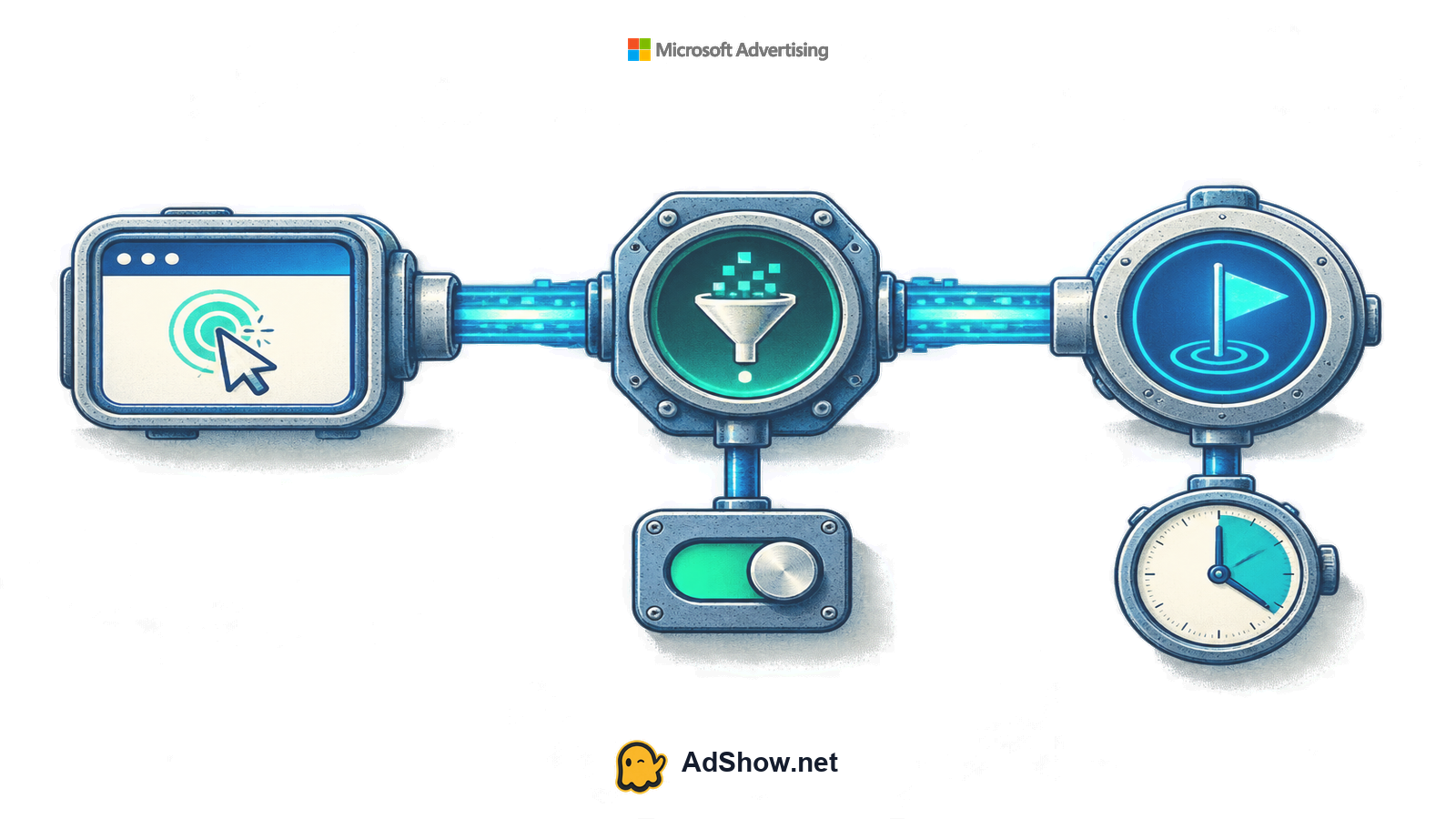
Consent changes can alter whether UET activity is collected or used. A January 2026 Microsoft Q&A discussion describes an advertiser connecting a Consent Mode implementation change with lost activity; the discussion is useful evidence of the symptom, while Microsoft’s official guidance remains the basis for testing the implementation. Compare an approved-consent test with a declined-consent test, and document what requests and events occur in each state.
Load the site with the normal consent banner and record the default state before interaction.
Accept the relevant advertising or measurement consent, repeat the conversion path and inspect whether UET and the conversion event fire.
Repeat with consent declined where legally and operationally appropriate. A difference between the two paths may be expected, but it should be understood and reflected in reporting expectations.
Test every domain and subdomain involved in the funnel, including scheduling tools, payment pages and embedded forms.
After a code or consent change, allow enough time for new data to appear before judging the repair. The available documentation and community discussions do not establish one universal reporting delay for every goal or account.
Do not repair measurement with bid changes
Automated bidding relies on the conversion signals you provide. If Microsoft Ads conversions are missing because UET is broken, the goal rule is wrong, consent blocks collection or the Microsoft click is lost, raising bids can increase spend without improving what the system can learn. Lowering bids can also hide a valid demand problem rather than solve the measurement problem. Keep a controlled baseline, repair the data path, and only then evaluate delivery, CPA or value-based bidding.
Repair, retest and document the result
Make the smallest defensible change indicated by the test. If the event is absent, fix tag placement or the trigger. If the event is present but unmatched, correct the goal rule. If the goal matches but is excluded, review Include in Conversions. If the path is not attributable, repair click-parameter preservation, redirects or the cross-domain handoff. If consent blocks collection, align the implementation with your consent requirements and reporting expectations.
Retest with a Microsoft ad click rather than a direct visit.
Record the browser event, goal configuration and campaign conversion column separately.
Compare new CRM records with new browser events and newly reported Microsoft Ads conversions using the same time window.
Keep screenshots, timestamps, URLs and the exact code or configuration change so another operator can reproduce the test.
If the layers still disagree, escalate with the evidence. State what is known, what is missing and what the available data cannot establish.
Use an account option only for continuity
If tracking is repaired but you need operational continuity for a separate Microsoft Advertising setup, review AdShow’s Microsoft Ads agency ad accounts. AdShow is a self-service platform for account requests, offer and pricing visibility, top-ups and issue reports. An account offer is not a fix for UET, consent, attribution, funnel quality or platform policy. Any supplied agency account remains subject to Microsoft Advertising’s rules, and no account option guarantees approval, delivery, recovery or performance.
Review Microsoft Ads agency account options only after your measurement path is documented and tested. Microsoft Ads agency ad accounts
Questions from recent advertiser discussions
Why are Microsoft Ads conversions not showing when UET says active?
An active UET status does not prove that the required conversion event fired or matched the goal. Check the event payload, goal rule, Include in Conversions setting, consent state and whether the test came from a Microsoft ad click.
Why do I see purchases in my store but zero purchases in Microsoft Ads?
Store purchases include every traffic source, while Microsoft Ads reports only conversions it can match to eligible Microsoft advertising activity and the configured goal. Reconcile channel source, click attribution, cross-domain handoffs and the purchase event.
Can Consent Mode stop Microsoft Ads conversion tracking?
A consent implementation can change whether tracking activity is collected or used. Test accepted and declined states separately, verify the UET behavior in each state, and align the result with your consent requirements. A community report alone cannot prove the cause in your account.
Should I increase bids when Microsoft Ads conversions are missing?
No. First establish whether the conversion signal exists and is attributable. Changing bids before repairing measurement can increase spend or distort learning without addressing the missing data.
Sources and scope
Official documentation defines platform behavior. Recent community discussions are used only to illustrate reported symptoms and questions; they do not prove the cause of an individual account outcome.
Microsoft Advertising: set up conversion tracking — Current official setup guidance for UET and conversion goals.
Microsoft Advertising: how conversion tracking works — Official explanation of UET, goal matching, ad-click attribution and the Include in Conversions setting.
Microsoft Advertising: UET setup and troubleshooting — Current official status meanings, including tag inactivity when no activity is received in the stated period.
Recent Microsoft Q&A: lead campaign not recording — July 2026 advertiser question about lead-generation performance and measurement; community support does not diagnose every account.
Recent Microsoft Q&A: purchases not recorded — February 2026 report of clicks and active UET with zero recorded purchases; illustrates the symptom, not a universal cause.
Recent Microsoft Q&A: Consent Mode stopped tracking — January 2026 report connecting an implementation change with lost activity; official responses point to testing Consent Mode and UET.