Buy TikTok Ad Account: Setup Fee, Business Center & Access
A practical purchase memo for buying a TikTok agency ad account through AdShow.net: review the current offer, confirm Business Center access, understand fees, and make the request.

August 21, 2026
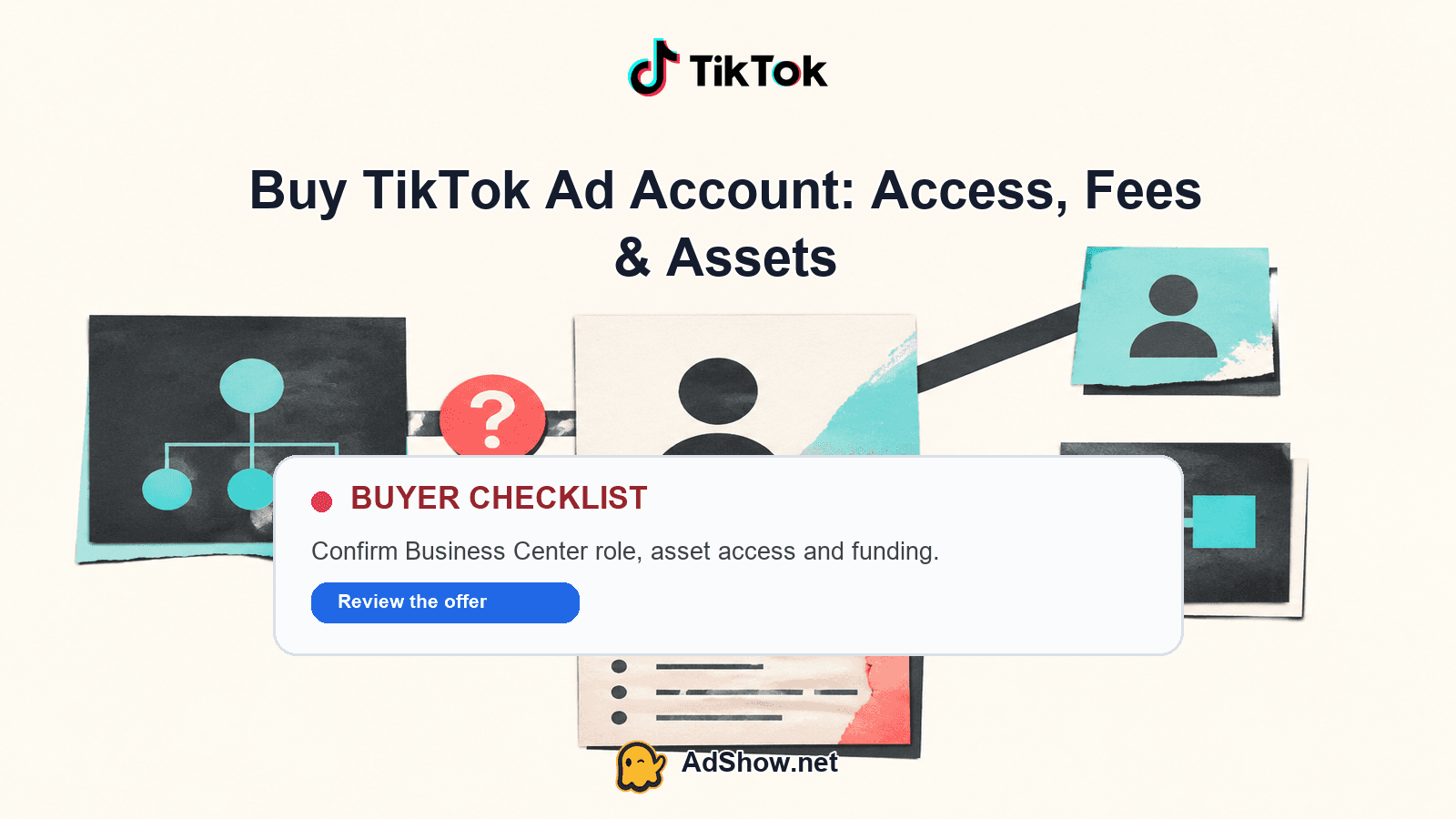
Table of contents
AdShow.net sells TikTok Ads agency ad accounts through its marketplace and dashboard. Your next decision is whether the current Pay As You Go offer matches your GEO, billing plan, Business Center workflow and campaign launch needs. Review the live marketplace card before requesting an account, because that card controls the exact setup fee, minimum budget and top-up fee for the eligible offer.
What you are buying
The product is access to an agency ad account provided through AdShow.net, not a promise of campaign performance or approval. You use the AdShow marketplace and dashboard to inspect the offer and pricing context, request an account, manage top-ups and report issues. The practical value is operational: you can start with an agency-account structure while keeping the request, funding and support workflow in one place.
The account should be evaluated together with its Business Center path. TikTok’s official guidance explains how a Business Center is created with company details, user roles and security controls. TikTok also distinguishes between ad-account ownership, partner access and account status when accounts are managed inside Business Center. Read the official Business Center setup guidance and TikTok’s account-management guidance while checking what access your team actually needs.
A setup or subscription fee is non-refundable. Any unused ad balance is handled under the current FAQ, terms and eligibility rules. Platform policy, review and eligibility still apply, and business verification can affect the available workflow or status. TikTok describes verification review and status in its official business verification guidance.
The five-question access memo
Use this short decision memo before you click request. It keeps the buying decision focused on access and operating fit rather than vague promises.
1. Is the offer eligible for your GEO and business use case? Start with the current marketplace card. Confirm that the listed offer is available for your target region, intended advertiser profile and planned campaign type. Do not substitute an old article, screenshot or remembered price for the live card.
2. What exactly is the setup and funding structure? Record the current Pay As You Go setup fee, minimum budget and top-up fee shown for the offer. Treat those values as offer-specific and current. Setup or subscription fees are non-refundable, so the right comparison is the total cost of entering and funding the account, not only the headline access price.
3. How will your team access the account? Decide who needs operational access, who should manage payment or top-ups, and who should review campaign performance. Confirm the Business Center route, role requirements and any partner-access arrangement in the dashboard and request details. TikTok’s account-management documentation is the reference for separating ownership, partner access and account status.
4. What must be ready before the first campaign? Prepare the advertiser information, landing page, creative assets, tracking plan, payment source and responsible operator. An agency account does not replace campaign quality, policy compliance or a launch plan. For the activation sequence, see New TikTok ad account: first campaign.
5. What happens if the account or balance needs attention? Use the AdShow dashboard to manage top-ups and report issues. Check the current FAQ and terms for unused-balance treatment and eligibility before funding more than your initial working requirement. Keep the request details, access decisions and support communication together so the operator can act quickly.
Harris Eugene’s operator note: Harris Eugene operator note: The strongest buying signal is not the lowest visible fee; it is a clean match between the live offer, your GEO, the people who need access and the budget you can responsibly deploy. If those four items are unclear, pause the request and resolve them in the dashboard before funding.
The asset handoff that matters
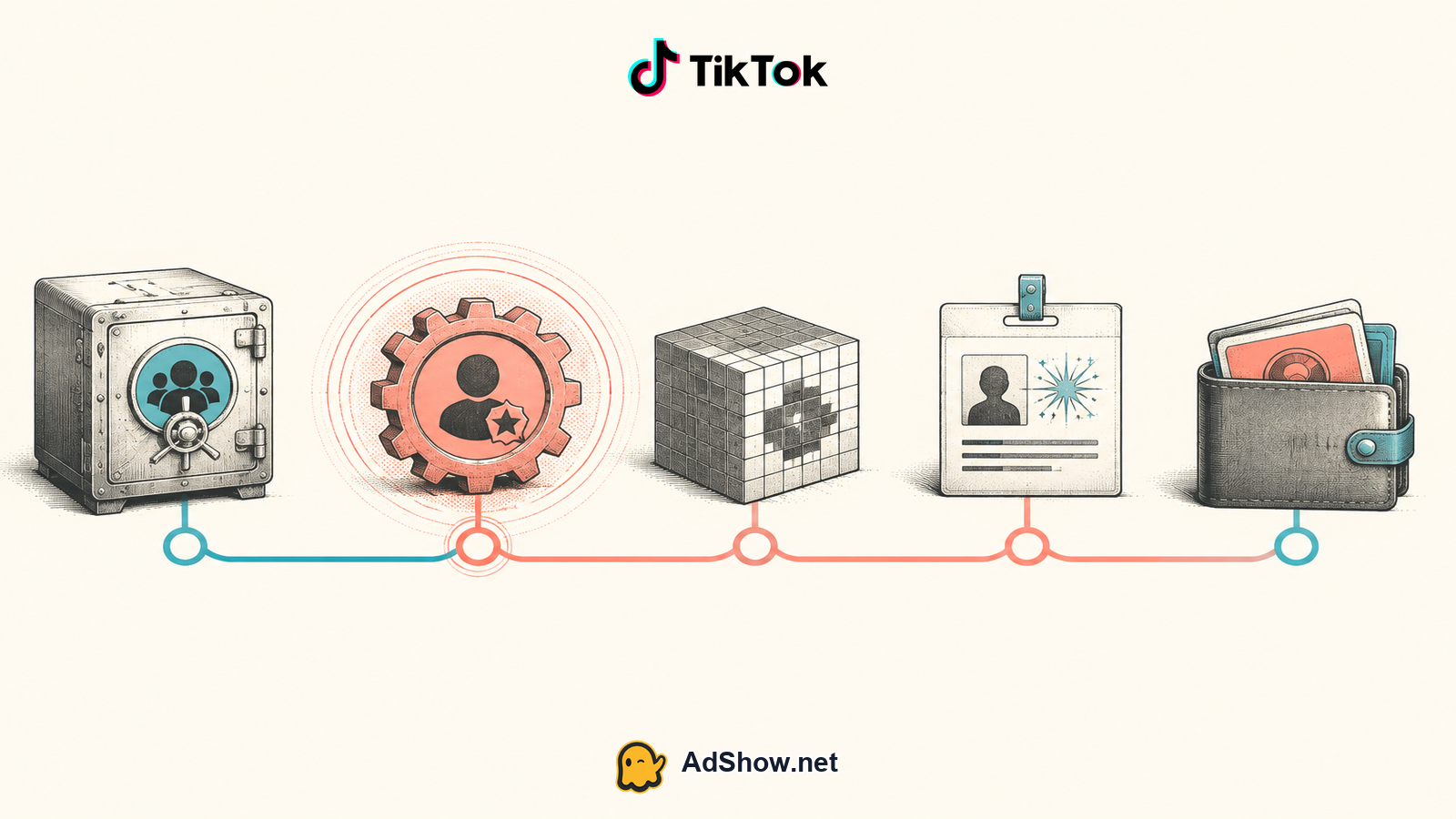
The important handoff is practical control: who can enter the relevant Business Center environment, who can work on the ad account, who manages funding, and where issues are reported. Ask for the access path rather than assuming that an account request automatically gives every team member the same permissions.
Keep a simple internal record of the request, the offer card, the named operators and the intended campaign owner. That record helps separate three different questions: whether the account is available, whether your people can access it, and whether your campaign is ready. These are related but not interchangeable. The article TikTok agency account vs personal explains the operational distinction in more detail.
Business Center should also be treated as a security and governance layer. Use role-based access, avoid sharing credentials unnecessarily and remove access that is no longer needed. TikTok’s official setup material covers company details, user roles and security considerations; use it as the platform reference when organizing your team.
When the Pay As You Go offer fits
Pay As You Go is a sensible fit when you want an agency-account route, can work with the current offer’s GEO and eligibility, and prefer to fund according to an active testing or scaling plan. It is especially practical when the buyer has already defined the initial campaign owner, the Business Center access path and the amount of budget needed for a meaningful test.
It is a weaker fit when you are still deciding who will operate the account, cannot meet the current minimum budget, or are treating the setup fee as a refundable deposit. It is also not a substitute for verification, policy compliance, creative testing or performance forecasting. Review the live card and current terms before making a commitment.
If you need a defined GEO, a clear Business Center workflow and a dashboard for requests, funding and issue reporting, then review the current TikTok agency-account offer. If you do not yet know the operator, access path or first-campaign budget, then resolve those decisions before requesting. This If/Then test is short by design: the purchase should make the next operating step clearer, not add another unresolved dependency.
Make the request
Open the relevant AdShow money page and inspect the current marketplace card for your eligible offer. Confirm the displayed setup fee, minimum budget, top-up fee, GEO and any applicable terms. Then submit the request with the intended advertiser details, access requirements and campaign context. After the request, use the dashboard for top-ups and issue reporting, and keep your team’s permissions aligned with the actual work each person performs.
Review the current TikTok agency ad account offer, check the live Pay As You Go pricing context and make your request through AdShow.net. Buy a TikTok agency ad account
Questions from recent advertiser discussions
What does it mean to buy a TikTok ad account through AdShow.net?
It means requesting access to an agency ad account provided through AdShow.net’s marketplace and dashboard, with dashboard tools for top-ups and issue reporting.
How much is the TikTok ad account setup fee?
The current marketplace card controls the setup fee for each eligible offer and GEO. Check that card before requesting.
Does buying the account guarantee approval or performance?
No. Platform policy, review, eligibility and campaign quality still apply, and no performance guarantee is provided.
How do I manage Business Center access?
Confirm the required roles and access path in the request and dashboard, then use TikTok’s official Business Center guidance for setup and account-management decisions.
Sources and scope
Official documentation defines platform behavior. Recent community discussions are used only to illustrate reported symptoms and questions; they do not prove the cause of an individual account outcome.
TikTok: create a Business Center — Official setup guidance for Business Center, company details, roles and security.
TikTok: manage ad accounts in Business Center — Official distinction between account ownership, partner access and account status.
TikTok: business verification — Official verification status and review guidance.