Taboola Campaign Rejected? Fix the Real Review Problem
A Taboola campaign rejected notice is not always a single campaign-level failure. Learn how to separate campaign safety ratings from campaign-item and landing-page rejections, correct the cited layer, and avoid changing unrelated variables before resubmission.

August 20, 2026
Table of contents
If your Taboola campaign was rejected, first identify the exact review layer named in the notice: campaign safety rating, campaign item, or landing page. Do not rewrite the entire setup yet. A low quality rating can restrict campaign eligibility, while a rejected item or page usually calls for a specific correction to the creative, claim, targeting context, or destination. Fix the cited layer, preserve evidence of what changed, and then resubmit only after the live version matches the correction.
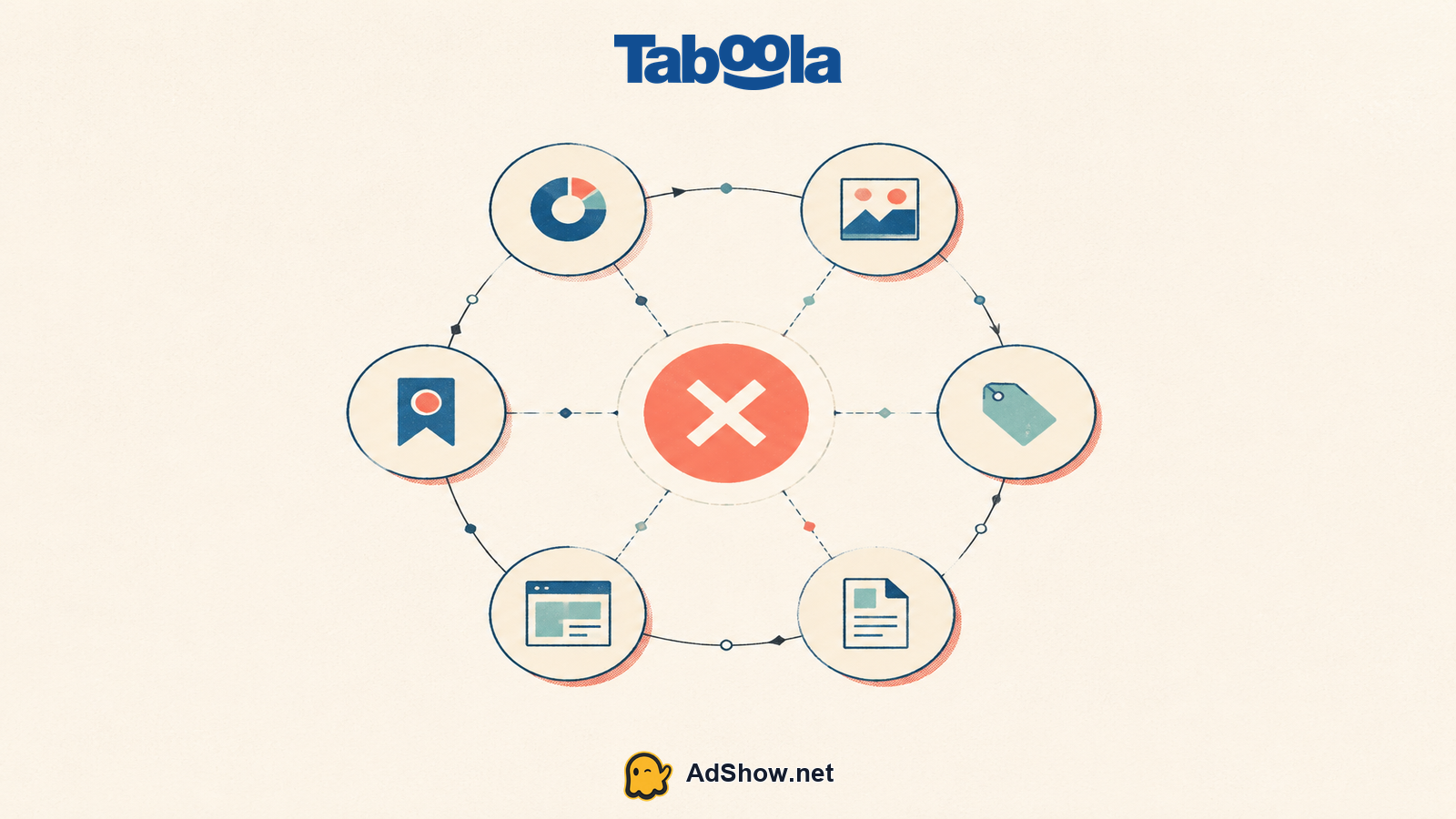
A rejection label can describe three different problems
The first thing I would check is whether the dashboard message refers to the campaign itself, an individual campaign item, or the destination URL. Those are related review surfaces, but they are not interchangeable. Treating them as one issue creates unnecessary edits and makes the next review harder to interpret.
A campaign safety or quality rating is a campaign-level assessment. It can affect whether the campaign is eligible to run, particularly where restricted categories or safety requirements apply. Review Taboola's campaign quality ratings guidance before changing creative that has not been cited.
A campaign-item rejection concerns a particular native ad unit: its headline, thumbnail, brand presentation, offer framing, disclosure, or another item-level element. Other items may still need separate review outcomes.
A landing-page rejection points to what the user reaches after the click. The page, redirect chain, offer details, claims, consent flow, and consistency with the ad can all matter. Editing an ad headline alone will not repair a page-level objection.
For advertisers that need agency-account administration with visible request, funding, and issue-reporting context, review the available account workflow. Explore Taboola agency advertising account options
Read the rejection notice as a scope statement
Taboola's official rejection-reasons reference is useful because it separates campaign, creative, and landing-page issues. Start by recording the notice text, affected campaign or item IDs, destination URL, and the version currently in review. Then compare that record with the live asset, not with an older design file or a staging page.
This order matters because one visible symptom can have several causes. A sensational headline may be the named issue, but the page may also omit material conditions. Conversely, a compliant page cannot compensate for a campaign-level restriction. Make the smallest correction that fully addresses the cited reason. Broad rewrites introduce fresh review variables and can obscure whether the original problem was resolved.
Classify the notice: quality/safety rating, campaign item, landing page, or more than one cited layer. If the wording is unclear, do not assume that a generic campaign status proves every item is defective.
Freeze the reviewed version in a working record. Capture the approved-or-rejected item text, image, URL, redirects, geo or device settings, and any relevant category selection. This is operational discipline, not bureaucracy: it lets the team compare like with like.
Correct the cited layer first. For an item, align the headline and image with the actual offer and remove unsupported implications. For a page, make material information accessible, ensure the destination works as presented, and check that the click path does not produce a different offer or experience.
Run a consistency pass across the ad and destination. Brand name, product, price framing, eligibility language, and claims should not contradict each other. Check mobile behavior as well as desktop, since the landing experience is part of what is being reviewed.
Resubmit using Taboola's documented correction flow and keep the change log short. Its guidance for fixing rejected campaigns or campaign items also addresses repeated review outcomes. Avoid repeated submissions without a substantive correction.
Make the correction testable before you send it back
A useful internal review asks a narrow question: can a reviewer verify the correction without inferring intent? If the issue concerns a claim, the revised copy should be specific enough to stand on its own and supported by the page. If the issue concerns disclosure or pricing, the relevant information should be available where a reasonable visitor would expect it, rather than buried behind a later interaction. If the issue concerns a destination, test the same URL and redirect behavior available to the intended audience.
Harris Eugene’s operator note: Harris Eugene's operator note: The practical mistake is often treating a rejection as a signal to make the ad more vague. That can remove one visible phrase while leaving the underlying mismatch untouched. A better standard is traceability: the ad should accurately introduce the page, the page should substantiate the ad, and the campaign context should be eligible for the offer. When those three statements are true, the resubmission is easier to explain internally even though approval remains a platform decision.
Do not confuse delivery troubleshooting with review remediation. A campaign that is active but not spending may require a different diagnostic path after approval; this guide to Taboola campaigns that are active but not spending is relevant once eligibility is no longer the stated blocker. Likewise, scheduling changes can help operational control, but they do not cure a policy issue; use native ads dayparting for that separate planning question.
Keep escalation factual
Where a rejection repeats after a targeted correction, prepare a concise record rather than a general appeal narrative. Include the rejection wording, the affected object, the before-and-after change, the current destination URL, and any relevant category context. Ask which cited requirement remains unmet. Community reports can suggest patterns, but they are anecdotal; they cannot establish how a particular campaign will be reviewed. AdShow can support account requests, top-ups, and issue reports in its self-service dashboard, while platform review and eligibility decisions remain outside its control.
Questions reflect recent advertiser discussions
The following questions address the distinctions that most often get lost when a Taboola campaign rejected status appears alongside several assets.
Questions from recent advertiser discussions
Can a campaign have a quality rating issue even if the ad item looks acceptable?
Yes. A campaign-level quality or safety assessment can concern eligibility and category context beyond the wording or image of one item. Check the notice and the applicable quality-rating requirements before assuming the creative is the only problem.
Should I duplicate the rejected campaign before fixing it?
Usually, correct the cited asset or setting first so the resubmission has a clear relationship to the notice. Duplicating may add another version to manage and does not by itself address the stated reason.
What should I change when Taboola rejects the landing page?
Change the part of the live destination that maps to the stated concern. Review accessibility, redirects, offer clarity, claims, disclosures, and agreement with the ad. Test the exact URL that the campaign uses after the change.
Will a corrected resubmission be approved?
No outcome is guaranteed. A targeted correction gives the reviewer a clearer revised asset to assess, but Taboola's review and eligibility decisions depend on its policies and the campaign as submitted.
Sources and scope
Official documentation defines platform behavior. Recent community discussions are used only to illustrate reported symptoms and questions; they do not prove the cause of an individual account outcome.
Taboola Realize: fix a rejected campaign — Official correction, resubmission and repeated-review guidance.
Taboola Realize: rejection reasons — Official campaign, creative and landing-page rejection reasons.
Taboola Realize: campaign quality ratings — Official quality-rating and restricted-category requirements.