Outbrain Content Rejected? Fix the Exact Review Layer
When Outbrain content is rejected, do not rebuild the whole campaign. Read the rejection notice as a clue to the review layer involved, verify the URL and page first, then change only the offer, headline, image or landing page that needs correction.

August 20, 2026
Table of contents
If your Outbrain content rejected notice names a problem, treat the item as a package and repair the named review layer first. The first thing I would check is whether the destination URL loads consistently and matches the ad's promise. Then separate the offer, headline, image and landing page into distinct checks. Advertisers using an Outbrain agency ad account still need to meet Outbrain's own review and eligibility requirements; account access does not change the review standard.
Read the notice as a diagnosis, not a verdict
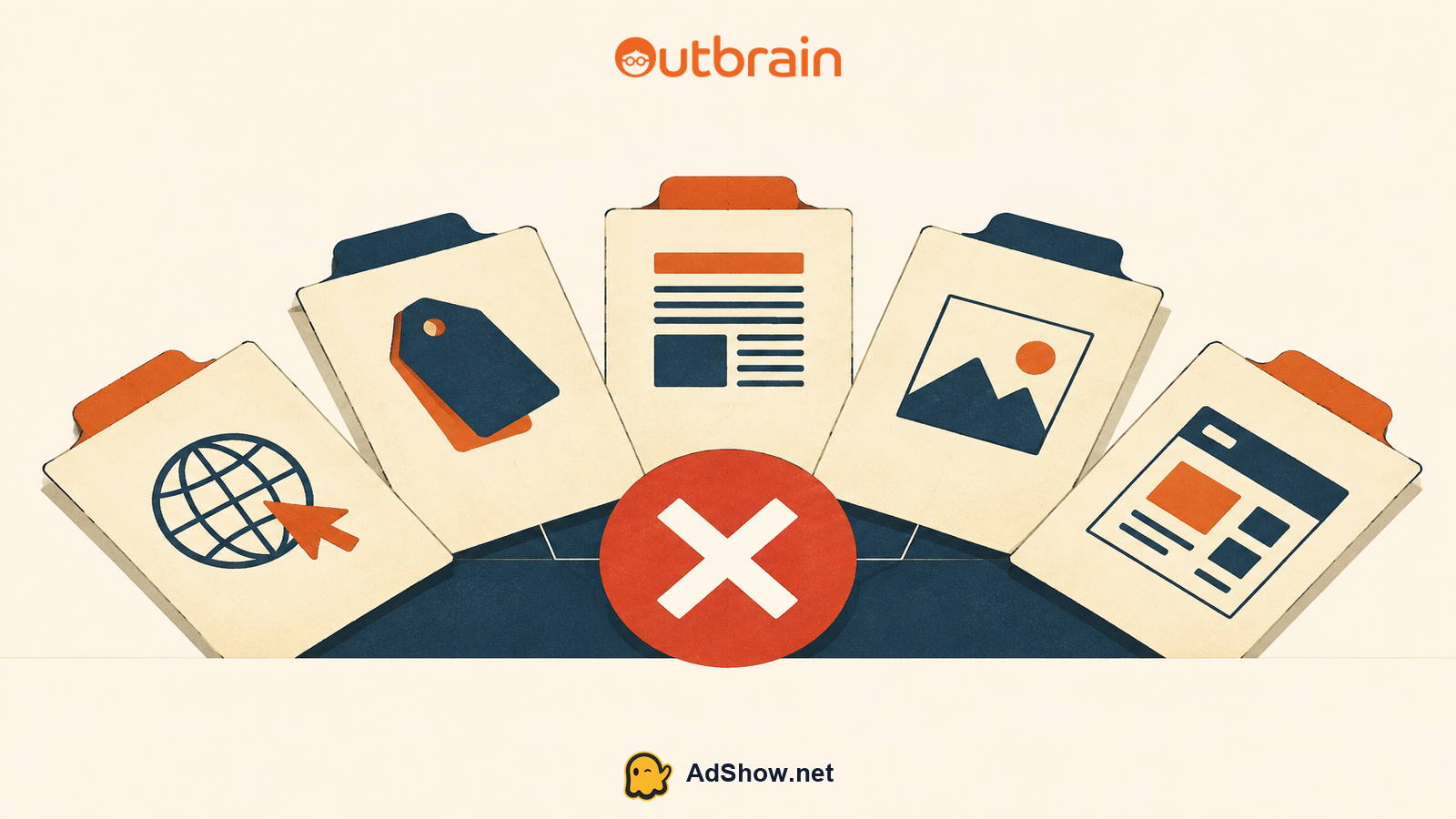
A rejection is most useful when it narrows the investigation. Outbrain's guidance on why content was rejected groups common issues around URL access, the offer, headline, image and landing page. Those layers influence one another, but they are not interchangeable. A polished image cannot correct an inaccessible URL; a cleaner headline cannot resolve an unsupported claim on the page.
Start by preserving the original state. Save the rejection wording, the live URL, the exact headline, creative and offer copy before editing. This gives you a usable comparison after resubmission. It also prevents a familiar operational error: making five changes, receiving a different result, and learning nothing about what caused the first rejection.
URL layer: Does the final destination load without a broken page, redirect loop, login requirement or inconsistent regional result?
Offer layer: Is the product, price, eligibility condition, discount, subscription term or claim stated consistently wherever a user encounters it?
Headline layer: Does the ad accurately describe the destination, without misleading framing, excessive sensationalism or a promise the page does not support?
Image layer: Does the creative present the promoted content clearly and avoid material that creates a separate quality or policy concern?
Landing-page layer: Can a reviewer understand who is advertising, what is being offered and what happens after the click?
Begin with access and destination integrity
Check the submitted URL in a clean browser session and on mobile as well as desktop. Follow the redirect chain, confirm that parameters do not lead to a different page, and make sure the final page returns useful content rather than an error, empty shell or restricted experience. This order matters because a reviewer who cannot reliably reach the page cannot fairly assess the remaining layers.
Also compare the ad destination with the URL a visitor sees after redirects. A domain change is not automatically the problem, but an unexpected handoff can make the package harder to evaluate. Where tracking is necessary, keep it functional and ensure the final destination remains the page described in the ad. Outbrain's explanation of its content review process confirms that corrected content can be resubmitted; it does not make a new submission immune from review.
Make the offer legible before refining the creative
Once the URL is sound, inspect the offer from a reviewer’s point of view. The question is not whether the marketing team understands the commercial proposition. It is whether the proposition is visible, coherent and supportable across the click path. A free trial that becomes a paid subscription, a percentage saving with material exclusions, or a lead form presented as a product purchase all require clear context where it matters.
Do not solve an offer problem by merely softening the headline. Bring the landing page, ad copy and pricing context into alignment. Where the page contains disclosures, they should be readable and relevant to the claim rather than buried as an afterthought. For stricter content boundaries, review Outbrain's official guidance on content that is not accepted before investing in more creative iterations.
Use a one-layer change rule
After identifying the most likely layer, make the smallest credible correction. If the notice and inspection point to a headline mismatch, rewrite the headline while holding the landing page and image steady. If the page lacks pricing or material terms, correct the page and do not simultaneously introduce a new image concept. This is not bureaucracy: it keeps the next review outcome interpretable.
Write one sentence naming the suspected layer and the evidence for it.
Make one correction that directly addresses that layer, including any mirrored wording that must remain consistent.
Recheck the full path from ad click to final page, even when only one layer changed.
Resubmit the corrected item and retain the before-and-after record.
If a further rejection identifies a different issue, address that newly identified layer instead of undoing every prior correction.
Harris Eugene’s operator note: Harris Eugene's operator note: The practical goal is not to guess what a reviewer prefers. It is to remove ambiguity from the package. When an ad is accurate, the offer is intelligible and the destination is reachable, the review conversation becomes much easier to diagnose. A broad rewrite may feel decisive, but it often destroys the evidence needed to make the next decision well.
Keep account operations separate from policy judgment
For agencies, document the rejected item alongside the account request, funding and support context, but do not confuse those operational tracks. AdShow is a self-service platform for agency advertising accounts, with dashboard support for visible offer and pricing context, account requests, top-ups and issue reports. It can help keep account administration organized, while Outbrain alone determines review and eligibility. For account-model context, see how an Outbrain agency ad account works and the comparison of an agency account versus self-serve.
A short internal record is usually enough: the notice wording, submission date, affected URL, changed layer, exact edit and subsequent result. It gives media, creative and web teams a common factual reference. Avoid turning isolated community reports into policy rules. They can suggest places to inspect, but they remain anecdotal and may not match your content, geography or review context.
Use AdShow to manage the operational side of an Outbrain agency account while keeping review corrections focused on the content package. View Outbrain agency accounts
FAQs: These Questions Reflect Recent Advertiser Discussions
Questions from recent advertiser discussions
Should I duplicate the campaign after Outbrain rejects content?
Not as a first response. Duplicating can repeat the same issue while making it harder to track what changed. Correct the identified content layer, preserve a record of the edit and resubmit the corrected item.
Can a new image fix an Outbrain content rejection?
Only when the image is the issue, or when it creates a mismatch with the offer or page. A new image will not repair an inaccessible destination, unclear pricing or unsupported landing-page claim.
What should I do when the rejection notice seems broad?
Check the URL and landing page first, then compare the offer, headline and image against the destination. Use Outbrain's published categories to organize the review, but do not assume a broad notice proves one specific cause.
Will a compliant-looking landing page guarantee approval?
No. Review considers the content package and platform eligibility, and outcomes remain Outbrain's decision. A clear, accessible and consistent landing page is still worth fixing because it removes a common source of ambiguity.
Sources and scope
Official documentation defines platform behavior. Recent community discussions are used only to illustrate reported symptoms and questions; they do not prove the cause of an individual account outcome.
Outbrain: why content was rejected — Official rejection categories covering URL access, offer, headline, image and landing page.
Outbrain: content review process — Official review timing, rejection notices, correction and resubmission process.
Outbrain: content not accepted — Official categories and quality restrictions for content that cannot run.