How to Create a TikTok Business Account Correctly
A TikTok Business Account can mean an organic profile type or a paid advertising setup. This guide maps the four TikTok assets and shows solo advertisers and teams how to configure them correctly.

August 30, 2026
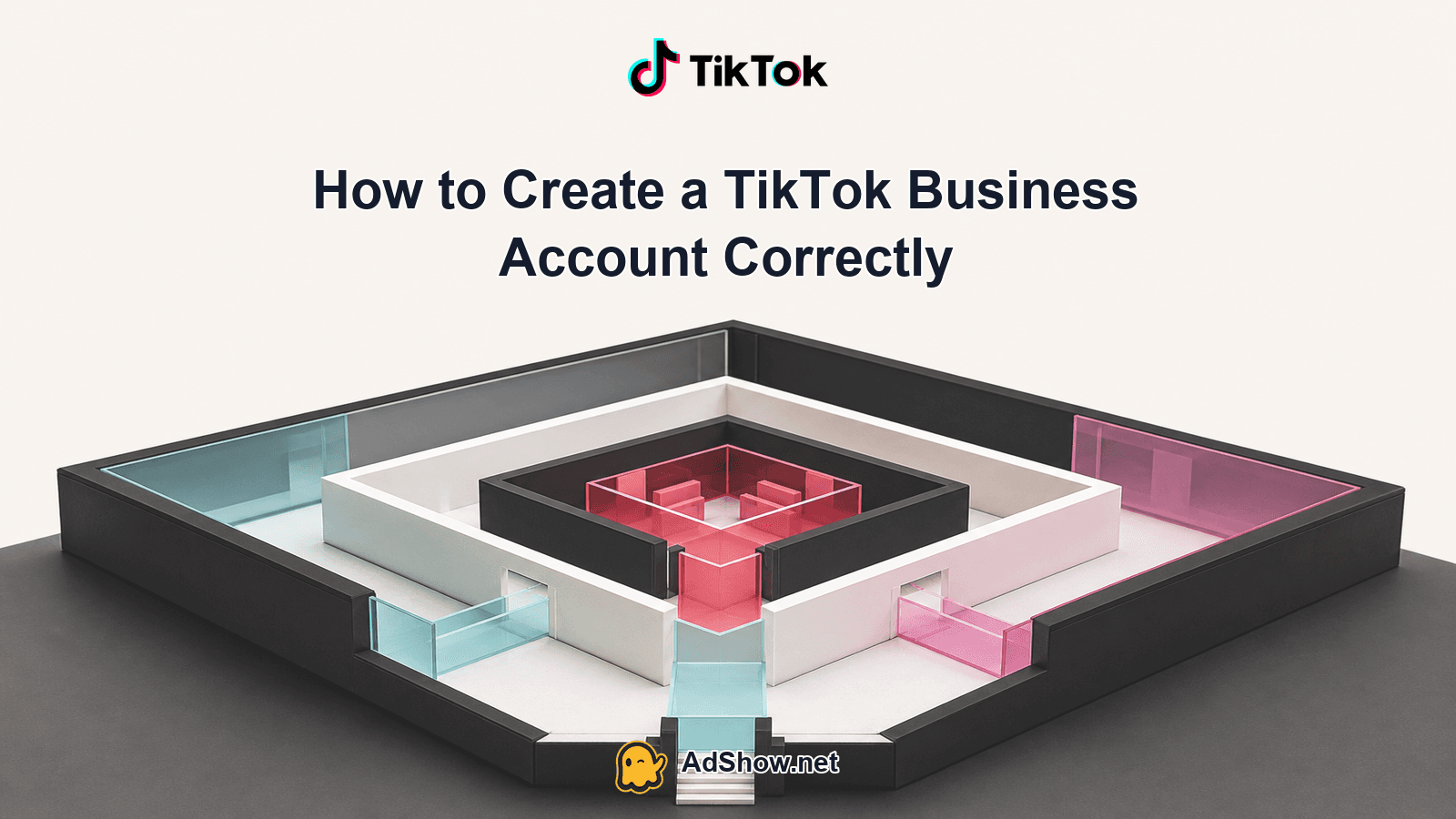
Table of contents
The phrase “TikTok business account” is ambiguous. It can mean changing a public TikTok profile to a Business Account, but that organic switch is not enough to run paid campaigns. Advertising also requires TikTok for Business credentials and an approved TikTok Ads Manager advertiser account. A team, agency or operator managing several assets may additionally need Business Center. The right setup depends on which of these four layers you actually need.
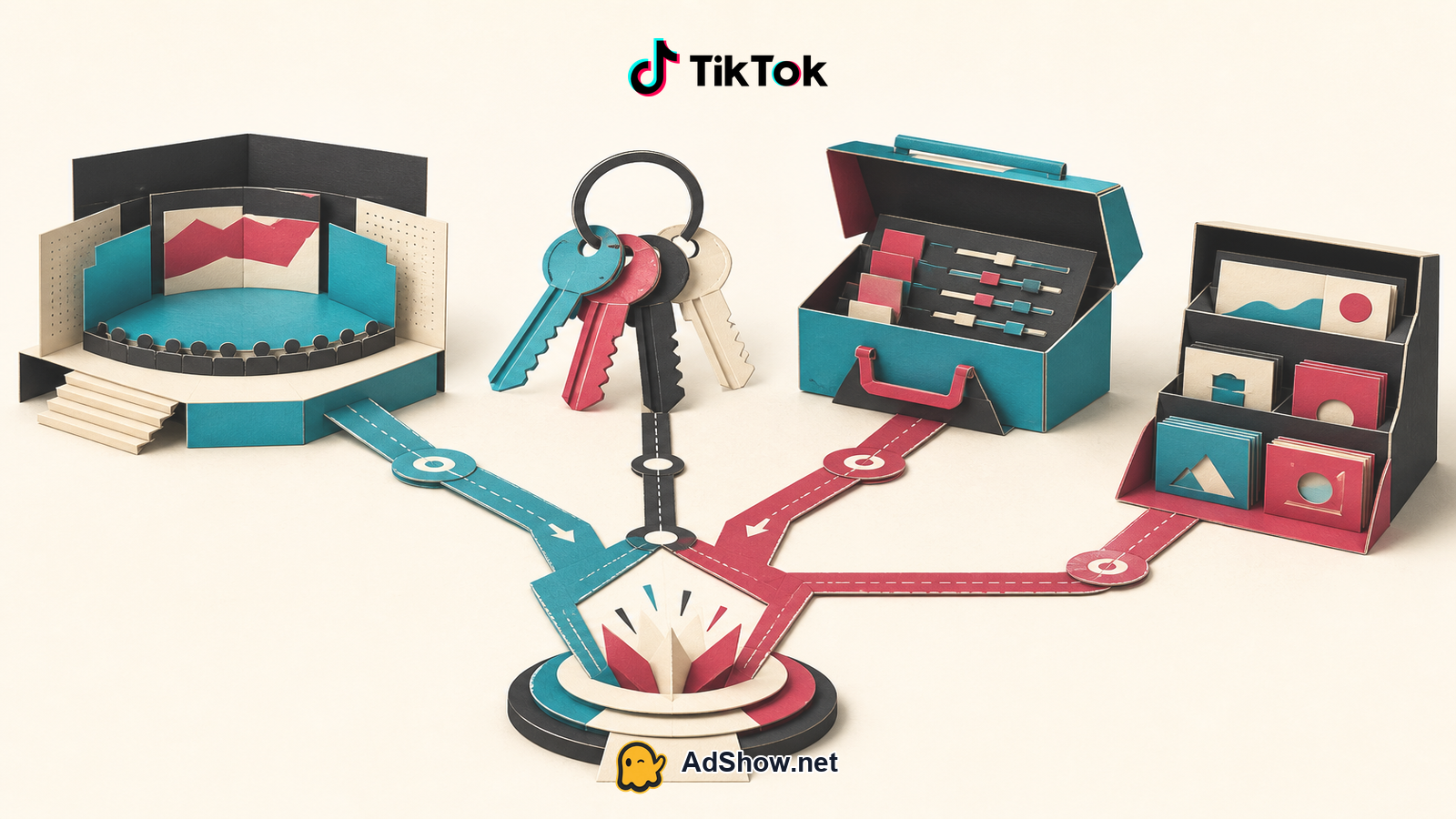
The four TikTok layers you are creating
Start with the identity map, not the signup button. Each layer has a different owner, permission model and failure mode.
TikTok for Business user login: the credential layer used to sign in to advertising products. It identifies a person or login, not the campaign budget itself.
Ads Manager advertiser account: the paid-media container that holds campaigns, ad groups, ads, billing configuration, tracking settings and an advertiser account ID. It is the account that must be created and approved for self-serve advertising.
Business Center workspace: the administration layer for organisations and teams. It can hold or connect ad accounts, TikTok identities, pixels and other assets, while assigning people and partner permissions.
TikTok identity authorization: the permission connecting a public TikTok profile to Business Center or Ads Manager for uses such as Spark Ads. Having a login does not prove that the relevant profile has been authorized.
For a solo advertiser with one profile and one advertiser account, the public Business Account and Business Center may both be optional. TikTok for Business credentials and an approved Ads Manager account are the practical paid-advertising requirements. For an agency or team, Business Center is usually the cleaner starting point because it gives the organisation a place to assign access instead of sharing a personal login. TikTok’s official documentation defines the connection and permission behavior; community discussions may describe recurring access frustrations, but those reports are anecdotal rather than platform policy.
Prepare the owner, documents and commercial settings
Before registration, write down the intended owner of every asset. Decide who owns the public TikTok profile, who will control the TikTok for Business login, which legal entity owns the advertiser account, and who will administer Business Center. This simple worksheet prevents an employee’s personal email or an agency contractor’s login from becoming the only route to a valuable account.
A monitored business email and verified phone number, with a second recovery contact where available.
The legal business name, business type, country or region, registered address and documentation that supports those details.
The intended billing entity, payment method and person responsible for invoices and failed-payment alerts.
The required currency and time zone. These settings can affect reporting, budget interpretation and account administration, and some core details may be difficult or impossible to change later.
The public TikTok username and the person authorised to approve its connection for Spark Ads.
The people, agencies and partners who need access, with the minimum role each one requires.
A plan for Pixel or Events API ownership, event names, domains, data access and future troubleshooting.
Use real information that matches the documentation. A mismatch between the registered entity, advertiser details, payment profile and verification documents can delay approval or create a later ownership problem. Do not treat the registration form as a disposable test: country, currency, time zone and legal identity are operational decisions, not cosmetic fields.
Route one: a solo advertiser with one ad account
Create or confirm the public TikTok profile. Change it to a Business Account only if the organic account type suits your content and commercial needs. Do not assume this step creates access to paid advertising.
Register or sign in to TikTok for Business with the business email or another deliberately chosen owner credential. Complete email and phone verification when requested.
Open Ads Manager registration and enter the advertiser details: business type, legal name, country or region, currency and time zone. Follow the current approval flow and provide additional business information if TikTok requests it.
Add payment and billing information only after checking the legal entity, account currency and invoice responsibility. Keep confirmation emails and the advertiser account ID in the company’s records.
Complete business verification through Ads Manager if prompted or required for the relevant features. Submit documents that correspond to the information entered at registration.
Connect the TikTok profile only when needed. For Spark Ads, authorize the correct identity and confirm that the ad account can use it; a profile URL alone is not authorization.
Create tracking deliberately. Confirm Pixel or Events API ownership, test browser and server events, and record who can edit or revoke access.
Harris Eugene’s operator note: Harris Eugene’s operator note: write down the intended owner of every asset before signup. Access problems are often architecture problems created on day one—an ad account attached to the wrong email, a profile authorized by a departing contractor, or billing controlled by nobody who can recover it.
Route two: a team or agency using Business Center
If several people will work on the account, establish Business Center first. The current TikTok workflow asks for TikTok for Business credentials and organisation details, including the advertiser or agency type, company identity, currency, time zone and security settings. Use an owner-controlled business email, enable two-step verification, and assign an administrator who is accountable for recovery.
Create Business Center and complete the organisation profile with accurate legal and operational information.
Invite staff and partners individually. Give finance, media buying, creative and analytics users only the permissions they need; never solve team access by sharing the owner login.
Choose between adding an existing standalone advertiser account and creating an advertiser account inside Business Center. Linking a standalone account preserves that account as an existing asset and requests its connection to the workspace. Creating inside Business Center makes the workspace the account’s originating administration structure. Check ownership and access implications before selecting either route.
Add or connect the TikTok identity through the Business Center identity-management flow. The profile owner must complete the authorization. Confirm that the identity appears as an available asset and that the relevant ad account has permission to use it for Spark Ads.
Add pixels, events, catalogues or other assets with explicit owners. Test access as the person who will actually build and troubleshoot campaigns.
Complete business verification and advertiser approval where TikTok requests them. Business Center does not bypass Ads Manager review, billing requirements or advertising policy.
Business Center is not a substitute for Ads Manager. It is the workspace that organises people and assets. Similarly, an agency’s access does not transfer ownership of a client’s public profile or remove the client’s responsibility for identity authorization, verification and policy compliance.
Run an access and billing check before launching
A successful signup is not a finished setup. Perform this check while every owner and administrator is still available:
Owner and admin roles: test invitations, removals and recovery rather than assuming the interface reflects the intended hierarchy.
Two-step verification: test the second factor and store recovery information under company control.
Ad account ID: record the exact ID for support, partner requests, reporting and reconciliation.
TikTok identity authorization: confirm the profile, authorization status and Spark Ads access from the account that will run the campaign.
Pixel and events: test event receipt, deduplication where relevant, attribution settings and the permissions of the person responsible for fixes.
Billing: verify payment method, legal billing details, currency, invoice access and failed-payment notifications.
Recovery contacts: remove departed users promptly and ensure more than one authorised person can handle an access incident.
For advertisers who need TikTok agency ad account access rather than a self-serve account they own, AdShow offers a self-service route with current offers, account requests, wallet funding or top-ups and issue reporting in its dashboard. Telegram can provide notifications and human guidance. Agency access remains subject to TikTok policy; it does not replace TikTok identity authorization, business verification or policy compliance, and it does not change auction economics, tracking, creative, offer or funnel quality.
Avoid the setup mistakes that become expensive later
The common mistake is stopping after switching the organic profile to Business Account. That changes the public identity layer but leaves the paid layers uncreated. Another is creating a standalone Ads Manager account with a personal email and only later discovering that a company needs central ownership, partner access and controlled billing. Linking it to Business Center may be possible, but the team should understand who owns the account and which permissions must be requested.
The practical answer to “how to create a TikTok business account”
For organic publishing, switch the relevant TikTok profile to Business Account if that is the right profile type. For paid advertising, create verified TikTok for Business credentials and an approved Ads Manager advertiser account with accurate advertiser, billing and business details. For teams, agencies or multiple assets, create Business Center first, then assign people, connect the advertiser account and authorize the correct TikTok identity. Keep the four layers separate in your records. That distinction is what makes permissions, Spark Ads, billing and recovery predictable.
Need managed access rather than a new self-serve advertiser account? Review AdShow’s current TikTok agency account options and submit an account request from the dashboard. Review TikTok agency account options
Questions from recent advertiser discussions
Is a TikTok Business Account required to run TikTok ads?
No. The organic Business Account switch is not the same as a paid advertiser setup. Paid campaigns require TikTok for Business credentials and an approved Ads Manager advertiser account. Business Center may be added for team and asset administration.
Should I create Business Center before Ads Manager?
A solo advertiser with one account can usually start with TikTok for Business and Ads Manager. A team, agency or organisation managing multiple assets should generally create Business Center first so ownership, invitations and permissions are structured from the beginning.
Can I connect an existing standalone ad account to Business Center?
TikTok provides an official workflow for linking a standalone advertiser account to Business Center. Review the ownership and permission implications before connecting it; linking an existing account is different from creating a new advertiser account inside Business Center.
Do I need to verify my business before advertising?
TikTok may request business verification through Ads Manager or Business Center, depending on the account and applicable requirements. Use legal information and documents that match the registration details, and do not assume Business Center or agency access bypasses verification or advertising policy.
Sources and scope
Official documentation defines platform behavior. Recent community discussions are used only to illustrate reported symptoms and questions; they do not prove the cause of an individual account outcome.
TikTok: create Business Center — March 2026 first-party setup guidance for TikTok for Business credentials, advertiser or agency type, company identity, currency, time zone and security.
TikTok: create Ads Manager account — June 2026 official self-serve advertiser-account setup and approval requirements.
TikTok: verify a business — Current official explanation of business verification through Ads Manager or Business Center.
TikTok: manage TikTok identities in Business Center — Official permissions and authorization workflow for TikTok accounts used with Business Center and Spark Ads.
TikTok: link a standalone ad account — Current first-party workflow for connecting an existing standalone advertiser account to Business Center.
TikTok: link TikTok identity and TikTok for Business — Official distinction and connection between a TikTok account, TikTok for Business credentials and Ads Manager registration.