TikTok Spark Ads: Set Up Creator Posts Without Permission Problems
A practical TikTok Spark Ads handoff checklist covering creator rights, post codes, identity authorization, captions, music, campaign access, review and expiry.

August 31, 2026
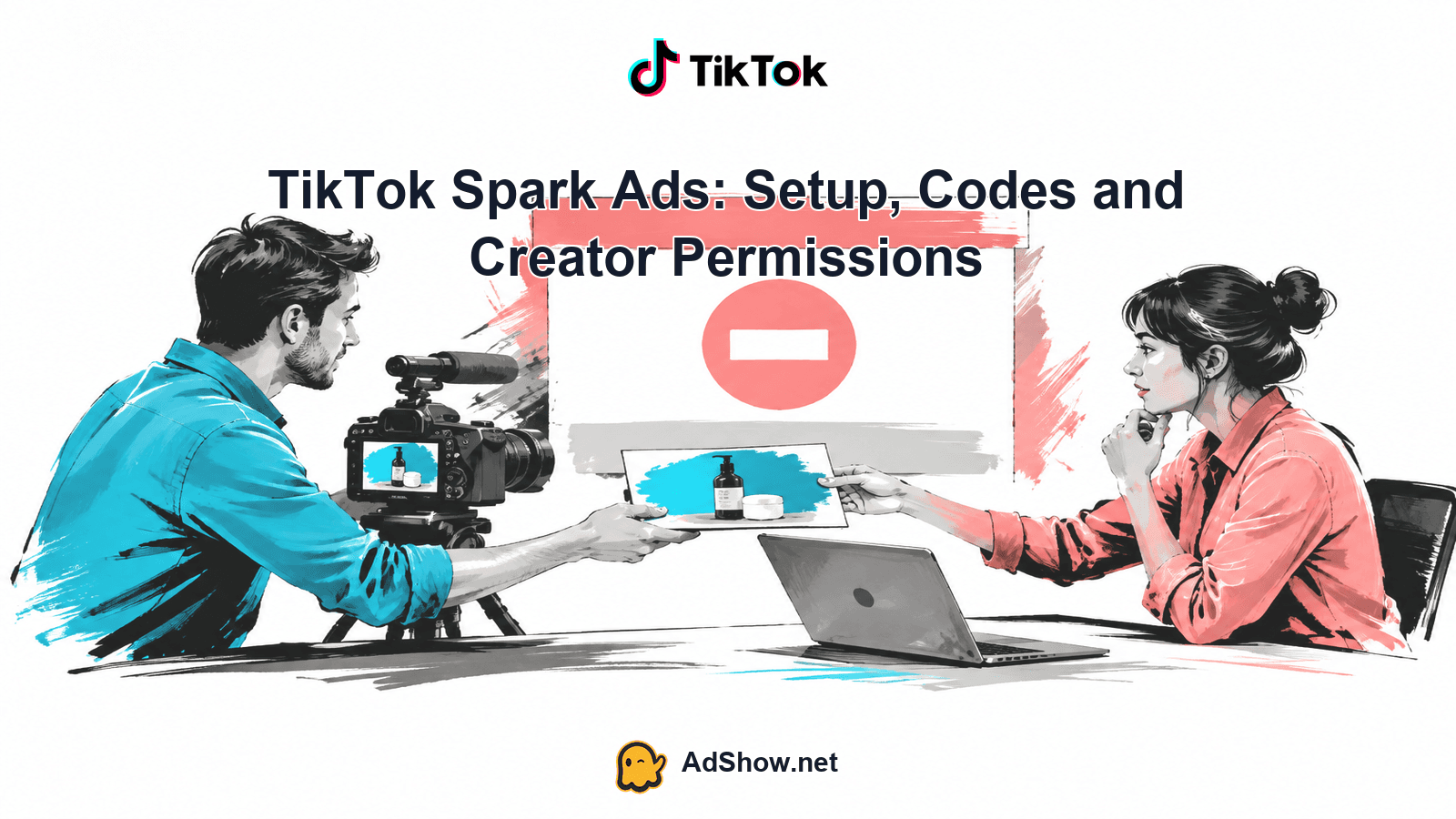
Table of contents
TikTok Spark Ads are paid promotions built from an existing organic TikTok post: either a post on your own account or one a creator has authorized you to use. The original post keeps its identity and engagement, while your campaign pays to distribute it. The practical risk is not usually finding the Promote button; it is proving that the advertiser may use that exact post, identity, caption, music and destination for the planned period. Treat the handoff as a rights-and-settings checklist before launch.
What Spark authorization actually covers
A Spark setup joins several permissions that are easy to confuse. Post authorization allows an advertiser to promote a particular organic post. Identity authorization allows the ad to use the relevant TikTok account or creator identity. Campaign or account access controls who can build, fund and manage the campaign. Commercial permission is the broader agreement that covers paid use of the creator’s likeness, performance, words and content. TikTok’s identity guidance distinguishes an owned account from another authorized account or post, and availability can vary by setup (TikTok identity guidance).
Those are not interchangeable. A creator can authorize one post without giving an agency access to the TikTok account. A Business Center member can receive permission to use an authorized identity without receiving copyright ownership. A TikTok post code confirms a platform authorization flow; it does not replace a written agreement covering paid media, territory, term, edits, creator identity, disclosure obligations and music licensing.
Harris Eugene’s operator note: Harris Eugene's operator note: Confirm paid-use rights in writing before requesting media spend. Set the authorization window long enough to cover the experiment, reporting delay and likely follow-up—not only the scheduled launch date—so a winning post does not lose permission mid-test.
The creator handoff checklist
Before anyone generates a code, capture the exact asset and the agreement around it. A clean handoff prevents an advertiser from authorizing the wrong post, wrong account or wrong version of a creator’s work.
Exact post URL and a recording or screenshot of the post as approved, including its caption and visible identity.
Creator identity: account handle, display name, agency or representative contact, and confirmation that the person granting permission controls the account.
Written paid-use rights covering Spark Ads, the advertiser, campaign purpose, territory, channels, creator likeness and any required disclosure.
Authorization expiry date, time and timezone; choose a period that covers testing, optimization, reporting and reasonable follow-up.
Permitted edits: confirm whether the advertiser may change the destination, call to action, tracking parameters, text overlays or anything else. Do not assume the pulled organic post can be rewritten like fresh push content.
Music and third-party asset status, including whether the sound is cleared for commercial advertising in every planned territory.
Landing-page URL, tracking destination, offer terms and the person responsible for approving the final preview.
Check the caption before authorization, not after. TikTok’s June 2026 creation guide warns that pulled-post captions are not handled like captions for newly uploaded push content. Also note the practical visibility consequence: the guide says a private video becomes public while it is promoted. That status change should be part of creator approval, especially when the post was private for a reason (TikTok’s creation guide).
Manual and Search campaign workflow
For the manual/Search route described in TikTok’s June 2026 documentation, the creator starts in the TikTok app. They open the approved post, tap the three dots, open Ad settings and generate the authorization code. The creator should send the code together with the post URL, expiry details and written rights record; a code alone is not a complete handoff.
In the advertiser account, choose the campaign and ad-group settings appropriate to the planned objective, then reach creative selection.
Select TikTok posts or use Add post, depending on the interface shown for that account, and enter the creator’s authorization code or follow the available post-import flow.
Verify the imported post identity, exact post, caption, authorization period and any displayed expiry before proceeding. Stop if the preview is not the asset that was approved.
Set the destination and tracking details, then inspect the ad preview on the intended placements. Confirm that the landing URL, disclosure, call to action and visible identity match the brief.
Submit for review only after the rights record, music status and campaign access are confirmed. Keep the approved URL, screenshots and expiry in the campaign file.
Do not treat this manual route as universal. Smart+ has separate instructions and can expose different choices from a manual or Search campaign. Use the workflow TikTok shows for the campaign type and account rather than copying menu names from another setup. TikTok’s Spark Ads overview defines the format as promotion of your own organic content or authorized creator content, with engagement attributed to the original post (Spark Ads overview).
Linked accounts, Business Center and agency access
A linked TikTok account or Business Center authorization can be an alternative to passing a post code, where the account and feature are eligible. The account owner approves access through TikTok, and assigned members can use an authorized identity for advertising when they have the relevant account access. That access still does not transfer copyright or expand the creator’s commercial license. The Business Center account-management guidance explains the authorization relationship (TikTok Business Center account management).
Never ask for or accept a creator’s TikTok password. Use the platform’s authorization controls and keep campaign permissions separate from creator credentials. If you need operational capacity, AdShow offers self-service agency advertising account access, visible marketplace offers, dashboard requests, funding or top-ups and issue reporting. That is an account-access path, not a provision of creator rights, a policy bypass or a cure for weak creative, learning or lead quality. See the TikTok agency account access page for that scope.
Spark or non-Spark: make the deliberate choice
Choose Spark when the value of the asset includes the creator’s public identity, existing social proof and engagement on the original post. Choose a non-Spark ad when the team needs more control over creative versions, copy, edits, account identity or destination presentation. The decision is about identity and creative flexibility, not a promised performance outcome.
Do not promise a lower CPA or faster approval merely because an ad is Spark. A July 31, 2026 BlackHatWorld thread asks whether Spark Ads and regular ads differ in approval time, but the discussion is an anecdotal question, not evidence of a guaranteed difference. Avoid turning forum speculation about aged accounts or evasion into operating policy. Existing organic-post approval also does not bypass ad review; an organic post that violates advertising requirements can still be rejected. For a separate account-creation foundation, use how to create a TikTok Business Account correctly, but do not confuse account setup with creative authorization.
Troubleshoot the handoff, not the identity
Code rejected: check that the code belongs to the exact post and identity, has not expired, and was entered in the correct campaign flow. Ask the creator to renew authorization rather than cloning the identity or requesting a password.
Post missing: verify the URL, account connection, Business Center assignment, post visibility and whether the account supports the selected workflow. A private post may become public during promotion, so confirm that change with the creator.
Ad in review: recheck caption, destination, claims, disclosure, music rights and landing-page behavior. Organic approval is not ad approval. Do not invent a human-review explanation or promise a review duration.
Authorization expired: pause or avoid new delivery until the creator grants renewed permission and the commercial agreement still covers the new period. Record the new expiry and preview again.
Identity mismatch: stop if the preview shows the wrong handle or post. Do not solve a rights problem by replacing the creator with a copied or cloned identity.
For a practical review-status checklist, see TikTok Ads stuck under review after 24 hours. Use it alongside TikTok’s current creation and policy instructions; recent forums can reveal recurring questions, but official documentation should control the decision.
A final pre-launch example
Imagine a creator approves a product demonstration for paid use in the United Kingdom and Ireland through 30 September at 23:59 Europe/London. The handoff includes the post URL, the creator’s handle, a written Spark license, approved caption, commercial music confirmation, allowed destination edit and a tracked landing URL. The creator generates the code from that post’s Ad settings. The advertiser imports it, sees the same identity and caption, confirms the displayed expiry, checks the destination and submits.
If the team later wants a United States launch, a new caption or a different music track, it should not assume the first permission covers those changes. Reconfirm territory, edits, licensing and expiry, then obtain renewed or expanded authorization before spending. That discipline protects the creator relationship and gives the campaign file a defensible record of what was actually approved.
Need operational TikTok advertising account access without handing over creator credentials? Review AdShow’s self-service agency account options and request access through the marketplace. Explore TikTok agency ad accounts
Questions from recent advertiser discussions
Is a TikTok Spark Ads code proof that I can use a creator’s content?
No. The code is part of TikTok’s post-authorization flow, but it is not a substitute for documented commercial rights, territory, duration, permitted edits or music licensing. Keep the code and the written permission together.
Can I change the caption after importing a Spark post?
Do not assume you can rewrite a pulled organic caption in the same way as fresh push content. Review and approve the caption before the creator authorizes the post, then verify the imported preview before launch.
Does Business Center access give me ownership of the creator’s post?
No. Business Center or linked-account authorization can allow assigned members to use an authorized identity for eligible advertising work. It does not transfer copyright, likeness rights or broader commercial permission.
Will Spark Ads be approved faster or deliver a lower CPA?
There is no guaranteed approval-time or CPA advantage. Spark can be the right choice when original identity and engagement matter; non-Spark can be better when the team needs creative flexibility. Both remain subject to ad review and policy requirements.
Sources and scope
Official documentation defines platform behavior. Recent community discussions are used only to illustrate reported symptoms and questions; they do not prove the cause of an individual account outcome.
TikTok: create Spark Ads — June 2026 guide for manual/Search, with separate Smart+ route. Code from post Ad settings; Add post, authorization period, preview/destination/tracking. Captions final before pull authorization; private video becomes public. Keep paraphrase under 180 words; no copied steps.
TikTok: about Spark Ads — June 2026: organic posts yours or authorized creators; promotion engagement attributed to original post. Organic banned posts rejected for ads too. Do not claim better CPA.
TikTok: set up Identity — April 2026: owned account or other authorized account/post; availability varies. Spark requires identity.
TikTok: manage accounts in Business Center — Owner approves authorization through app; assigned members use authorized TikTok identity for ads where they have account access. Not transfer of copyright.
Recent forum question about Spark approval — July31 2026 asks whether Spark approval differs from regular ads. Anecdotal speculation is not proof of faster approval; do not adopt aged-account/evasion suggestions.