Facebook Agency Ad Account vs Personal: Which Should You Use?
Compare a Facebook agency ad account vs personal setup by ownership, permissions, billing, assets and policy risk before choosing.

August 13, 2026
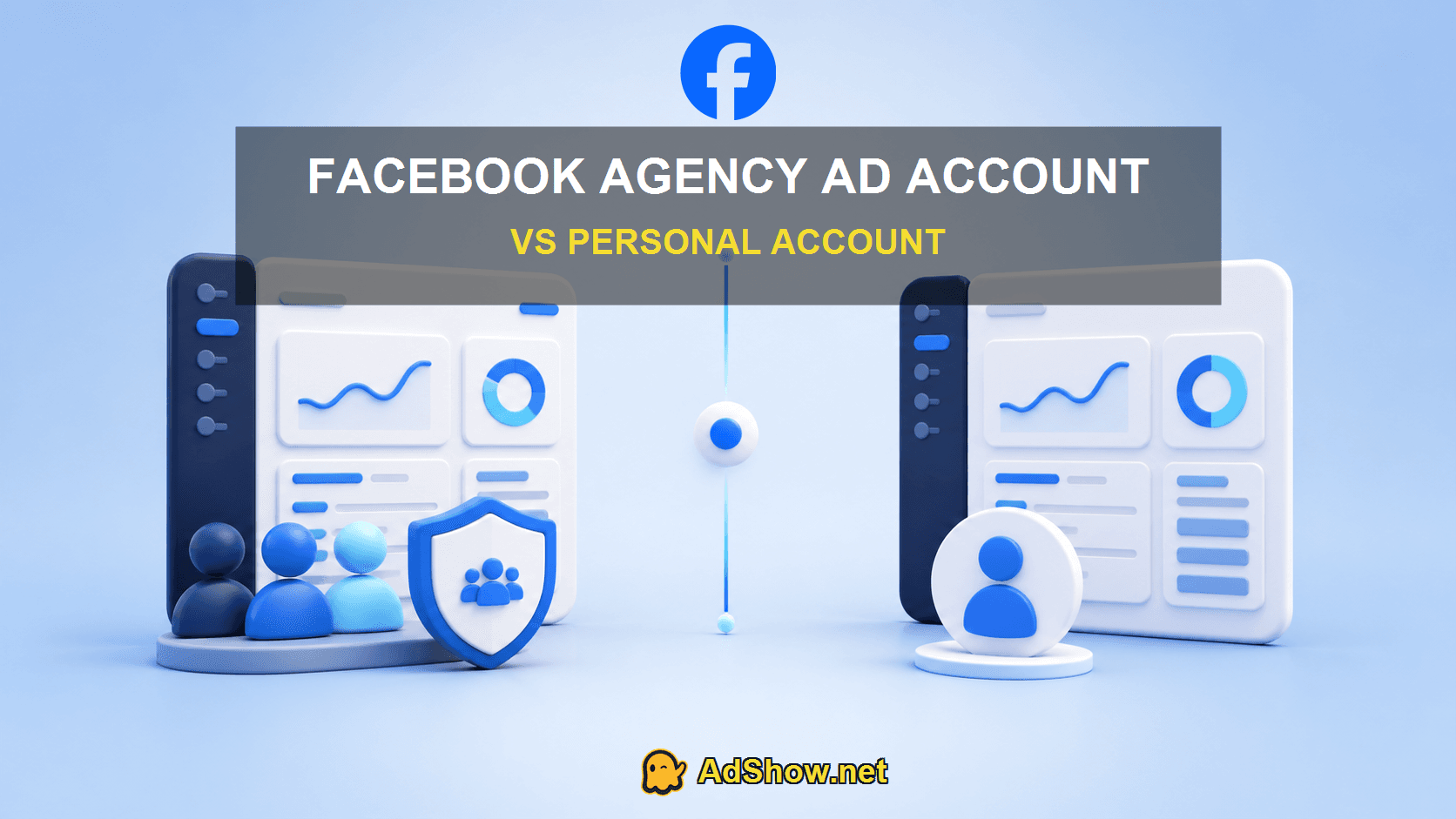
Table of contents
A Facebook agency ad account vs personal account decision is primarily about ownership, access, billing and operational support. A personal ad account is associated with an individual Facebook identity and may suit a small advertiser. A business or agency workflow separates people from business assets through assigned permissions and can support teams, multiple accounts and provider services. It does not remove Meta’s review or advertising policies.
For a legitimate advertiser, the better setup is the one with verifiable ownership, secure permissions, portable assets and written balance terms—not the one marketed as “no ban.”
AdShow option: AdShow provides Facebook agency ad accounts through a self-service dashboard, alongside Google Ads, TikTok and other major platforms. Buyers can inspect current marketplace terms before requesting an account; Meta enforcement and offer eligibility still apply.
What does each term mean?
A personal ad account is an advertising account managed from a real person’s Facebook identity. Meta allows people to be assigned as ad-account admins, advertisers or analysts. A business portfolio adds a business layer for assets and permissions. In the provider market, a Facebook agency ad account usually means an ad account provisioned or managed through an agency’s business infrastructure with funding and support terms.
These are not three grades of policy protection. They are different access and commercial arrangements around advertising assets.
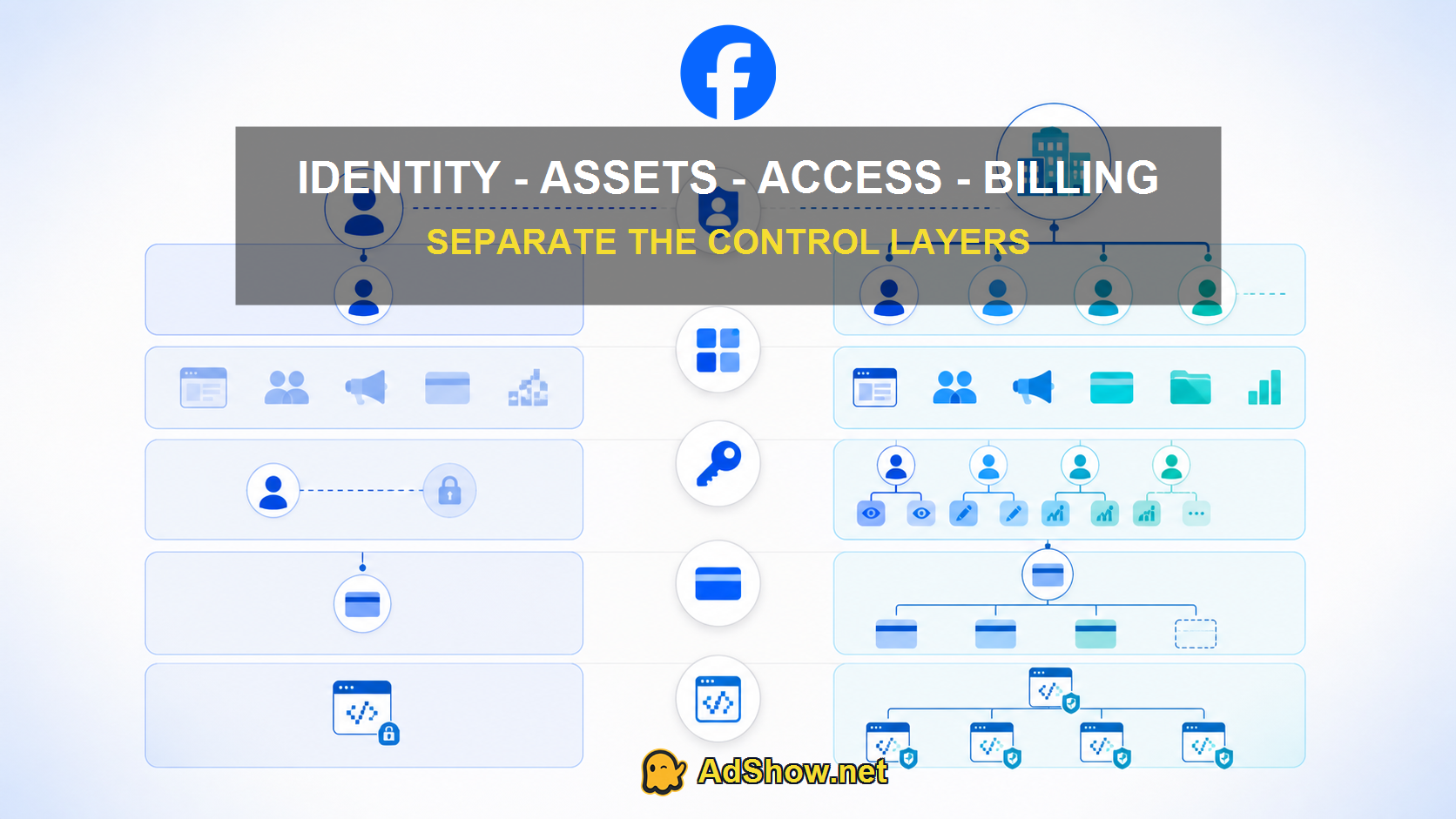
Keep identity, business assets, permissions, billing and provider terms as separate control layers.
Facebook agency ad account vs personal: eight differences
1. Identity
Meta requires people to use authentic profiles and explicitly warns against sharing Facebook accounts. Team members should receive their own permissions instead of a common login.
2. Ownership
Determine which business portfolio owns the ad account, Page, Pixel, catalog and domain. An ad account supplied by a provider does not mean the provider should own every customer asset.
3. Team permissions
Business workflows are better suited to named users, least-privilege roles and revocation when a contractor leaves.
4. Billing
Personal/direct accounts typically use the advertiser’s accepted payment method or available-funds setup. Provider accounts may use prepaid top-ups and service fees. Confirm the net credited amount and where unused funds sit.
5. Account limits
Creation and spending capabilities can vary. Do not treat “unlimited” as a universal fact; obtain the current account-specific conditions.
6. Support
An agency can add onboarding and incident assistance. Support cannot overturn Meta enforcement by promise.
7. Portability
Your Page, Pixel, catalog, domain and creative source files should remain recoverable when practical. Map them before switching accounts.
8. Policy risk
Both account models can be restricted. Policy-compliant setup reduces avoidable mistakes but cannot guarantee approval or uninterrupted delivery.
Harris Eugene’s operator note
“I judge a Facebook account setup by the blast radius of one compromised person. If one profile disappears, can another verified admin still reach the Page, Pixel and billing records? Community discussions often obsess over whether an agency account is ‘stronger.’ The more useful question is whether the asset map and permissions survive an incident. That is where teams usually discover whether they bought real operations or only a login delivered in chat.”
— Harris Eugene. This note is an evidence-based operator perspective, not a claim of a specific unverified client outcome.
When does a personal account make sense?
Use a direct setup when the advertiser is eligible, can verify its real identity and business, has stable billing and wants maximum direct control. Place business assets in a properly administered business portfolio as the operation grows.
When is an agency account worth evaluating?
Evaluate one when a legitimate advertiser needs a defined account-provisioning, top-up or support workflow and understands provider ownership and service terms. A dashboard with visible pricing and transaction records is more auditable than a chat-only promise, but the underlying offer still needs review.
See the Facebook agency account provider investigation for due-diligence criteria. To secure access before changing infrastructure, use the Facebook Business Manager access protection guide.
Build a safer Facebook asset map before switching
Write down the owner and authorized admins for the Page, ad account, Pixel or dataset, catalog, domain and Instagram account. Add the payment owner and recovery contacts. This exposes a common hidden dependency: the advertiser may control the Page but not the Pixel, or receive ad-account access without control of billing.
Use at least two appropriate business admins, require two-factor authentication and remove former contractors. Do not create fake personal profiles as backups; Meta’s rules require authentic identities, and an inauthentic recovery plan creates another enforcement risk.
Before moving spend, test whether the new ad account can access the correct Page, Pixel, conversion event, catalog and verified domain. Save historical reports from the old account. Agency access can improve operations, but it does not automatically transfer learning, attribution history or ownership of every asset.
Questions from recent advertiser and support discussions
Is a Facebook agency ad account ban-proof?
No. Meta can review or restrict agency-provisioned and directly opened accounts.
Does an agency account always perform better?
No. Performance depends on the auction, campaign inputs, data, offer and creative; the provider label alone does not guarantee improvement.
Should an agency ask for my Facebook password?
No. Meta provides roles and business-asset permissions. Each authorized person should use an authentic account with appropriate access.
Can I keep my Facebook Pixel when changing ad accounts?
Potentially, if your business controls the Pixel and can grant the new account appropriate access. Verify ownership and sharing eligibility before migrating.
Research scope: Meta Help documentation on ad-account roles, business assets and payment methods, plus recent public advertiser concerns. Provider terms can change and should be checked before funding.