How to Check Google Ads Spending and Reconcile the Bill
Google Ads spend is not one number. Compare campaign Cost, Billing activity, payments and balance records to explain what was served, billed and charged.

August 26, 2026
Table of contents
To check Google Ads spending accurately, use three records rather than one screen: Campaigns Cost for advertising delivered in your selected date range, Billing Summary or Billing activity for charges, payments, taxes, fees, credits and adjustments, and billed-cost reporting if your eligible account uses monthly invoicing. These figures answer different questions. Cost shows campaign delivery; billing activity shows account transactions; a payment shows money collected. Reconcile them with the same timezone, date range and reporting-delay checks before treating a difference as an error.
1. Start with Campaigns Cost: the performance ledger
For day-to-day media buying, open Google Ads and go to Campaigns. Set the date range in the upper-right corner, then review the Cost column at account, campaign, ad group or asset level. Google defines Cost as accrued campaign cost for the selected reporting period. It is the best starting point for answering, “What did my ads spend while they were serving?”
Do not compare a single campaign row with a card transaction. First make sure the report scope is identical: include all campaigns, check whether paused campaigns are visible, and remove filters that exclude a campaign type or label. Then compare Cost with clicks, conversions and conversion value so that an unexplained cost movement is separated from a genuine performance movement.
Set a fixed range such as this month, last month or custom dates; record the exact start and end dates.
Check the account timezone in Google Ads. A day ends in the account timezone, not necessarily your local timezone or bank timezone.
At the account level, add or confirm Cost, Clicks, Impressions and conversion columns before drilling into campaigns.
Download the report or save the total before changing date ranges, filters or comparison periods.
Treat recent intraday figures as provisional when reporting is still catching up.
This is often called served cost in invoiced-account reporting: value associated with advertising served on a particular day. It is not automatically the amount that will be collected from a payment method that day. For column definitions and reporting behavior, use Google’s official statistics-table guidance.
2. Use Billing activity to explain money movements
Next, go to Billing and look for Summary and/or Billing activity. Exact labels, available tabs and export options can vary by payments profile, country and payment setup. For automatic and manual payment accounts, Billing activity is the transaction ledger: it is where Google records campaign costs alongside payments and non-media entries. This is the screen to use when the question is, “Why is the balance or card charge different from Campaigns Cost?”
Campaign cost: advertising cost posted to the billing ledger; it relates to media delivery but may post on a different timetable from a bank charge.
Payment: money received or collected by Google, such as a card charge, bank payment or manual top-up. A payment is not itself a measure of campaign performance.
Current balance: the net amount outstanding or available after ledger entries. Its sign and presentation can depend on the payment arrangement.
Tax or fee: a jurisdictional tax or applicable fee that can change the total paid without changing campaign Cost.
Credit or adjustment: an account-level entry that changes the ledger balance. It may be promotional, corrective or otherwise documented in the activity record.
Billed cost: for qualifying monthly-invoicing customers, the amount billed after billing-specific processing; it can differ from daily served cost.
Read the transaction dates and descriptions rather than relying on the largest number on the page. Google’s Billing activity documentation describes the ledger categories for automatic and manual payment accounts. If a line is unclear, preserve the activity export, its transaction identifier and the matching campaign date range before asking support or your finance team to investigate.
3. Check the right trail for your payment setup
The reconciliation logic stays consistent, but the payment trail differs by setup. Do not assume every Google Ads account exposes identical controls or timing.
Automatic payments: compare the card or bank charge with Billing activity, then inspect the balance immediately before the charge. Automatic charges can be triggered when a payment threshold is reached or on the monthly billing cycle.
Manual prepay: check the payment or top-up entry first, then the available balance and subsequent campaign-cost entries. A prepayment can be made on one date and fund delivery over many later dates.
Monthly invoicing: review invoice and billing-report access available to the account, then compare daily served cost with billed cost. This workflow is for eligible invoiced accounts, not a universal reporting option.
Any setup: verify the payments profile and currency before comparing figures with a bank statement, spreadsheet or another advertiser account.
A common mistake is expecting an automatic card charge to equal the current calendar month’s campaign Cost. Google states that a threshold charge can include current costs, a prior balance, taxes, fees and adjustments. Conversely, part of this month’s Cost may remain unpaid when you check because the threshold or billing date has not yet been reached. The automatic payment charge guidance is the authority on charge composition for your setup.
4. Reconcile the three ledgers in a fixed order
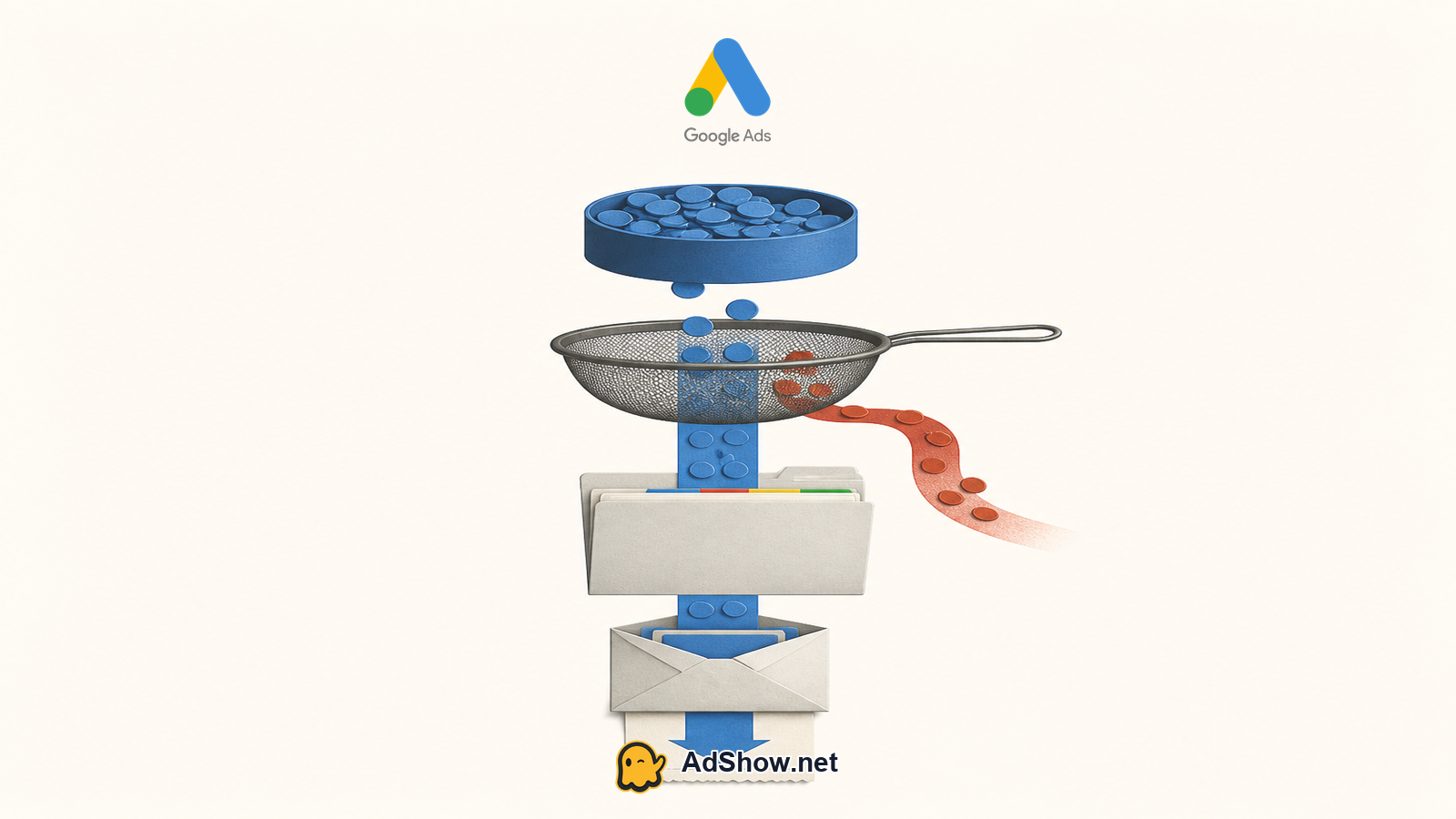
Use a simple reconciliation sequence. It prevents a bank transaction from being incorrectly labelled as campaign overspend and gives finance a traceable explanation.
Freeze the reporting window: write down the Google Ads date range, account timezone, currency and report pull time.
Total Campaigns Cost across the complete account for that window. Keep any exclusions explicit, such as a separate brand campaign or manager-account filter.
Open Billing activity for a window wide enough to capture posting delays, prior balances and the payment date. Match campaign-cost entries, payments, taxes, fees, credits and adjustments.
For invoiced accounts, compare served-cost and billed-cost reports for the same days before comparing either one with an invoice.
Match a bank charge only after identifying its billing-ledger payment entry and the balance it settled. Record any remaining timing difference rather than forcing totals to match.
Escalate only with evidence: account ID, payments profile where appropriate, transaction IDs, screenshots or exports, timeframe, currency and the exact variance.
Harris Eugene’s operator note: **Harris Eugene, operator note: Reconciliation should move from delivery to ledger to settlement: Campaigns Cost first, Billing activity second, then the card charge, top-up or invoice. This order is more defensible than starting with a bank line because payment timing can combine earlier debt and non-media entries. A mismatch that has not been normalized for timezone, tax and posting timing is not enough evidence of an overspend.**
5. Check date boundaries, timezone and reporting delay before escalating
Most apparent discrepancies are comparison problems. Campaign reporting follows the Google Ads account timezone. Your bank can timestamp a charge in another timezone, while an invoice or payment processor may use a separate processing date. A “yesterday” report can therefore represent a different set of hours from a bank statement labelled with the same calendar date.
Also allow for data processing. Recent campaign statistics and billing entries may not appear at exactly the same moment, especially around midnight, weekends, payment processing or month-end. Re-run the same saved range after data has settled before concluding that a line is missing. What cannot be determined from a single Cost total is whether a particular payment has settled, whether tax applies, or whether a credit will appear; those require the billing ledger and the account’s applicable documentation.
6. Put daily budget and overdelivery in the right context
A daily budget is an average daily budget, not a promise that served cost will be identical every day. Google may serve up to 2x the average daily budget on a given day when traffic opportunities justify it, while its monthly charging limit is generally 30.4 times the average daily budget. That framework addresses normal delivery and charging limits; it does not replace a ledger reconciliation for a particular payment.
For the official limits and examples, see Google’s manage your spend guide and AdShow’s Google Ads cost guide. A July 2026 Reddit discussion about apparent overspending shows that advertisers commonly compare daily budgets directly with billing reports, but that discussion is anecdotal and cannot establish a billing error in any account.
7. Separate AdShow wallet records from Google Ads records
If you use a supplied Google agency account through AdShow, keep two record sets. AdShow dashboard wallet funding and top-up operations document activity within AdShow. Google Ads Campaigns, Billing activity and eligible invoice reports document campaign delivery and Google billing. A wallet top-up may be operationally relevant, but it is not interchangeable with Google’s campaign Cost, a Google payment entry or a Google invoice.
AdShow provides self-service agency advertising account access, visible offers, account requests, wallet operations and issue reports, with Telegram available for notifications and human guidance. Platform access remains subject to Google policy and does not repair auction pricing, conversion tracking, creative, offer quality or funnel performance. If the problem is a declined Google billing payment rather than a reporting mismatch, review how to fix a Google Ads payment decline. For account-structure context, see Google agency account vs. individual and assess the full operating cost rather than the media figure alone.
Review Google Ads agency account options and keep operational wallet activity separate from Google Ads campaign and billing reconciliation. Explore Google agency accounts
Questions from recent advertiser discussions
Why does my Google Ads card charge not match this month’s campaign Cost?
An automatic payment can include prior balance, current costs, taxes, fees or adjustments. It may also be triggered by a payment threshold rather than the calendar month boundary.
Where can I see actual Google Ads spend by campaign?
Use the Cost column in the Campaigns view with the required date range, account timezone and filters confirmed. This shows accrued campaign cost for the selected period.
What is the difference between served cost and billed cost in Google Ads?
Served cost relates to ads delivered on a date. Billed cost is the billing figure available in eligible monthly-invoicing reporting and can differ after billing processing.
How long should I wait before investigating a Google Ads billing mismatch?
First verify timezone, date scope and payment setup, then allow for reporting and payment-posting delay. Recheck the same saved range before escalating with transaction and ledger evidence.
Sources and scope
Official documentation defines platform behavior. Recent community discussions are used only to illustrate reported symptoms and questions; they do not prove the cause of an individual account outcome.
Google Ads: manage your spend — Official explanation of average daily budget, overdelivery, monthly charging limits and access to cost and billing data.
Google Ads: statistics-table columns — Official definition of the Cost column as accrued campaign cost for the selected time frame and related performance columns.
Google Ads: billing activity — Official breakdown of campaign costs, payments, taxes, fees, credits and running balance for automatic/manual payment accounts.
Google Ads: daily served and billed costs — Official billed-cost workflow for monthly-invoicing customers and distinction between served and billed cost.
Google Ads: automatic payment charges — Official explanation that threshold charges can include current cost, prior balance, taxes, fees and adjustments.
Recent discussion: apparent Google overspend — July 2026 advertiser discussion showing why users compare daily budgets with billing reports; anecdotal account experience, not proof of a billing error.