Meta Ads Outage or Account Issue? Diagnose It in 15 Minutes
Is Meta Ads down or is the problem limited to your account? Use this 15-minute evidence check across status, delivery, billing, users and external data before editing campaigns.

August 14, 2026
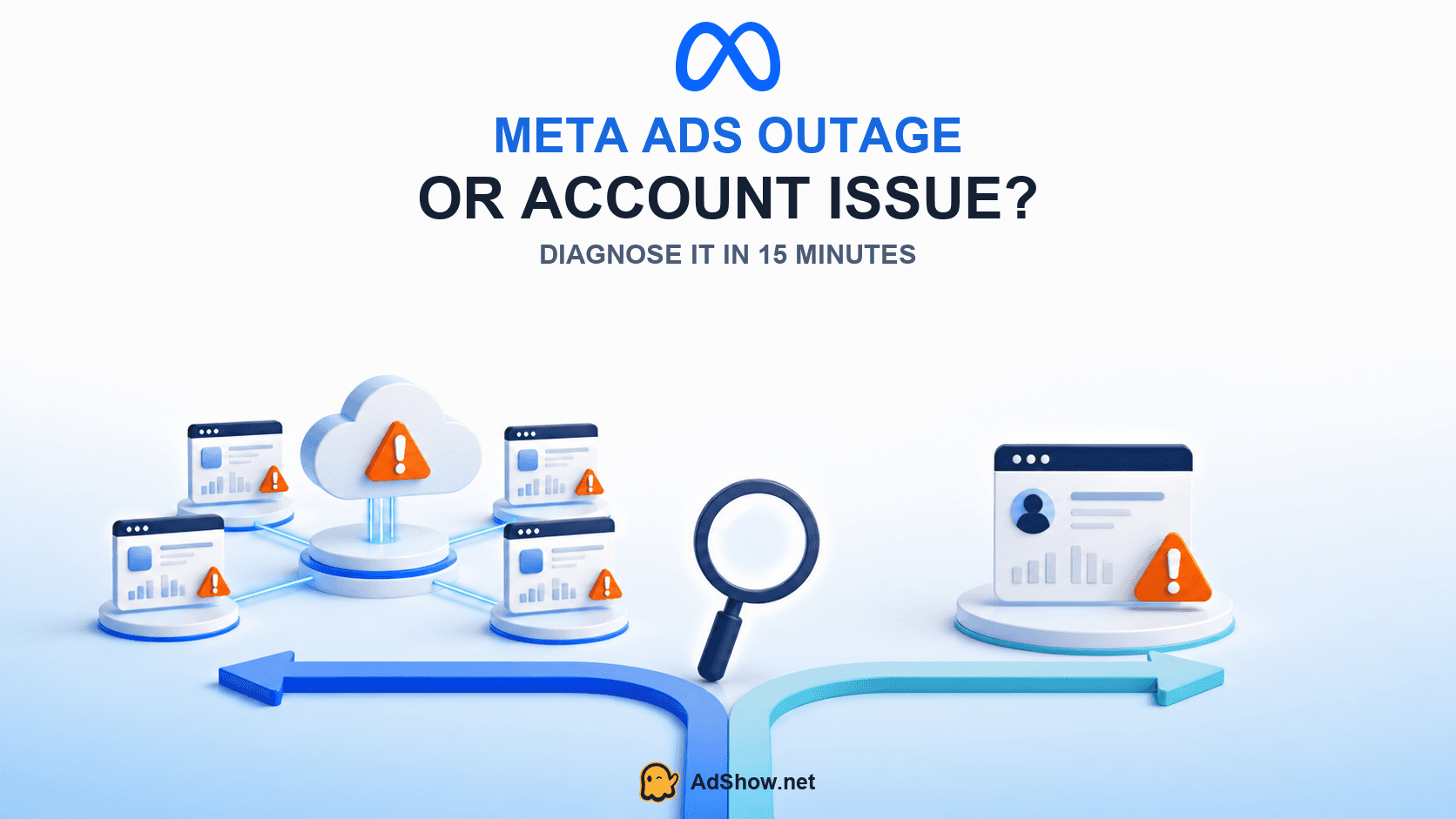
Table of contents
Ads Manager will not load, spend appears frozen, campaigns stop delivering, or reporting suddenly falls behind. Is Meta Ads down—or is the problem limited to your ad account?
The distinction matters. Editing campaigns during a platform outage can create unnecessary reviews and destroy a clean before-and-after record. Waiting for Meta to recover when the account actually has a failed payment, restriction or rejected ad wastes just as much time. This guide gives media buyers a 15-minute evidence check before they edit, appeal or replace anything.
How can you tell whether Meta Ads is down?
Do not use one failed page load as proof of an outage. A stronger outage signal combines several independent observations: Meta’s business status page reports a disruption, unrelated advertisers see the same symptom, multiple Meta products fail together, or the same account fails across different users and devices without a new account-level warning.
Meta maintains a status page for business products, including Ads Manager and Business Suite. It is the best official starting point, but it should not be treated as the only source of truth. A regional or newly developing incident may be visible to advertisers before an official incident is posted. That is why the diagnosis uses both platform evidence and account evidence.
AdShow operator note: Preserve the last known good timestamp before testing anything. Record when spend, publishing, login or reporting stopped; which users and accounts are affected; and whether sales or website sessions continue outside Ads Manager. This turns “Meta looks broken” into evidence support can use.
The 15-minute Meta Ads outage check
Minute 0–3: Check official status and define the failing product
Open Meta Status and identify the affected product. Ads Manager failing to load is different from delayed reporting, Instagram messaging failure or a Conversions API disruption. Note the incident start time and whether Meta labels it a disruption. Take a screenshot because the status can change during diagnosis.
Minute 3–6: Test scope across independent access paths
Ask another authorized user to open the same business and ad account. Test a second browser or device without changing campaign settings. If possible, check another unrelated ad account. Failure across independent users, accounts and regions supports the outage hypothesis. Failure for one person suggests a user, browser, permission or security issue.
Minute 6–9: Read the exact account and delivery statuses
Open Business Support Home, Account Quality and the Delivery column at campaign, ad set and ad level. Meta states that these levels can show different statuses. A campaign can be active while an ad remains in review, processing, rejected or switched off. An explicit restriction, failed payment or rejected ad is account evidence—not a generic outage symptom.
Minute 9–12: Compare platform reporting with outside evidence
Check website analytics, store orders, CRM leads and server-side events. If Ads Manager spend and conversions are frozen while sessions and sales continue, reporting may be delayed even though delivery continues. If both external traffic and platform delivery stop, the problem may be broader—but still check billing, schedule, audience and bid conditions.
Minute 12–15: Inspect the last material change
Use Activity History to identify edits near the failure time: budget, bid strategy, audience, creative, destination, payment method, admin access or account setting. A problem beginning immediately after one controlled change is more likely account-specific than a simultaneous cross-platform outage.
Signs that point to a Meta platform outage
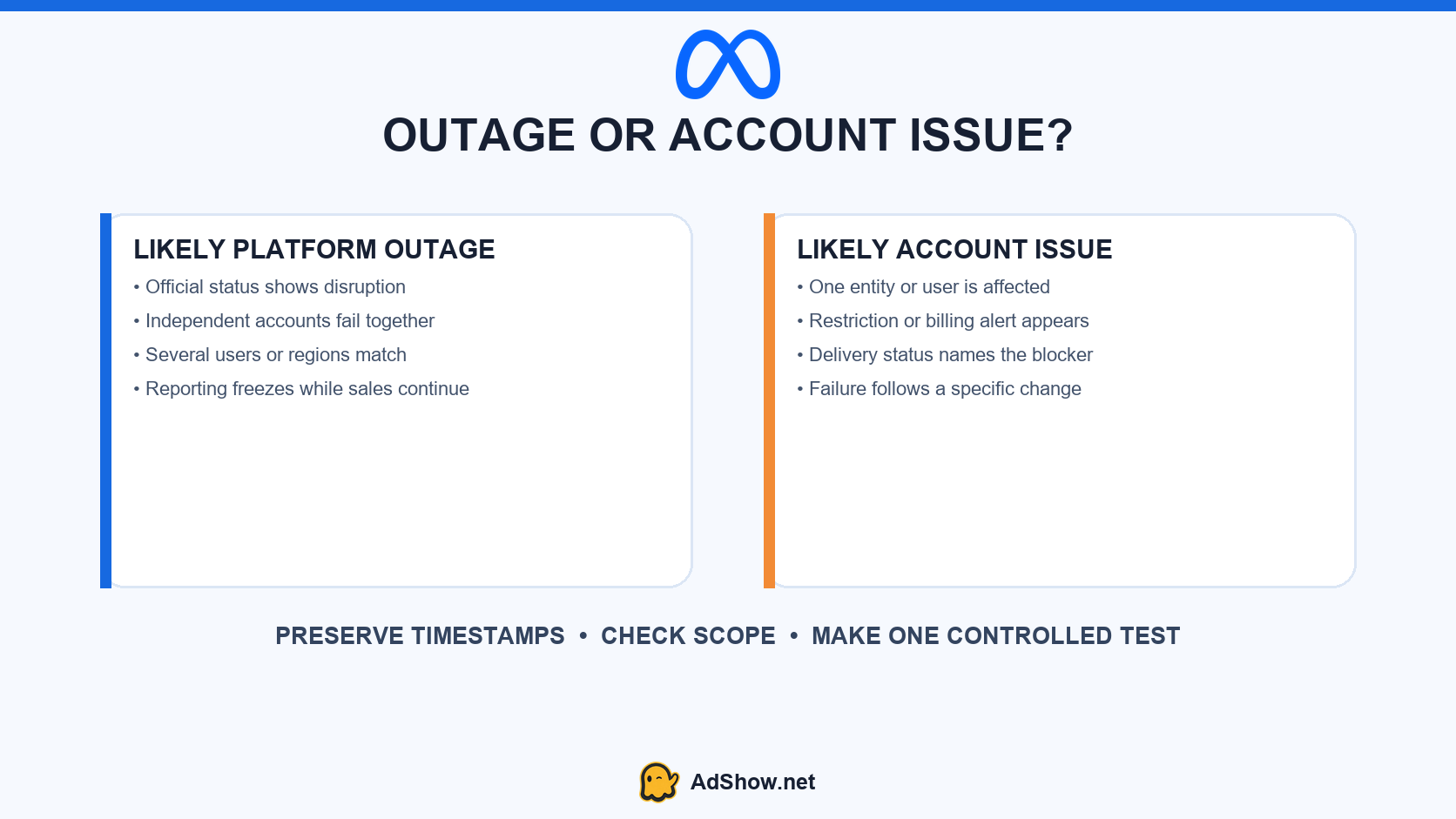
Meta Status shows a disruption affecting Ads Manager, Business Suite or a related service.
Several unrelated advertisers report the same symptom within the same short window.
Multiple authorized users and unrelated accounts fail in the same way.
Facebook, Instagram, Messenger or business tools fail together.
The error explicitly describes a temporary site issue rather than a policy or billing decision.
External sales or traffic continue while Ads Manager reporting remains frozen.
Recent advertiser discussions illustrate the pattern. During a July 2026 incident, users across several countries reported “Account Temporarily Unavailable,” inability to pause campaigns and failures across Ads Manager, Business Suite and Facebook login. Another July thread described spend and conversion columns freezing while advertisers still saw sales and Events Manager activity. These are strong multi-user symptoms, but community reports remain corroborating evidence rather than an official diagnosis.
Signs that point to your account, business or campaign
Only one ad account, business, Page or user is affected.
Business Support Home names a restricted entity.
Billing shows a failed payment, disabled payment method or unsettled balance.
Delivery shows Rejected, In review, Processing, Scheduled, Ads off or another object-level status.
The failure starts directly after an edit, duplicated campaign, new admin or destination change.
Other advertisers and unrelated accounts operate normally.
If the campaign is active but not spending and there is no broad outage evidence, use the Facebook Ads active-but-not-spending diagnostic. If an explicit restriction appears after copied ads, follow the restriction-after-duplication audit instead of waiting for a platform recovery.
What should you do during a confirmed or likely outage?
Stop nonessential edits. Do not duplicate campaigns, change payment methods or remove admins merely to test whether the interface responds.
Capture evidence. Save status-page incidents, exact errors, timestamps, affected account IDs and external analytics.
Protect business-critical controls. If campaigns continue spending but you cannot control them, document attempted actions and use another authorized access path if available.
Monitor recovery in intervals. Recheck official status and one stable account view; avoid refreshing every screen and creating contradictory tests.
Audit after recovery. Confirm campaign toggles, budgets, schedules, reporting completeness and any queued changes before resuming optimization.
Do not assume Meta will automatically credit every period of poor performance or inaccessible reporting. Preserve evidence and review the applicable support and billing process for the specific incident.
What should you do when it is an account issue?
Follow the evidence at the narrowest affected scope. Resolve billing through billing records, security through admin and login review, ad rejection through the specific creative and destination, and restrictions through Business Support Home. Avoid creating related accounts to bypass unresolved enforcement.
For prevention, AdShow’s Meta ad-account health checklist covers common operational mistakes. Advertisers who remain eligible but need a clearer dashboard-based workflow for account requests, top-ups and issue reporting can review current Facebook agency ad account options. An agency account does not prevent outages or remove Meta policy risk.
Build an outage evidence pack before contacting support
Business ID, ad-account ID and affected user IDs.
Exact first-failure and last-known-good timestamps with time zone.
Meta Status screenshot and incident name, if present.
Error messages from Ads Manager, Business Suite and Account Quality.
Results from a second authorized user, device and unrelated account.
External sessions, orders, leads and server-side event evidence.
Activity History around the failure window.
Actions already attempted and whether each changed the symptom.
This package helps support distinguish a product incident from a user, business, billing, delivery or enforcement problem without asking you to reconstruct the event from memory.
Questions collected from recent advertiser discussions
Is Meta Ads down if Ads Manager spend is frozen?
Not necessarily. Reporting can lag while delivery continues, or one account may have a delivery constraint. Compare Meta Status, unrelated accounts and external traffic or sales before deciding.
Should I duplicate campaigns during a Meta outage?
No. New objects and edits can enter review, obscure the original state and complicate the post-incident audit. Preserve evidence and wait unless a documented business-critical action is necessary.
Why does my campaign say active but deliver nothing?
Meta recommends checking delivery at campaign, ad-set and ad level. Billing, review, schedule, audience, bid and account status can stop delivery even when a higher-level toggle appears active.
Does a Meta outage mean my ad account is restricted?
No. An outage is a product or service disruption; a restriction applies to a user, ad account, Page or business asset. Check Business Support Home for the affected entity and exact wording.
Sources and scope
This guide combines official Meta status and delivery documentation with recent advertiser reports from June and July 2026. Community reports identify shared symptoms; they do not prove the cause of an individual account problem.